WMS ideas
Hand-picked articles on warehouse work: picking, stock counts, receiving, scanners, RFID and how to run a warehouse with less effort.
Solutions
Hardware
Technology
Warehouse work
Platform
Integrations
Industries

Warehouse hardware: choose the right tool
Compare 10 warehouse hardware options for Raptool WMS: camera phones, barcode handhelds, keyboards, pistol grips and RFID, plus paper and Excel workflows.
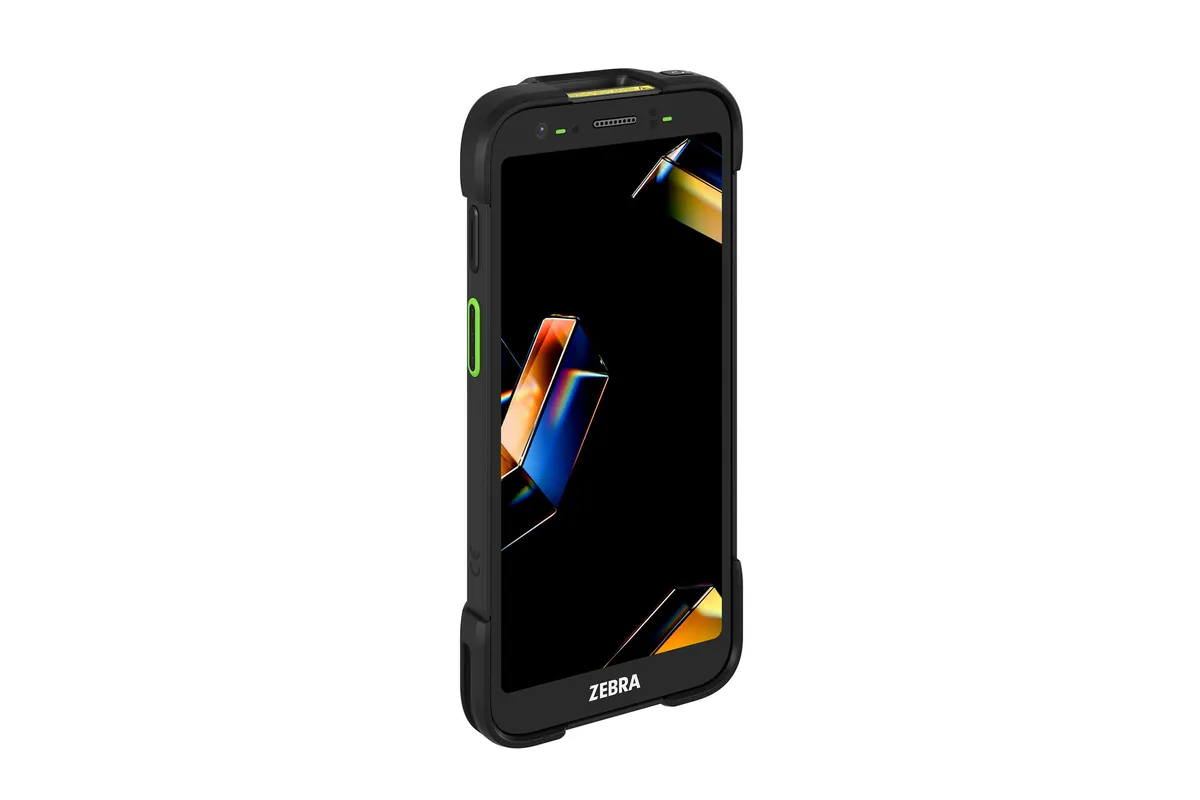
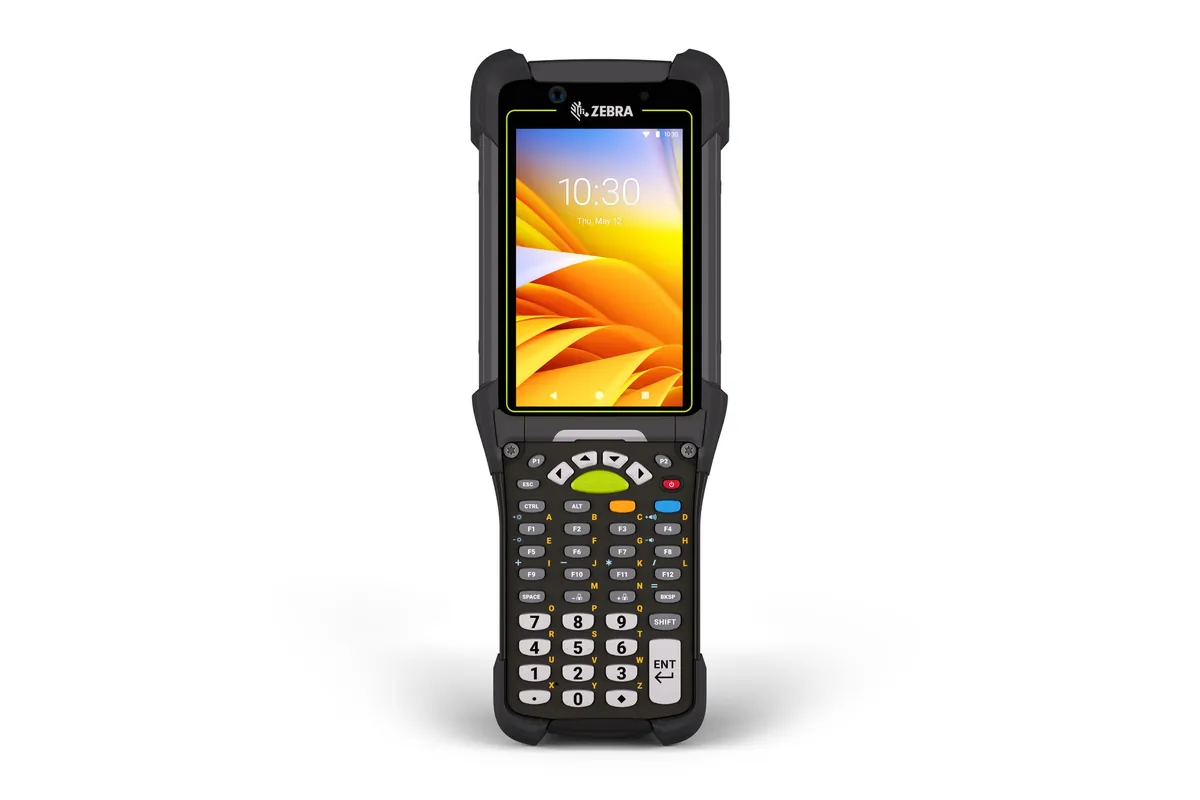
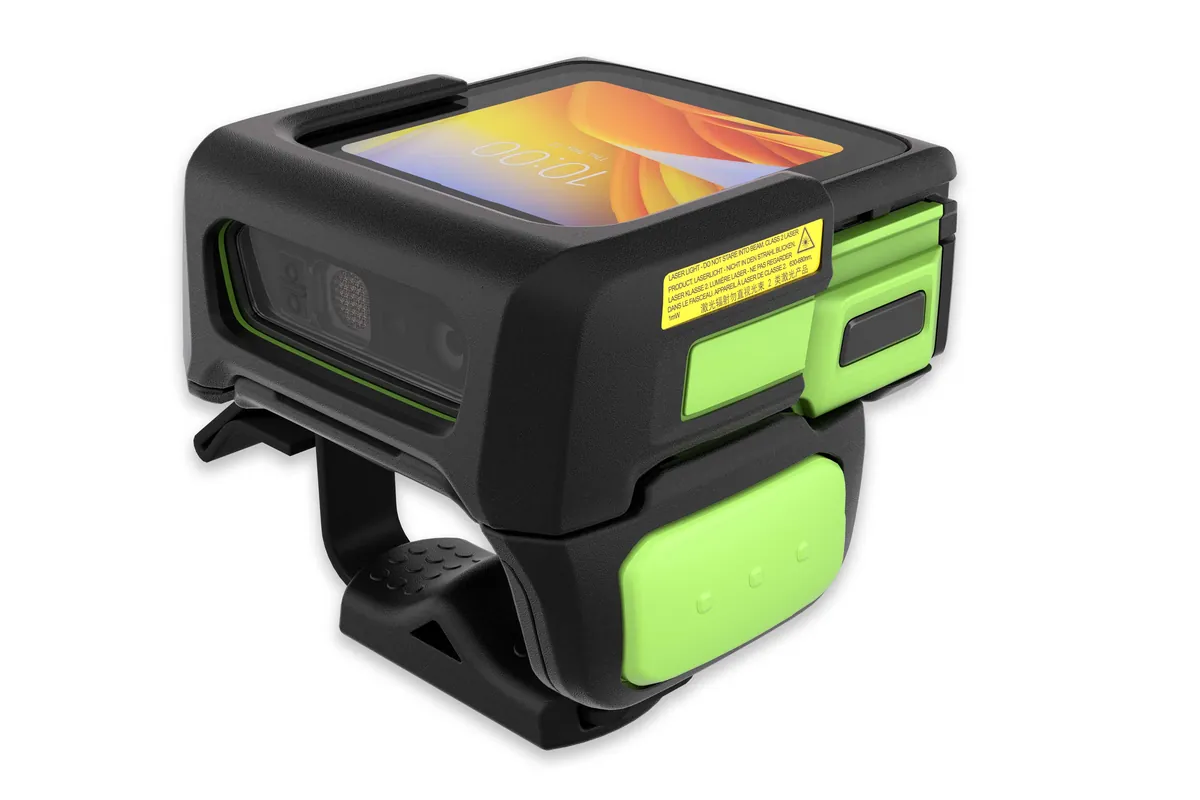
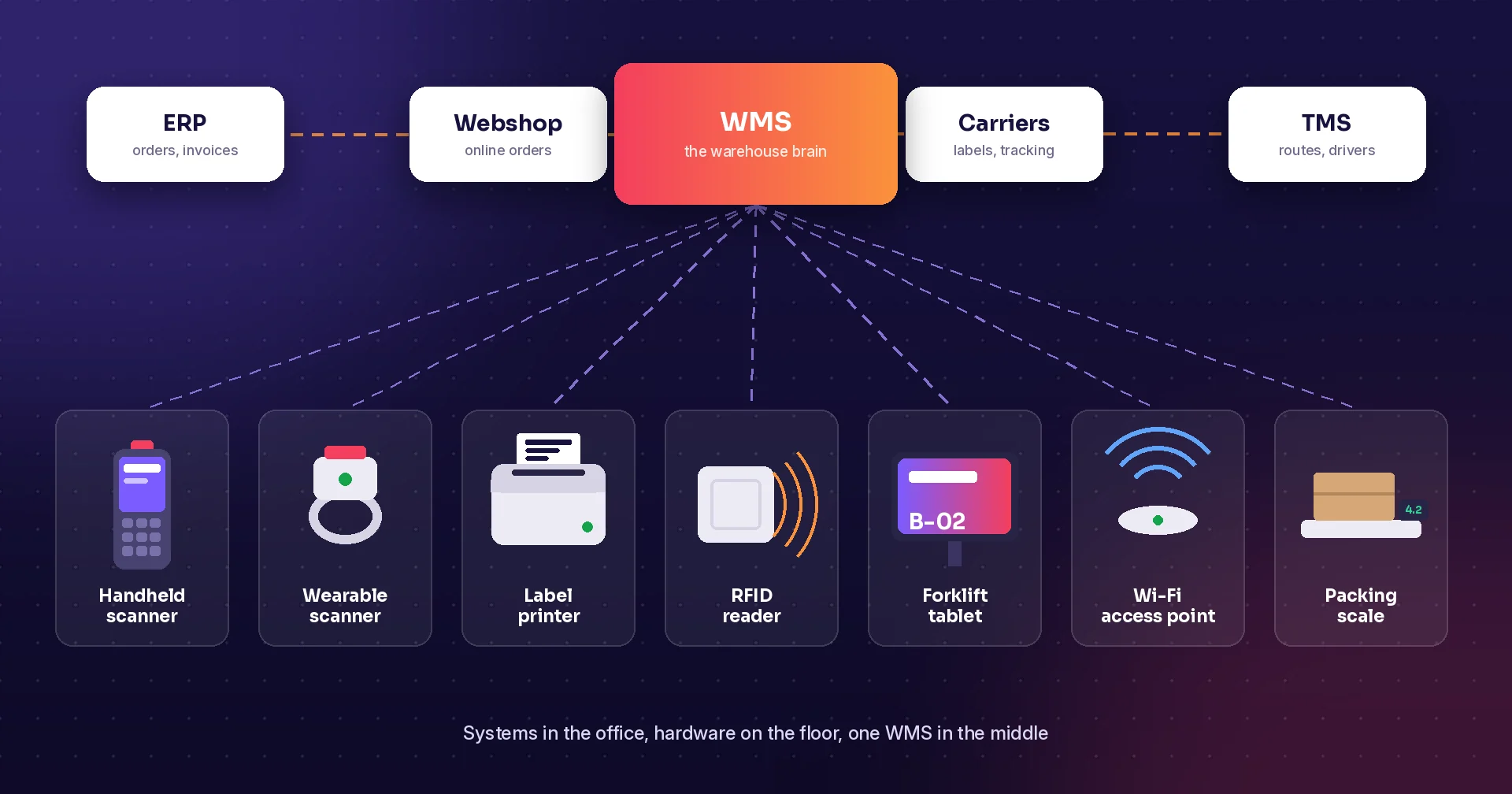
Warehouse systems and hardware: the complete checklist
Every system and device a modern warehouse needs, from ERP and WMS to handheld scanners, label printers, RFID and Wi-Fi. Includes a starter kit for small warehouses.
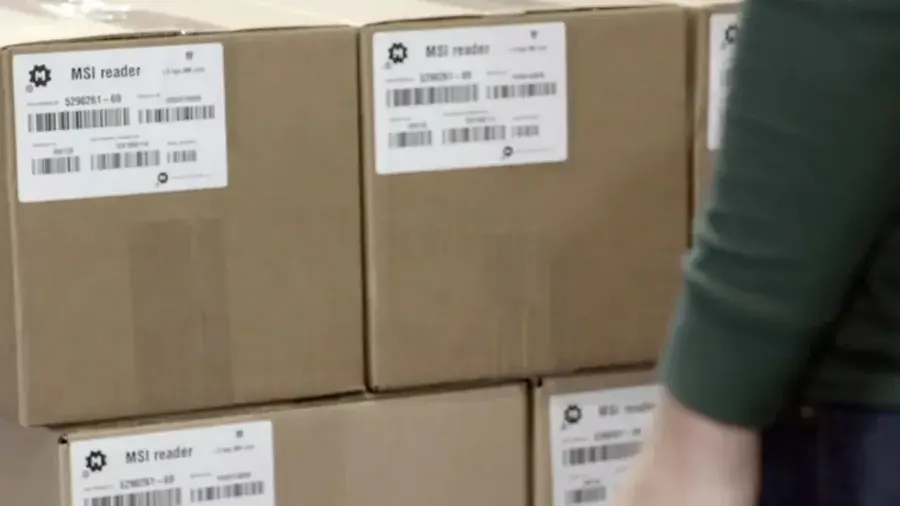
Why RFID belongs in your warehouse
RFID lets you read many items at once, without a line of sight to each label.
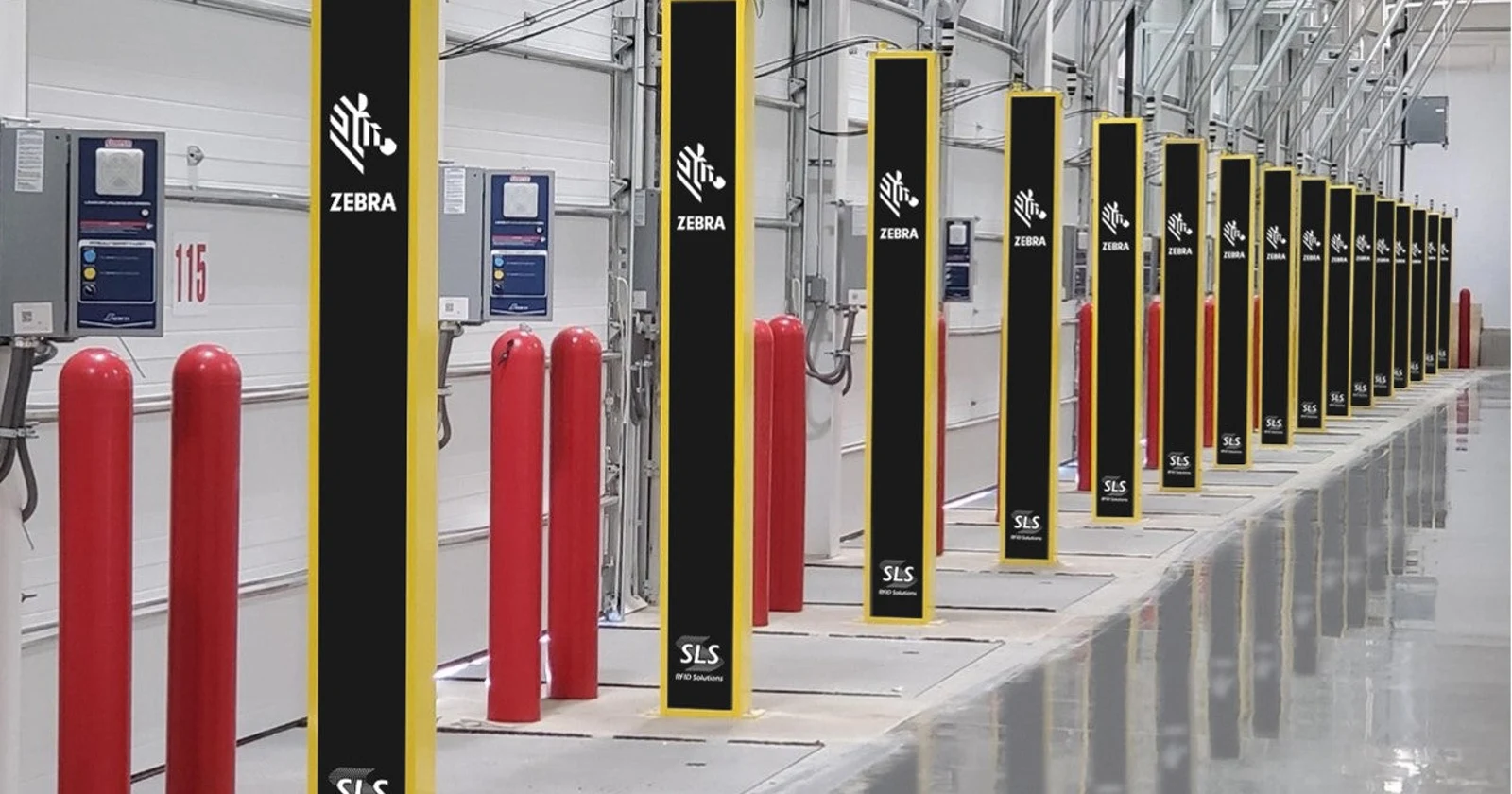
RFID vs barcode vs paper: save time in the warehouse
Compare RFID, handheld barcode scanning and paper in the warehouse: mobile readers, RFID gates and forklift systems, with reported results and a calculator.

Pick by voice: barcode and paper compared
Compare voice-guided picking, barcode-only picking and paper lists: check digits, item validation, headsets and a worked savings example.
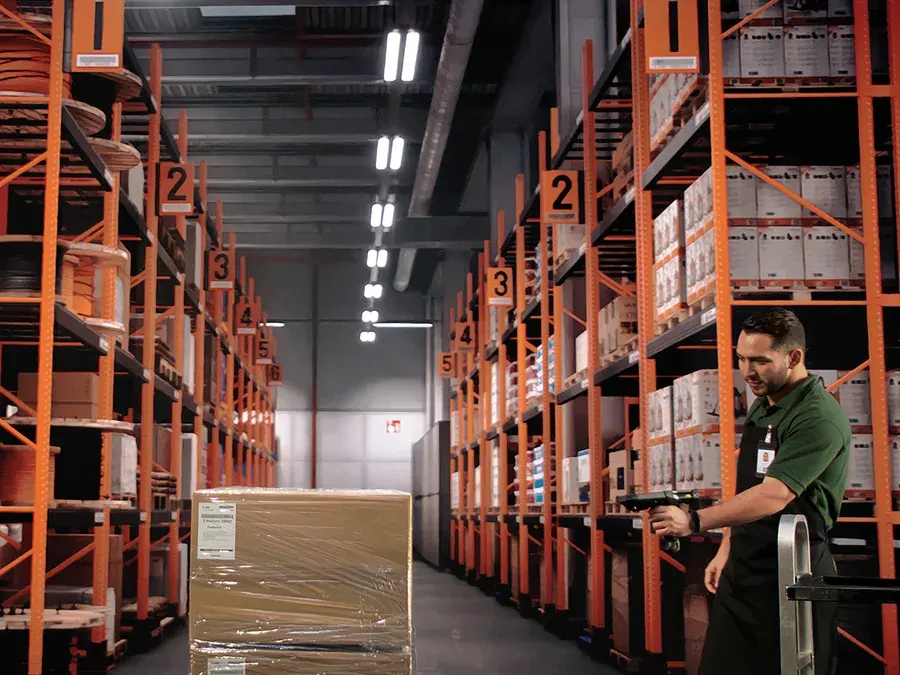
Picture picking: see it, pick it
Show a product photo on the scanner for every pick line and cut wrong picks.

Webshop orders: pick in your warehouse or store
Compare six webshop platforms and plan Raptool WMS mobile order picking for warehouse shipping, store pickup and ship-from-store fulfilment.
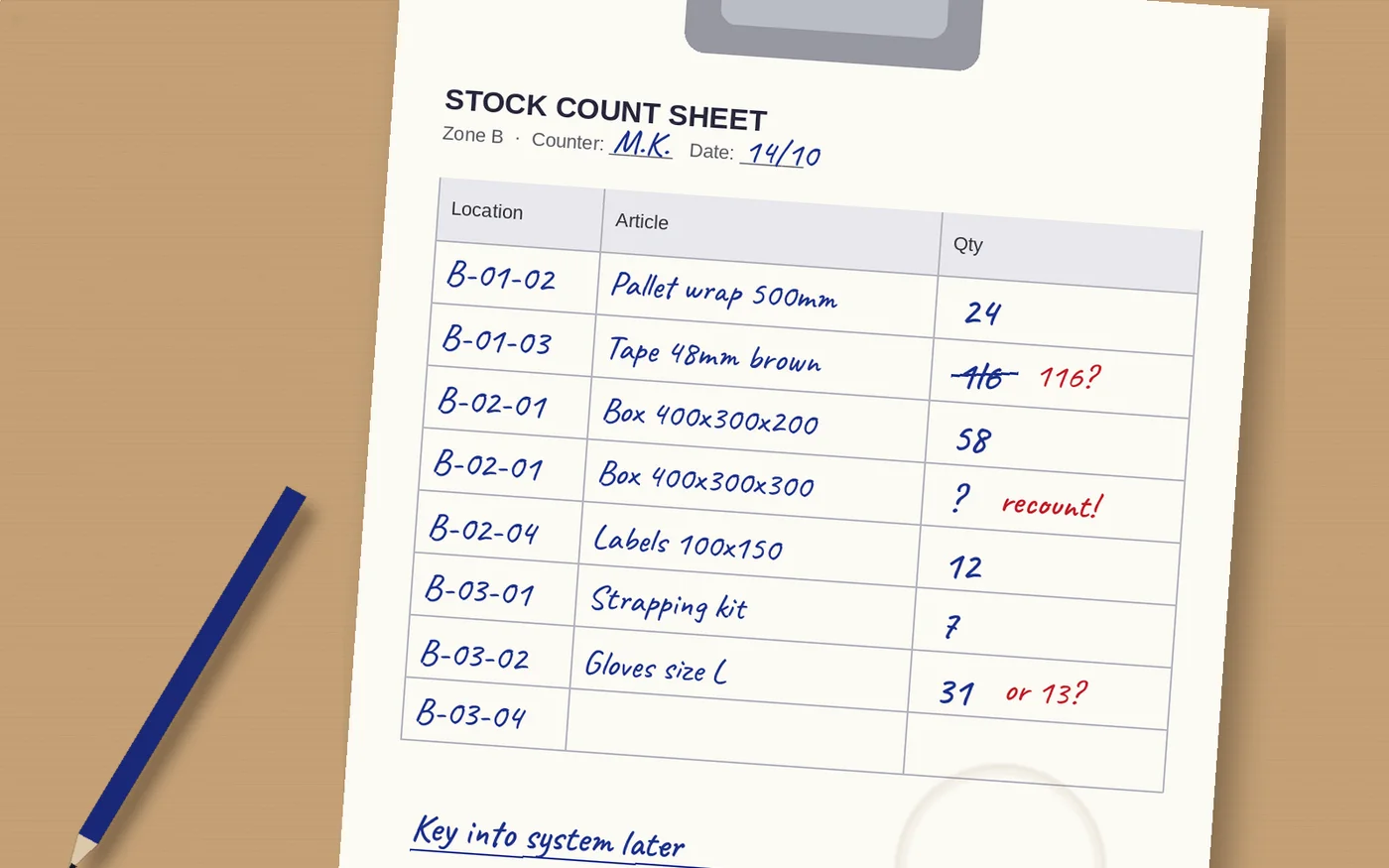
Stock counts: pen and paper vs barcode scanning
A side-by-side look at counting stock on paper sheets and counting with a barcode scanner: speed, errors, cost and control.

Stock counting: barcode app vs pen and paper
Compare app-based stocktaking with paper count sheets: scan locations and products, record quantities, review differences and calculate potential time savings.

Build a warehouse cycle counting schedule
Build a cycle counting schedule with clear count scopes, movement rules, recount decisions, adjustment approval, and follow-up for recurring differences.
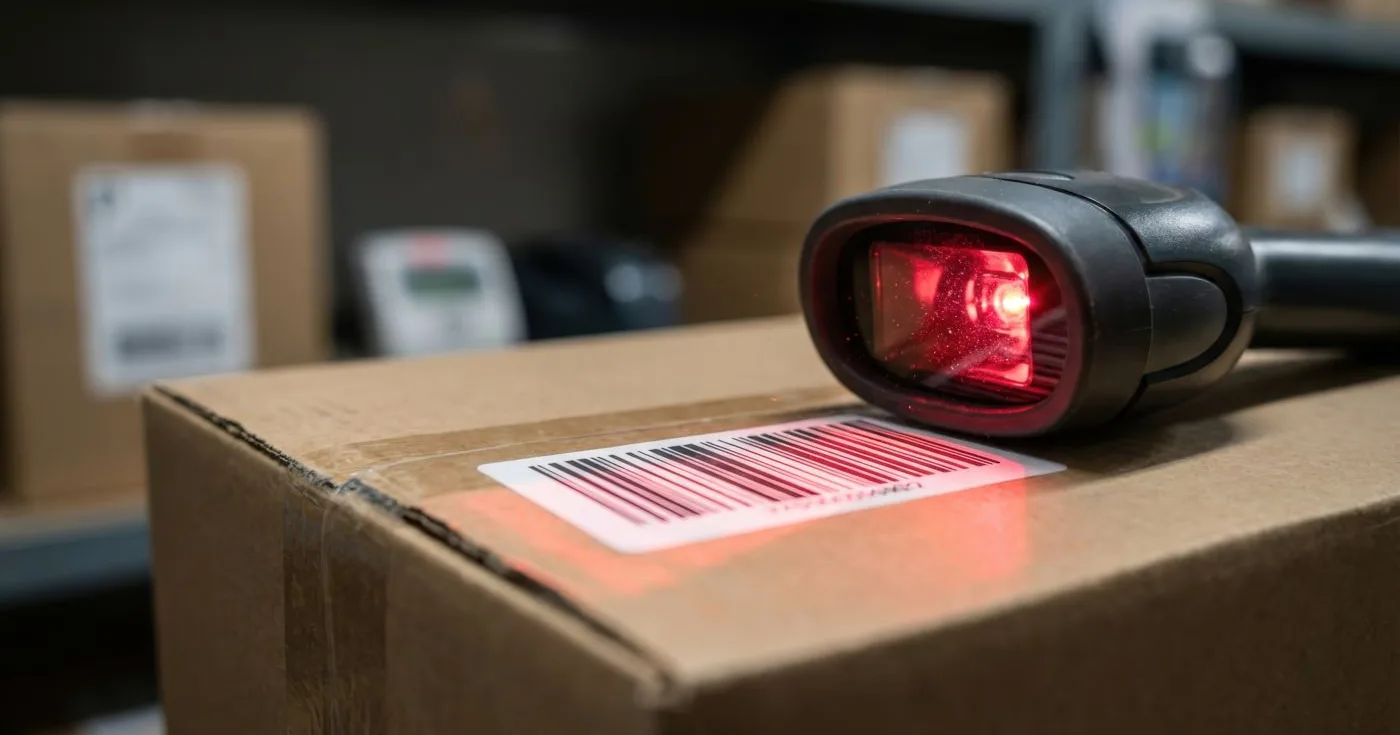
Warehouse receiving and put-away checklist
Build a clear warehouse receiving process: check deliveries, record shortages, handle damaged goods, and confirm put-away before stock reaches the pick face.

Warehouse packing and shipping checklist
Plan a packing and shipping workflow: verify picked goods, record parcels, create carrier labels, and resolve exceptions before orders leave the warehouse.
Minimum stock and reorder planning
Review minimum stock levels with a warehouse routine covering supplier lead times, available quantities, open orders, and replenishment responsibilities.

Warehouse and ERP integration checklist
Prepare a warehouse and ERP integration with clear data ownership, matching item codes, status rules, error recovery, and a practical end-to-end pilot plan.
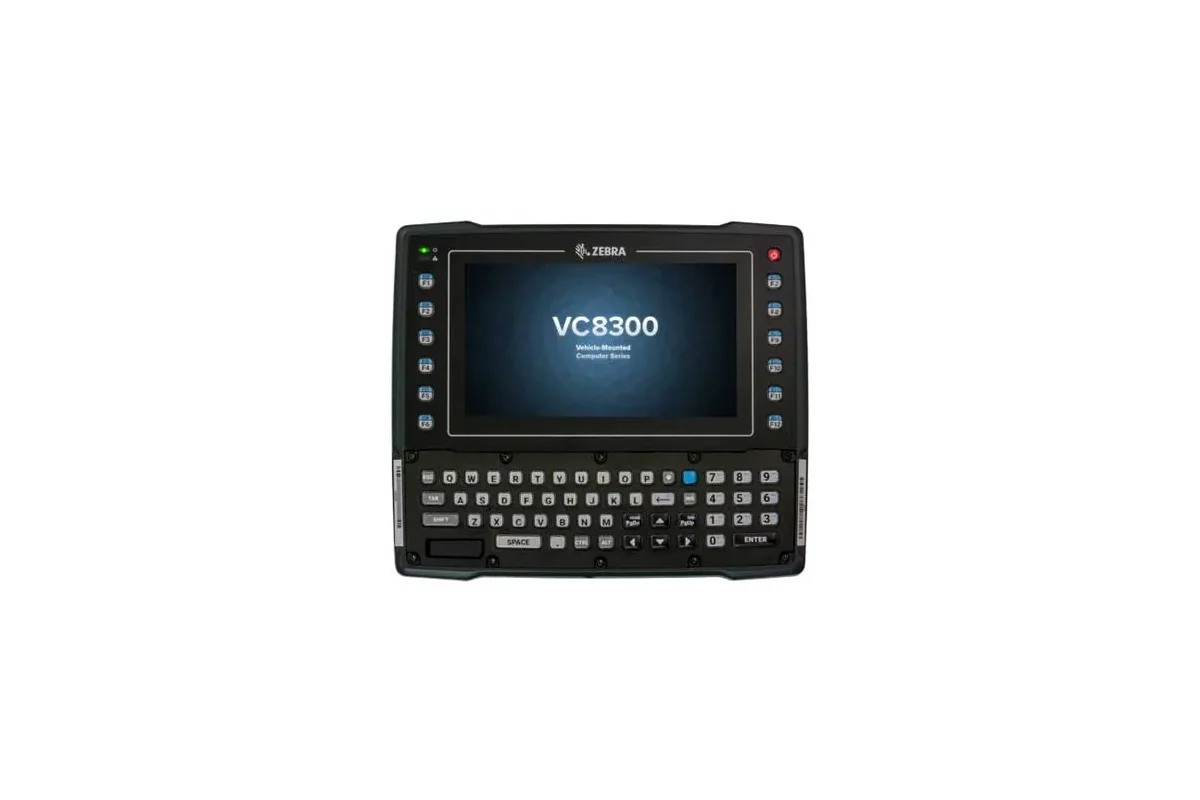
Warehouse vehicle-mount devices: a guide
Choose a warehouse vehicle-mount device by testing screen use, mounting, power, scanning, connectivity, and the Raptool workflow as one complete setup.
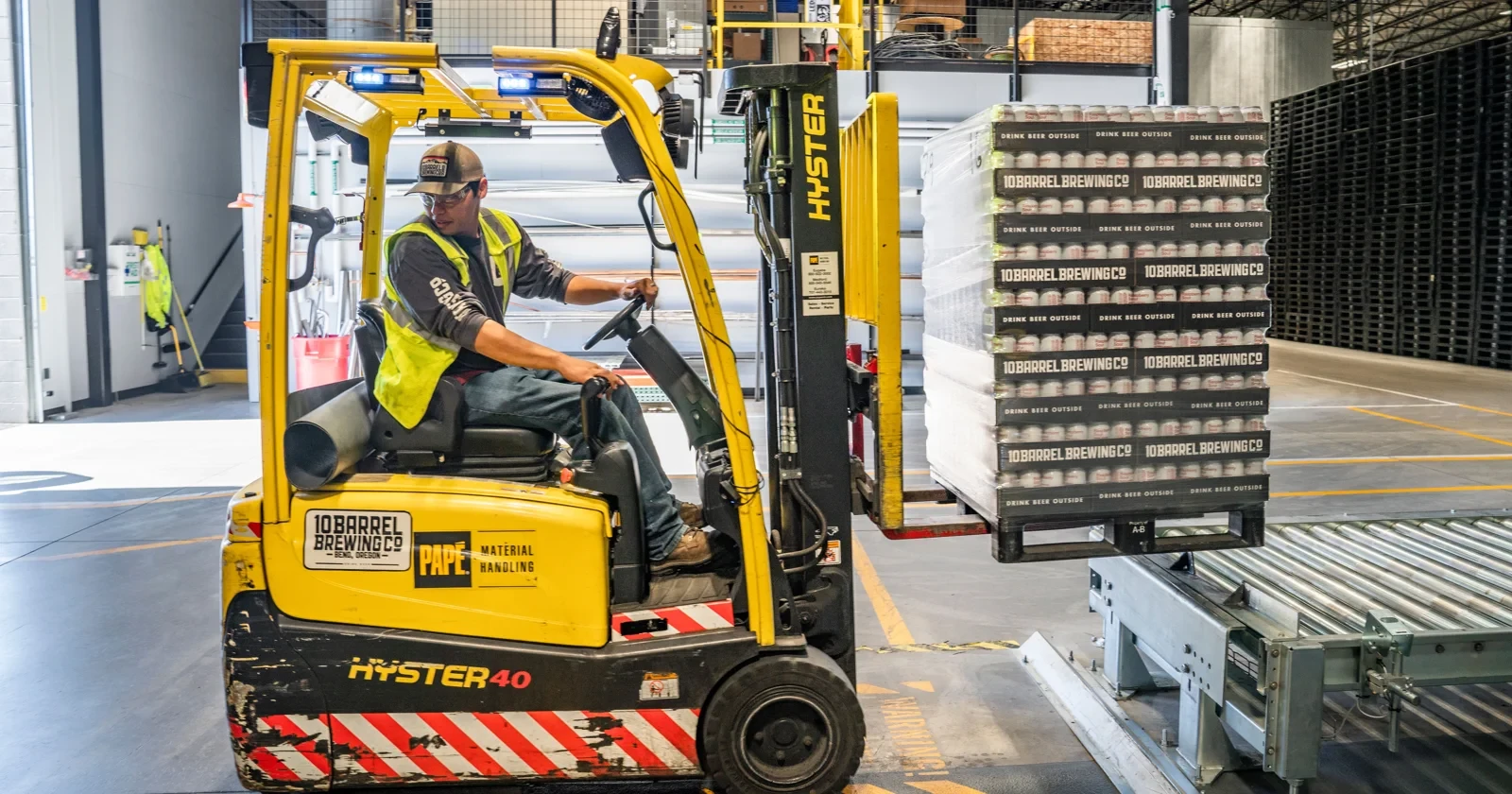
Stop making forklift drivers juggle scanners. When fixed scanning pays off.
Truck-mounted readers, handhelds, wearables and dock-door scanning compared: where automation removes handling, and where it creates more exceptions.

Offline mode: keep scanning when Wi-Fi drops
Offline mode keeps warehouse scanning going when Wi-Fi drops in racking, cold stores and yards. What to look for in an offline warehouse app, and why it pays.
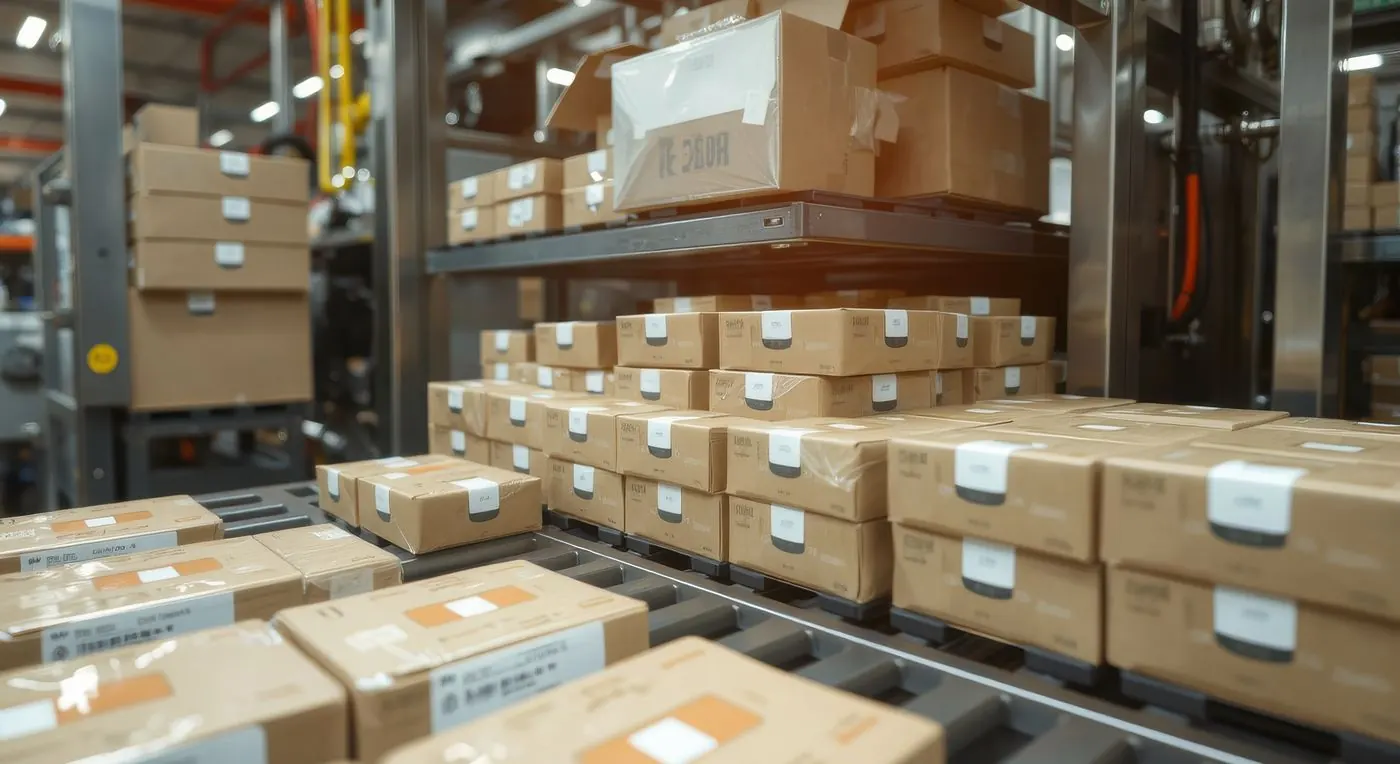
Batch, serial and best-before control
Track batches, serial numbers and best-before dates, and pick the oldest stock first.
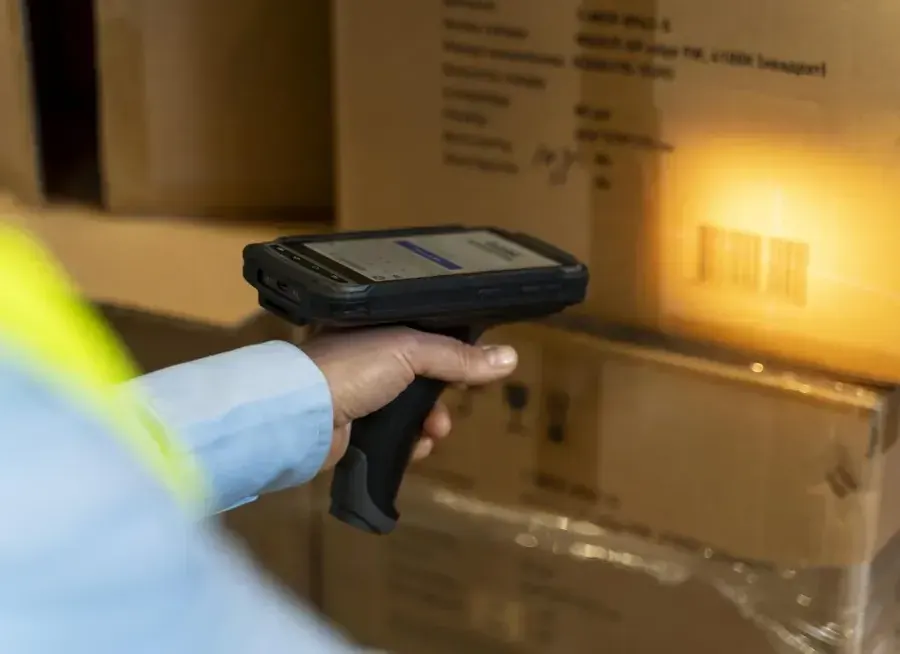
Why barcode scanning beats paper
Scanning is faster and safer than paper lists and typing. Here is why it matters.
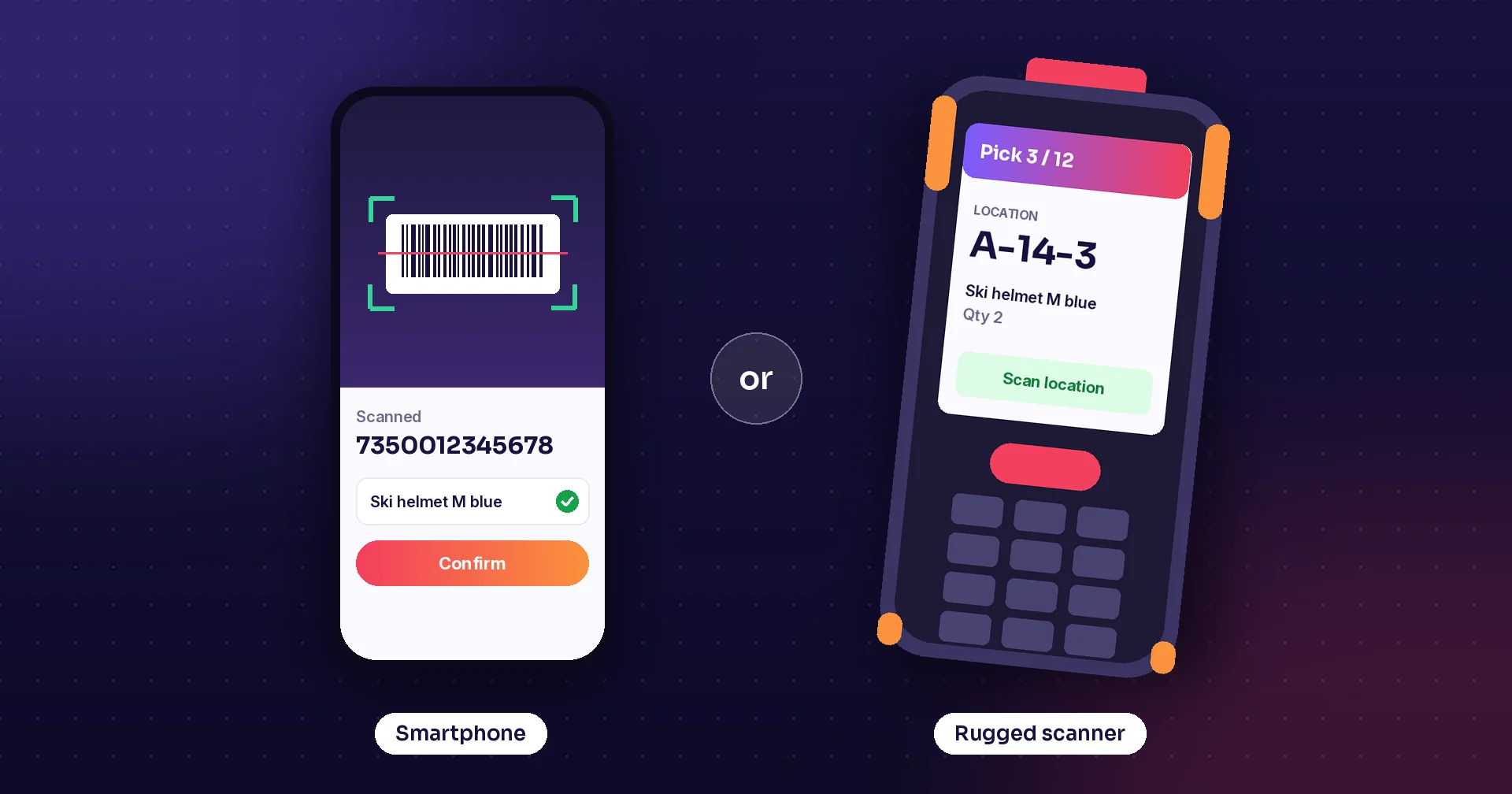
Rugged scanner or smartphone? How to choose devices for warehouse and field work
Smartphones, phones with a scanner sled, rugged phones, rugged handhelds and wearables compared: scanning speed, durability, battery life and total cost.
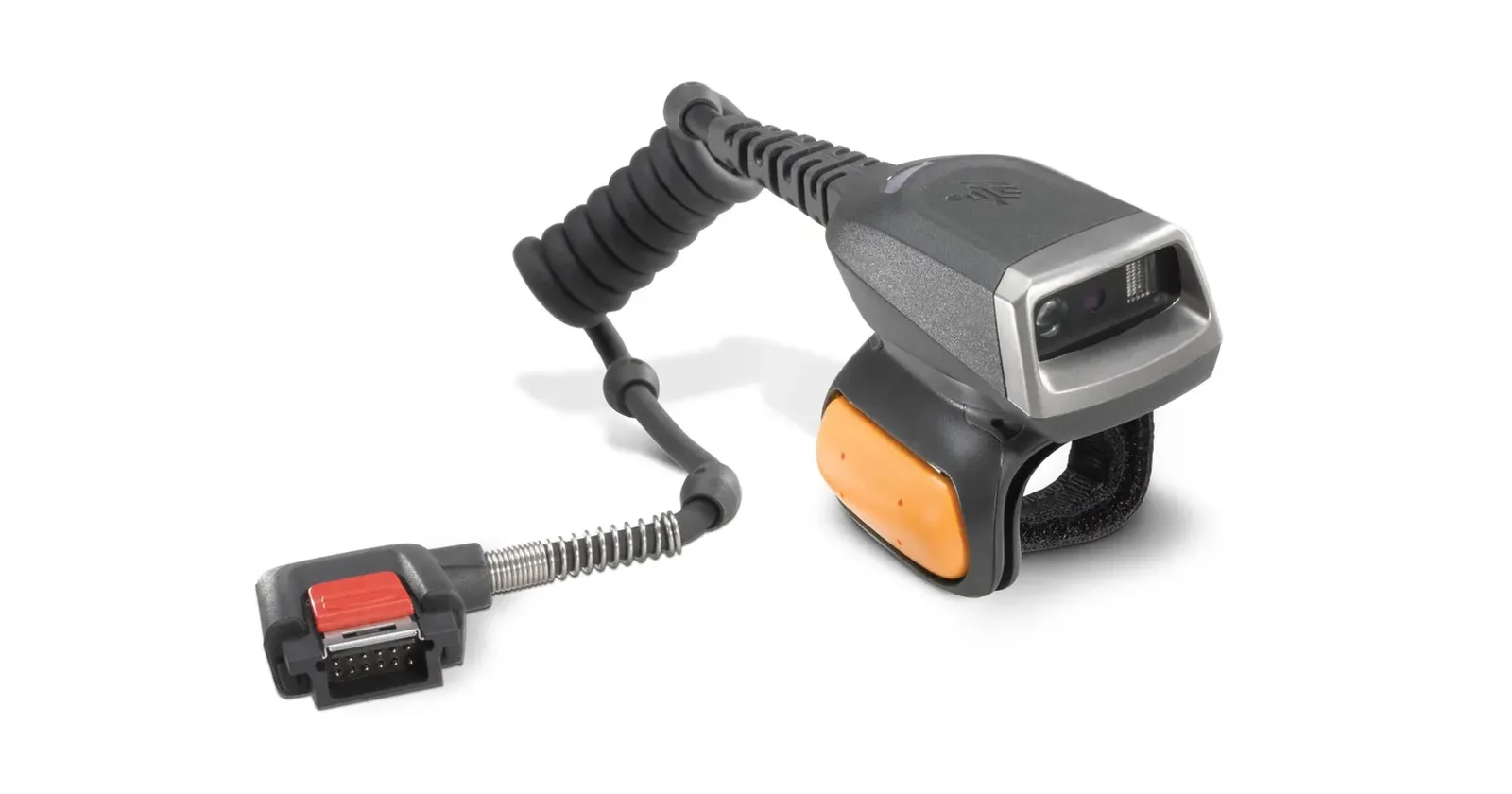
Managing a fleet of handheld scanners
Practical routines for running handheld scanners in a small warehouse or store: device register, standard setup, logins, charging, spares, updates and Wi-Fi.
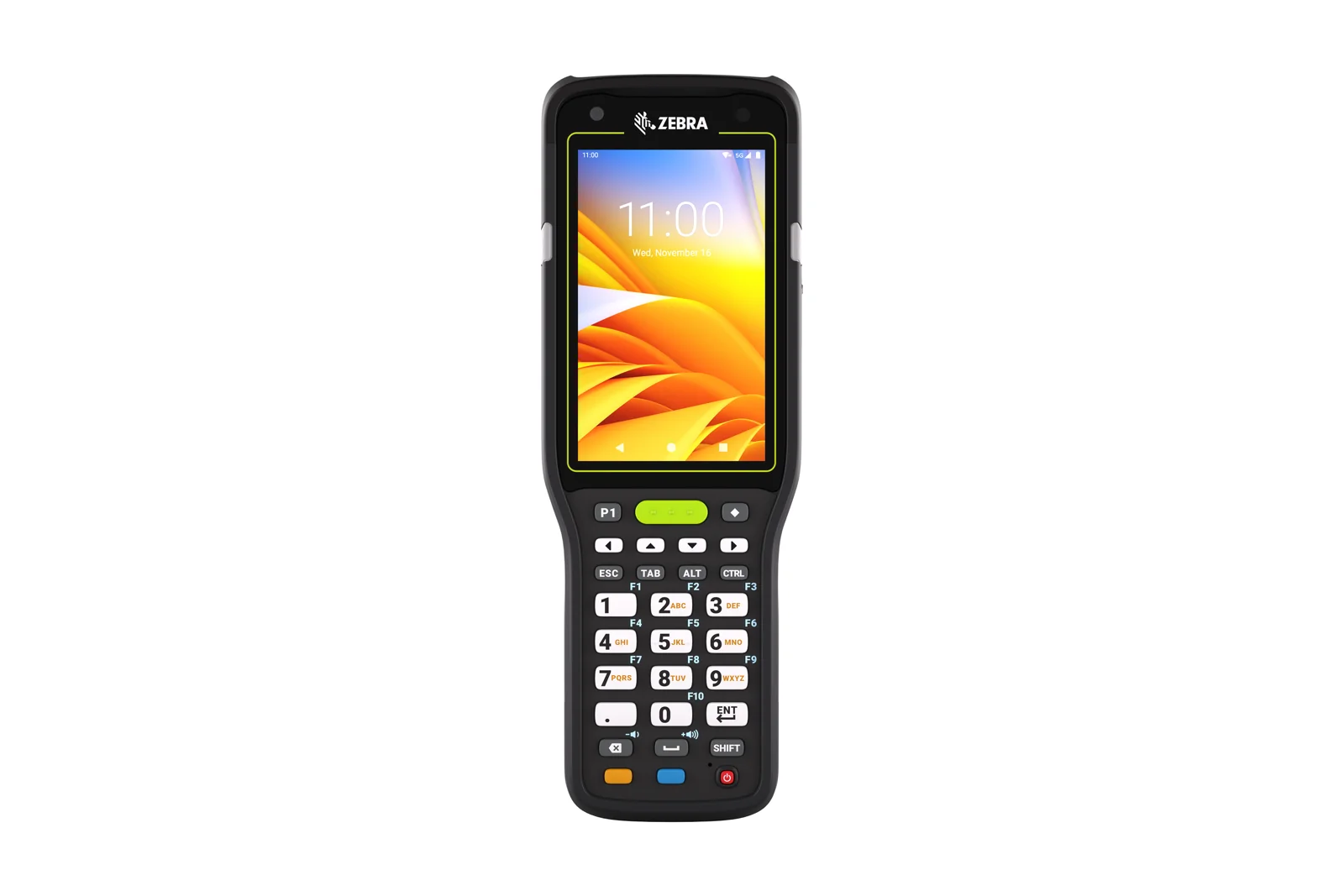
Zebra MC3450: Plan the Warehouse Workflow
Evaluate Zebra MC3450 warehouse workflows with practical tests for scan handling, quantity entry, site connectivity, accessories, and Raptool WMS.
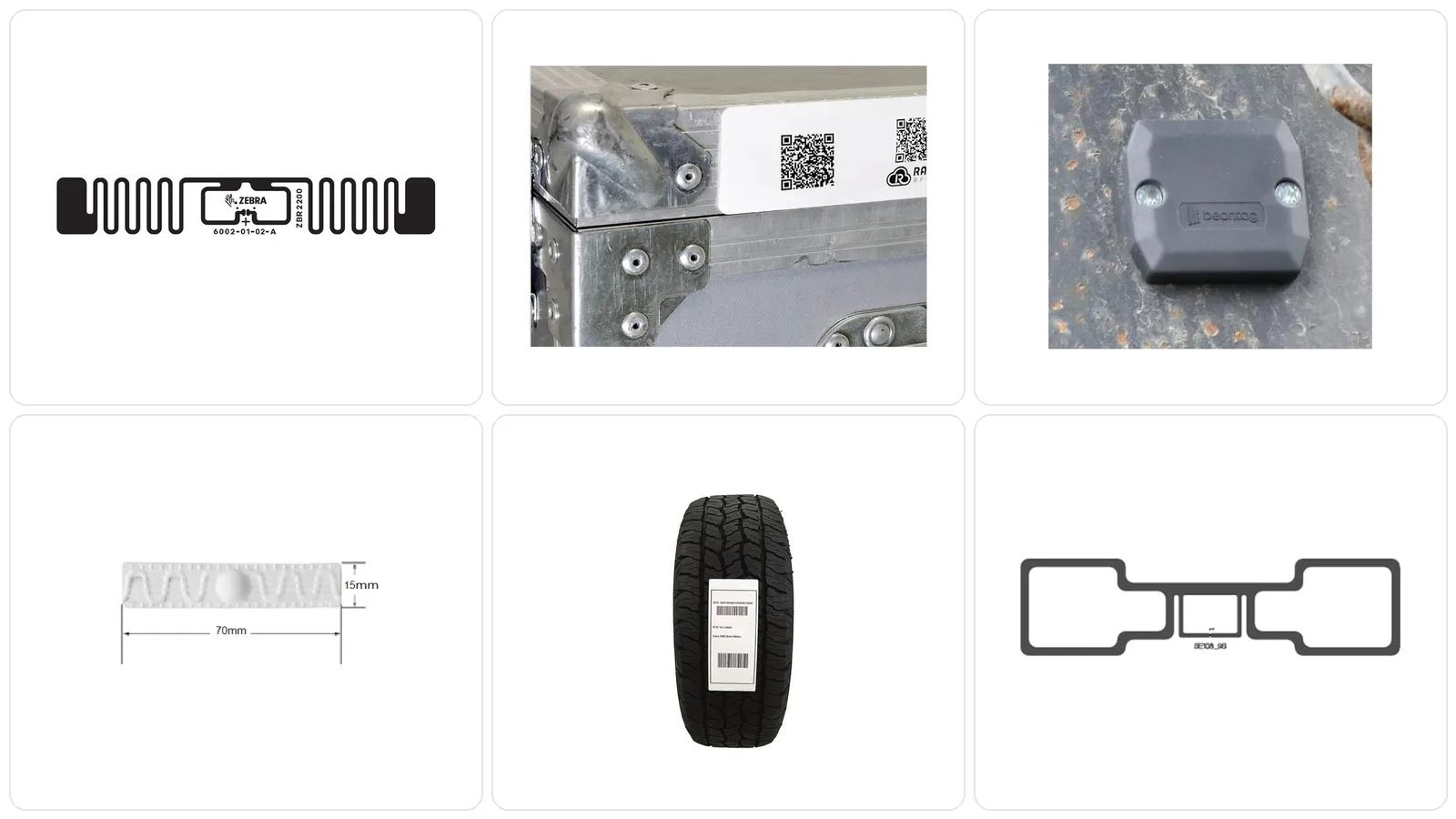
RFID tags: how to pick the right tag
Inlays, on-metal labels, hard tags, laundry and tire tags. How to choose an RFID tag by surface, read range and attachment, with 37 tags to compare.

Zebra TC22R: Plan an RFID Stock Count Pilot
Plan a Zebra TC22R RFID inventory pilot with clear tag scope, barcode exceptions, count review, charging routines, and Raptool workflow validation.
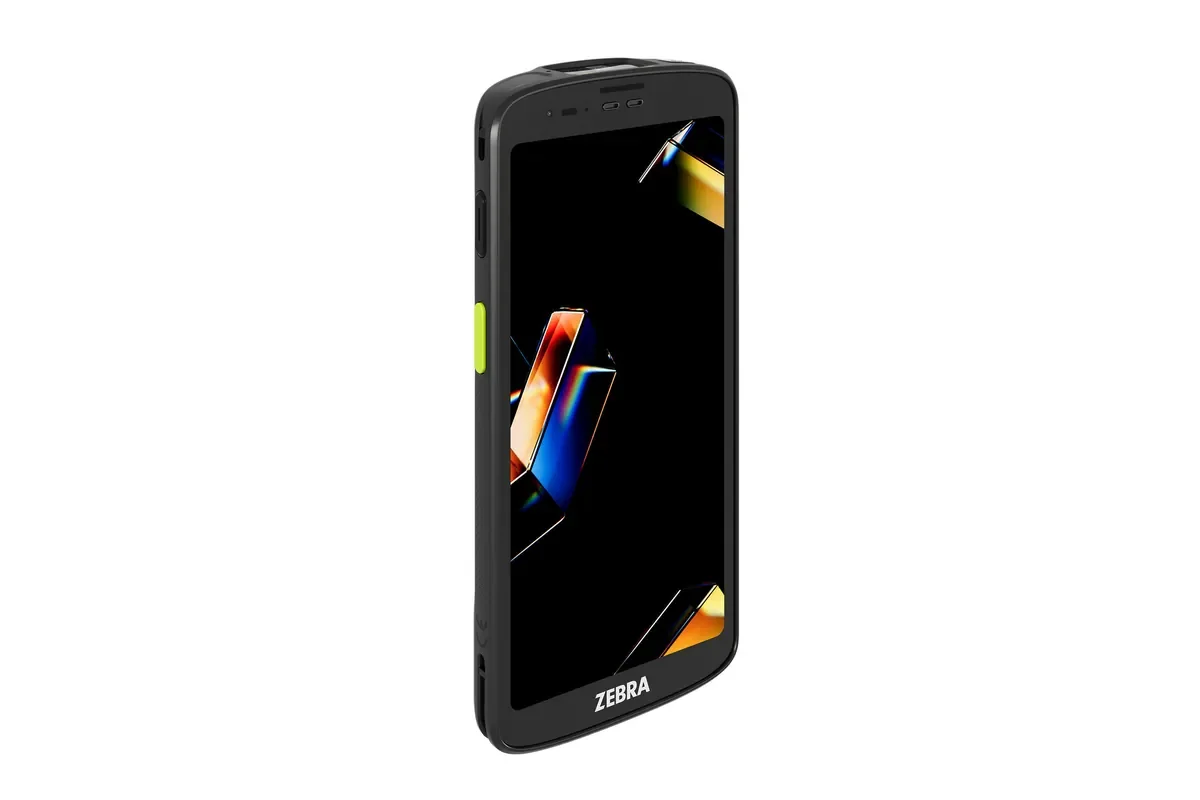
Zebra TC201: Plan Your Retail and Warehouse Apps
Evaluate the Zebra TC201 for retail and warehouse work by testing scanning, connectivity, accessories, and the complete mobile app workflow with Raptool.
No posts match yet. Try another tag or search.