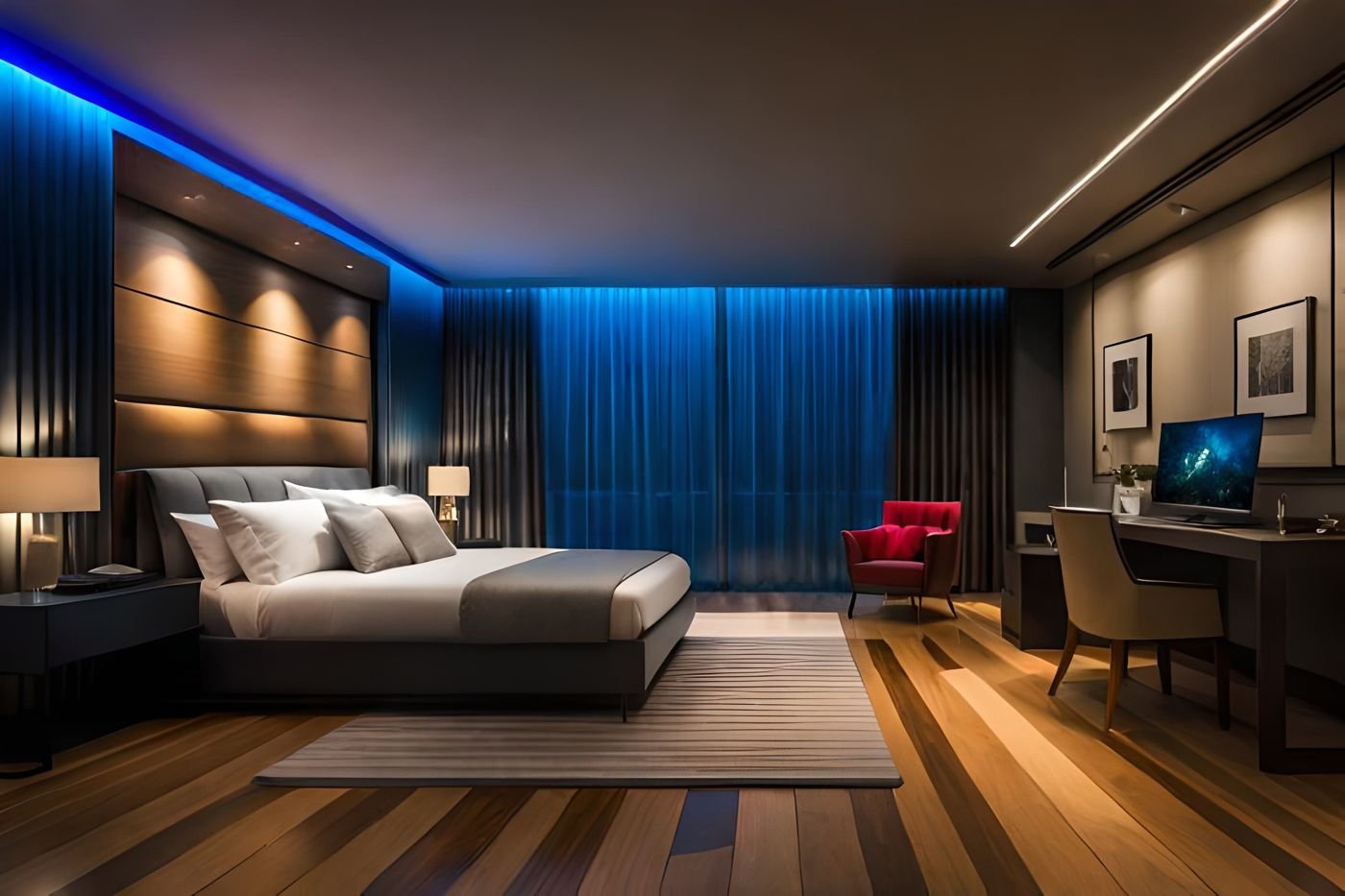
Every guest, room and bill in one system.
A booking app for your guests, an app for managers and staff, and a back office for bookings, housekeeping, inventory, staff and finance. All connected, all live.
- Guest, staff and back office
- Android, iOS, Windows and Mac
- Fully customisable
- Free 30-day trial
Everything your hotel runs on, in one system
One guest, one system.
Follow a stay from check-in to a clean room. Every step is shared live between reception, housekeeping and the minibar.
- 1Check-inThe guest checks in and gets the key card
- 2In the roomReception sees the room as occupied
- 3MinibarTap what was taken, it lands on the room
- 4Check-outBill ready, room marked to clean
- 5HousekeepingCleaning tracked live, room by room
- 6Room readyReception knows it is ready for the next guest
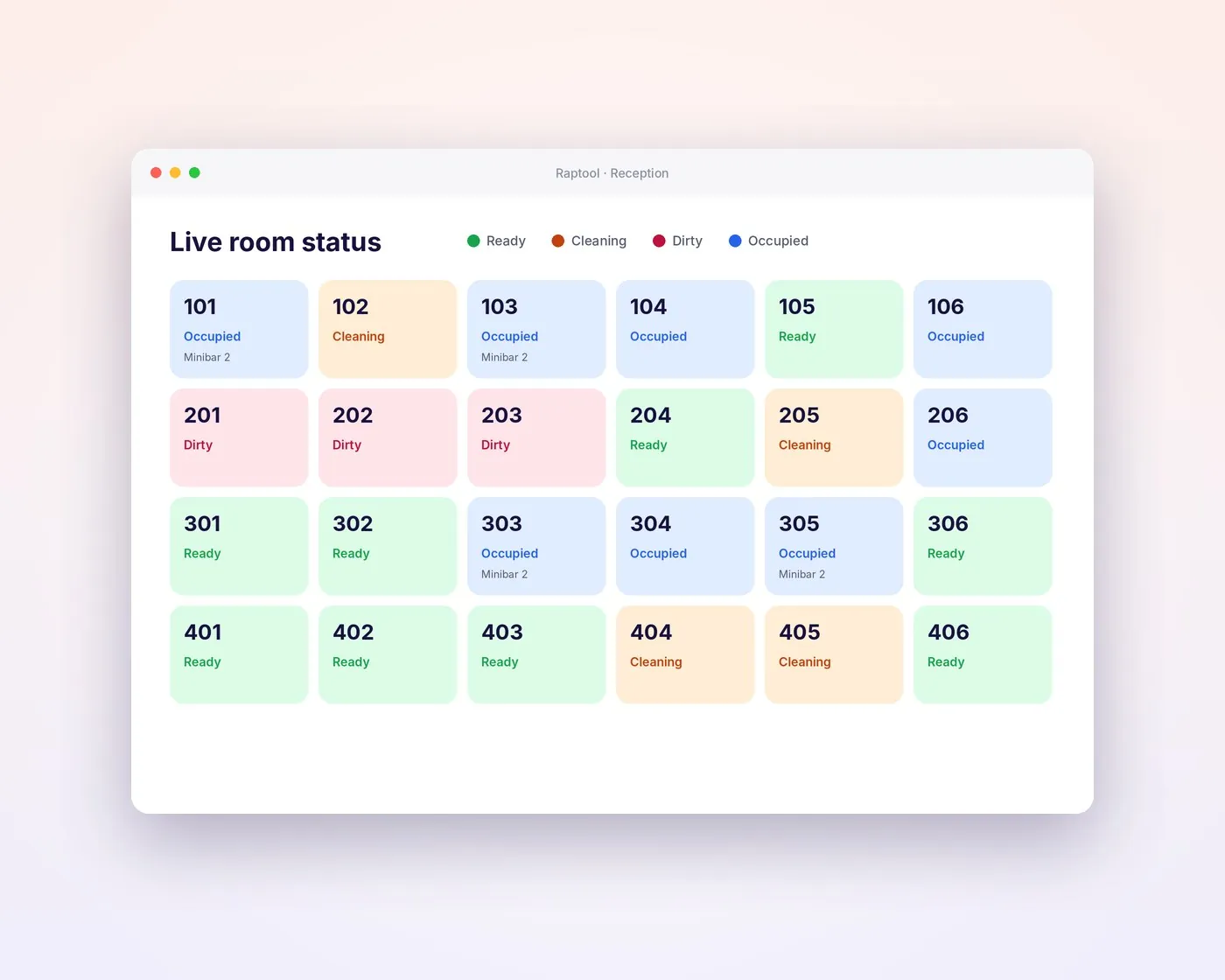
Every room, live at reception.
Cleaning staff mark rooms as they go, and reception sees it at once. No more phone calls between floors.
Ready, cleaning, dirty or occupied
One board for every room and suite, updated live from the housekeeping app.
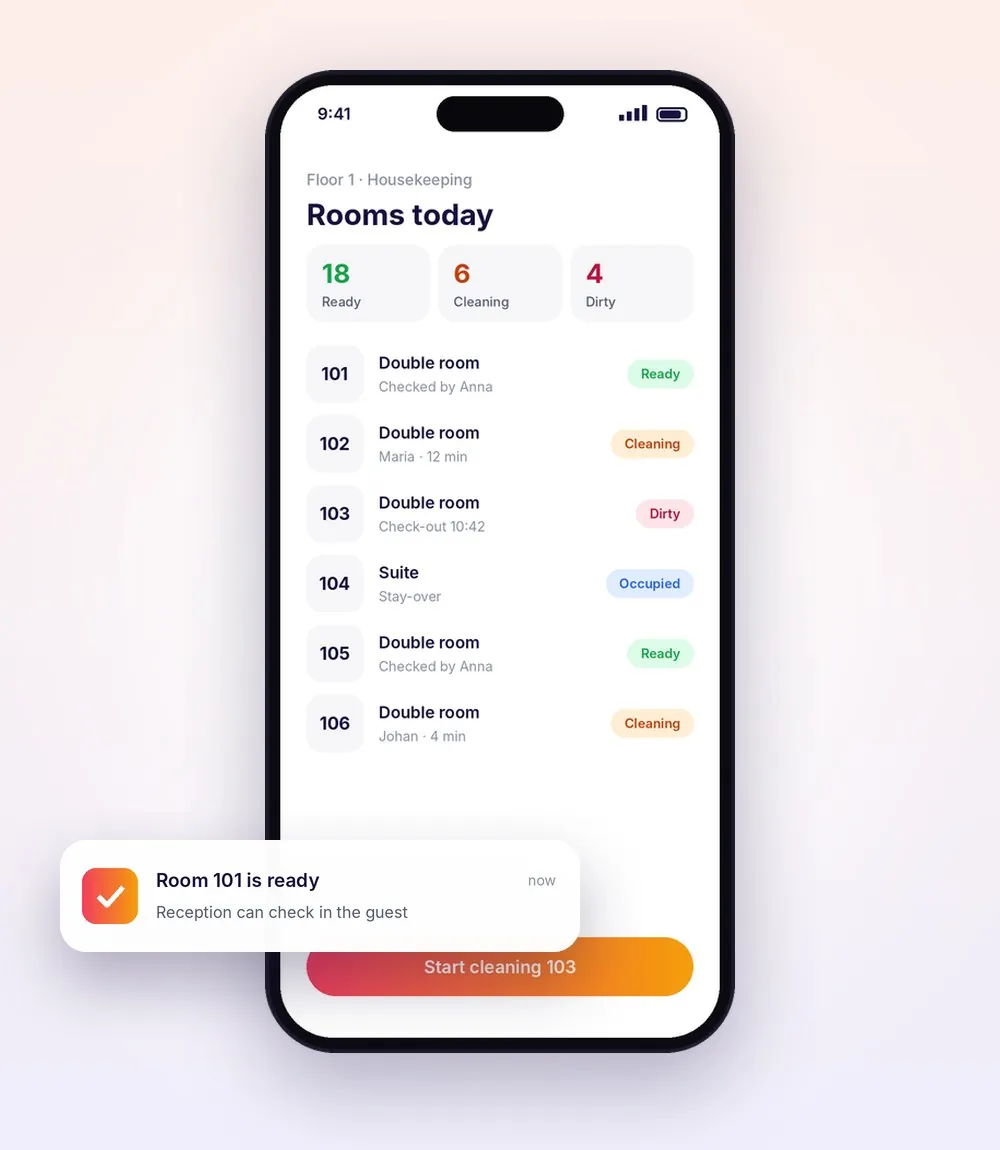
Rooms today, one tap per room
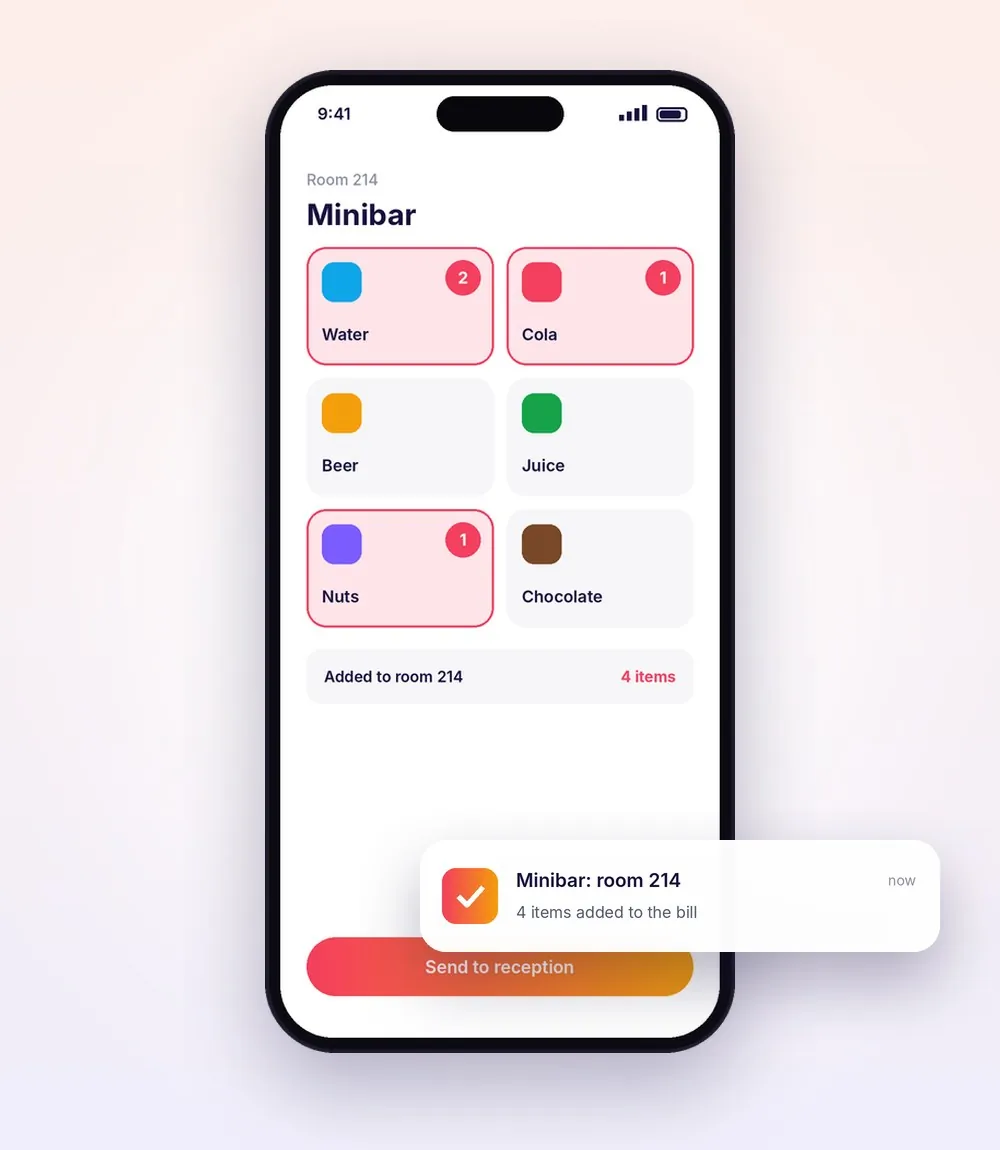
Tap what was taken, it lands on the bill
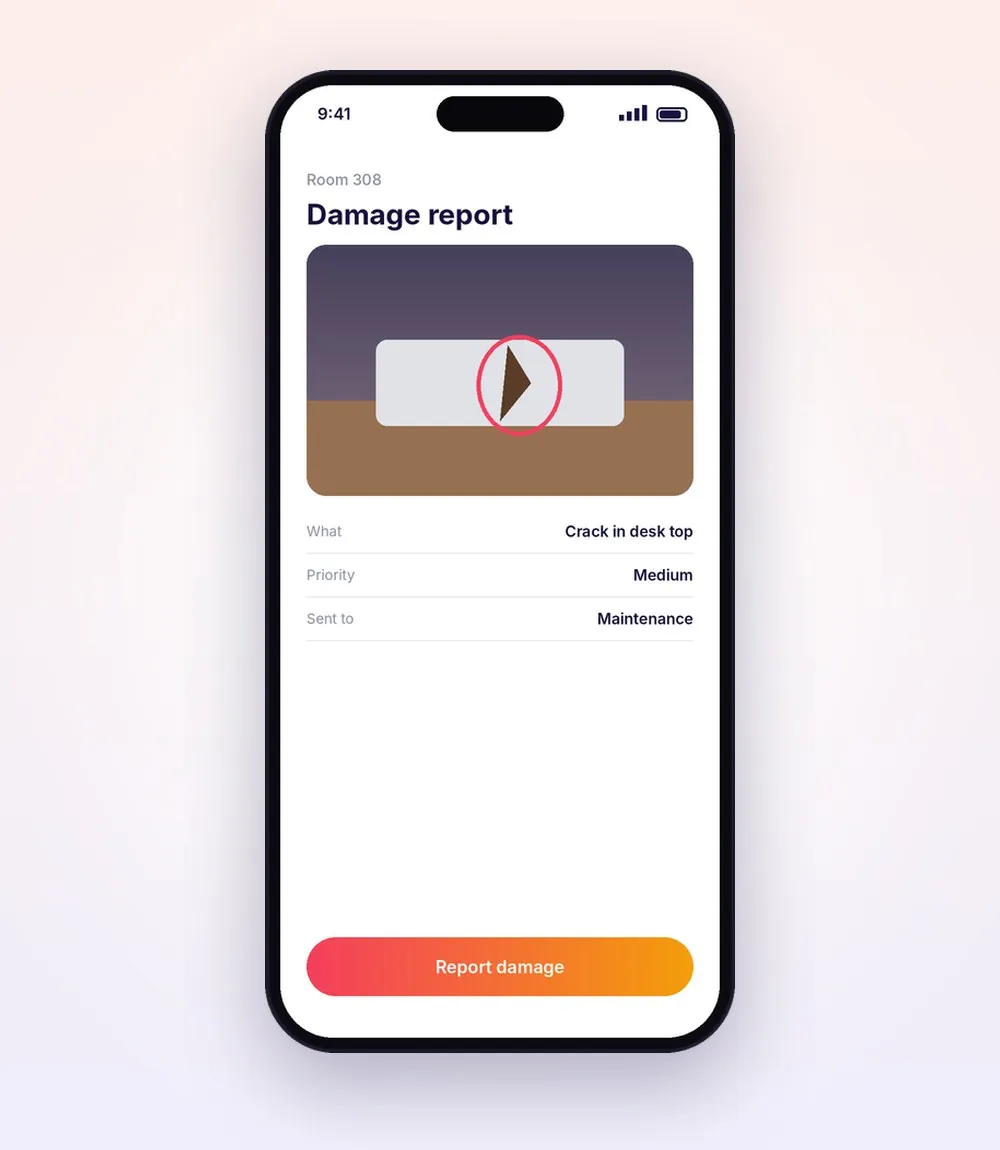
A photo and a note to maintenance
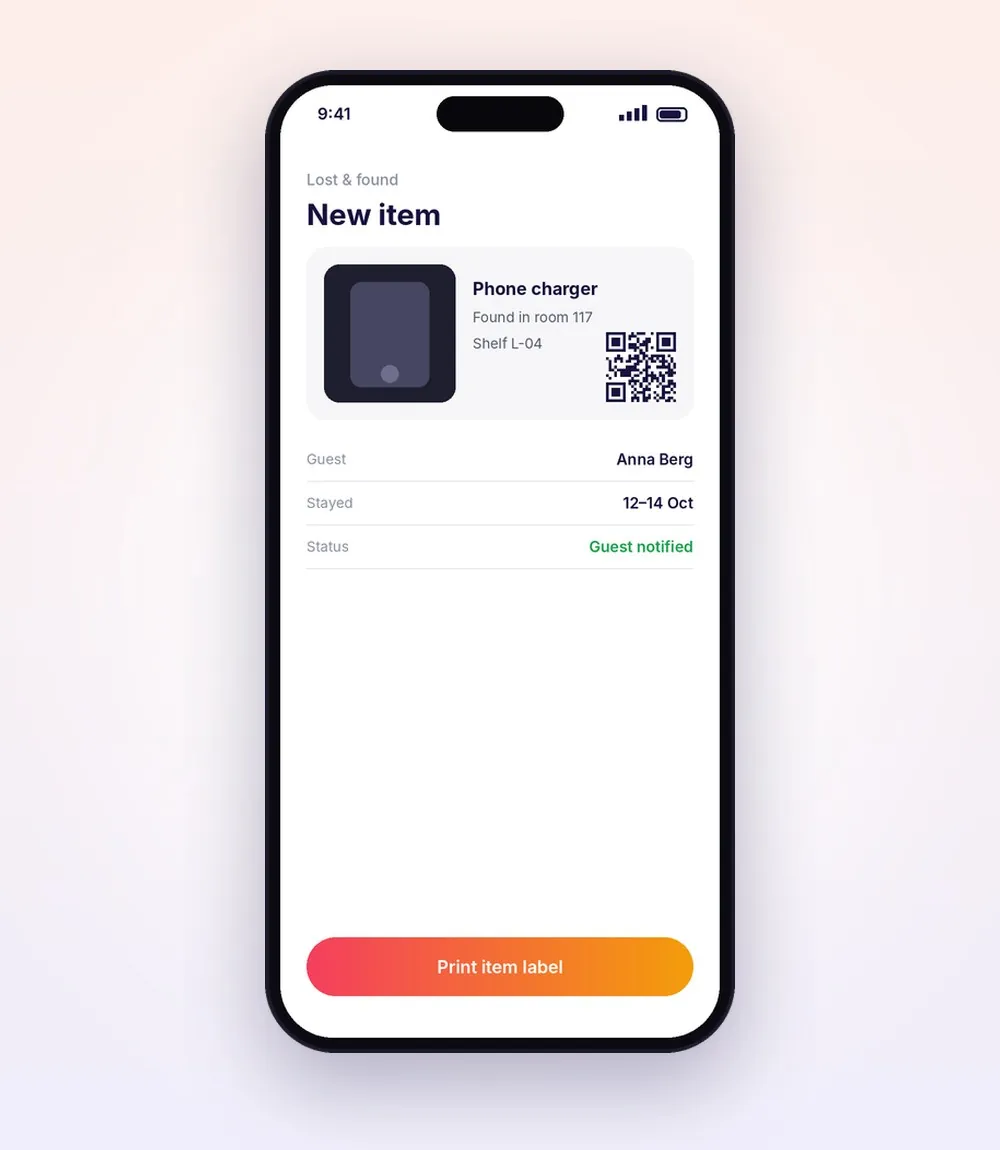
Register it, print a label, find it later
Front desk, floors and back office.
Built for city hotels, resorts, boutique hotels and guesthouses. Every booking, room, task and invoice is shared between the three.
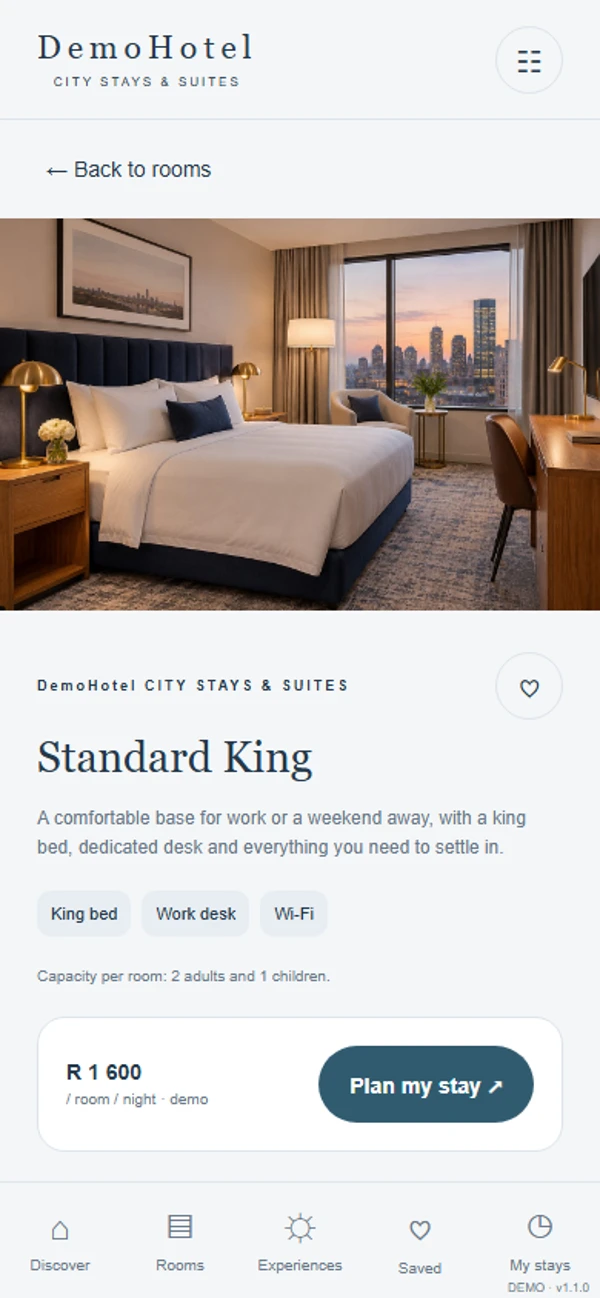
Guests book and plan their stay
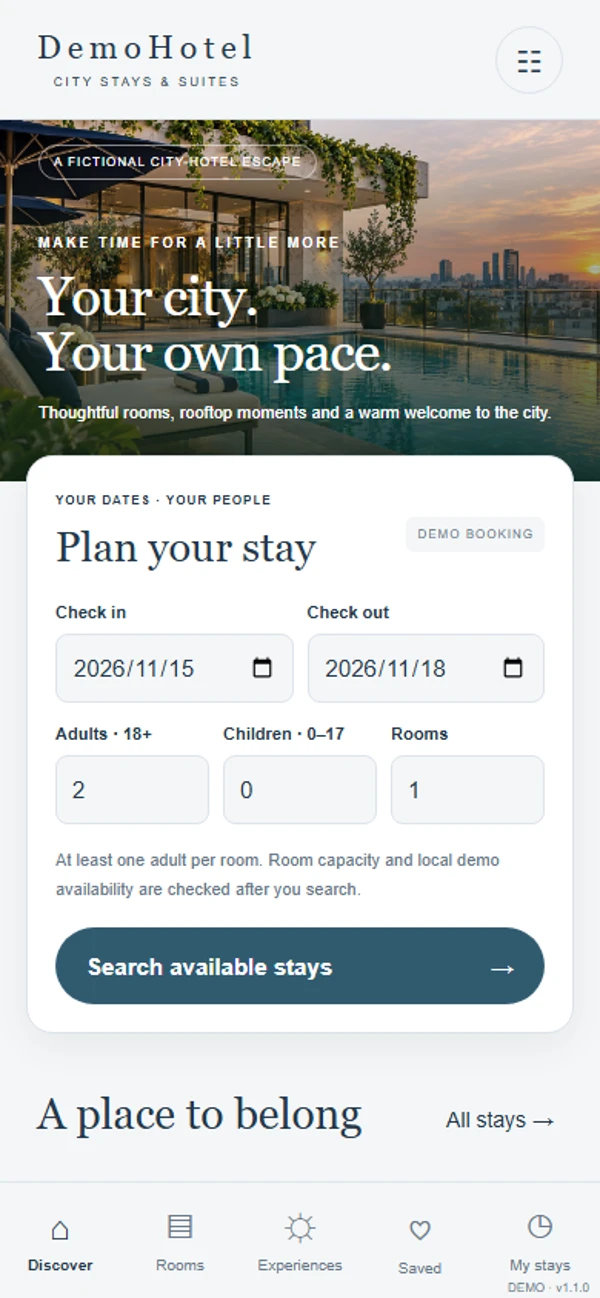
Your hotel's own booking app, with your rooms, photos and extras.
- A booking website and app in your own style
- Dates, guests and rooms with live availability
- Breakfast, airport shuttle, spa and meeting room added to the stay
- "My stays": reopen or cancel a booking
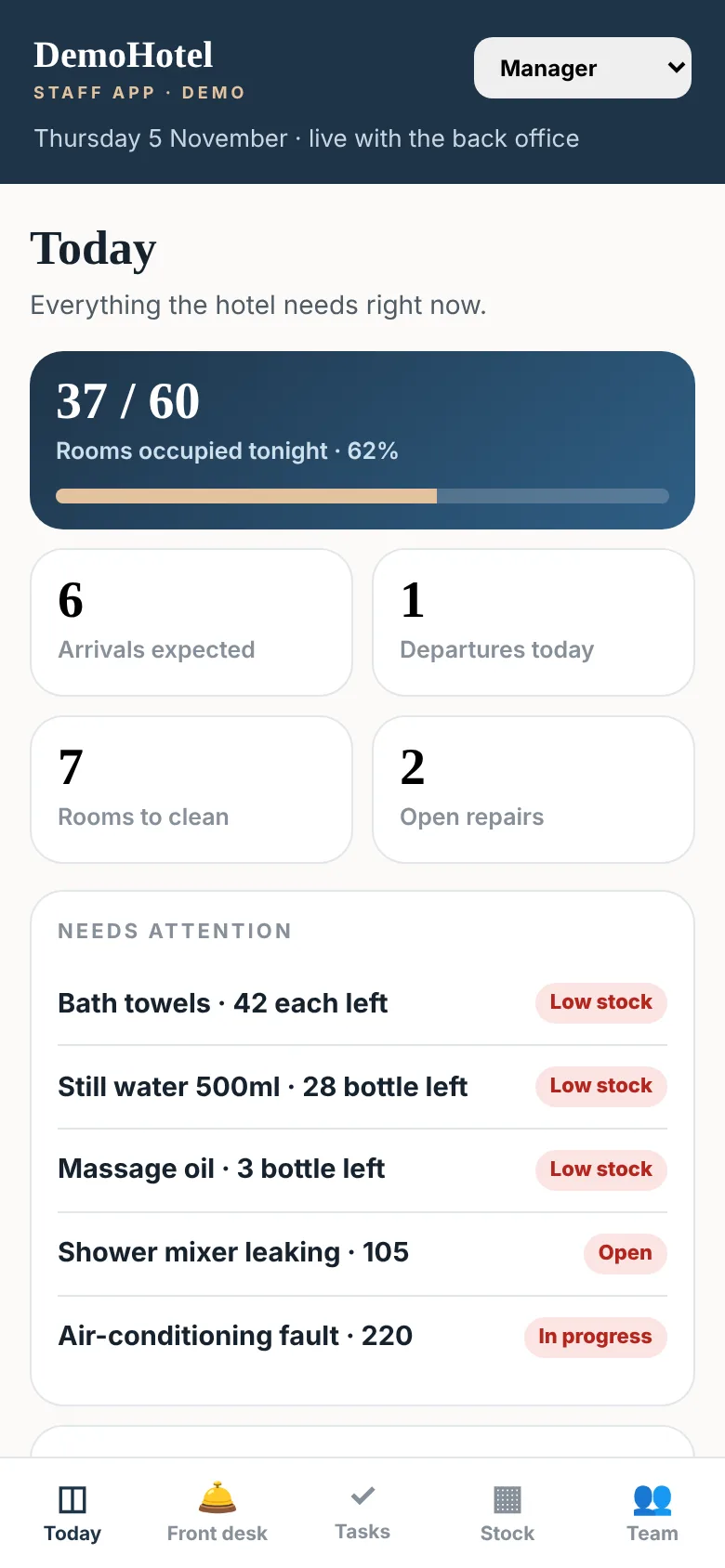
The day at the hotel, in your pocket
For managers, reception, housekeeping, concierge, kitchen and maintenance.
- Arrivals, departures and occupancy
- Check guests in and out on the move
- Guest requests, repairs, stock and the team
Bookings, inventory, staff and finance
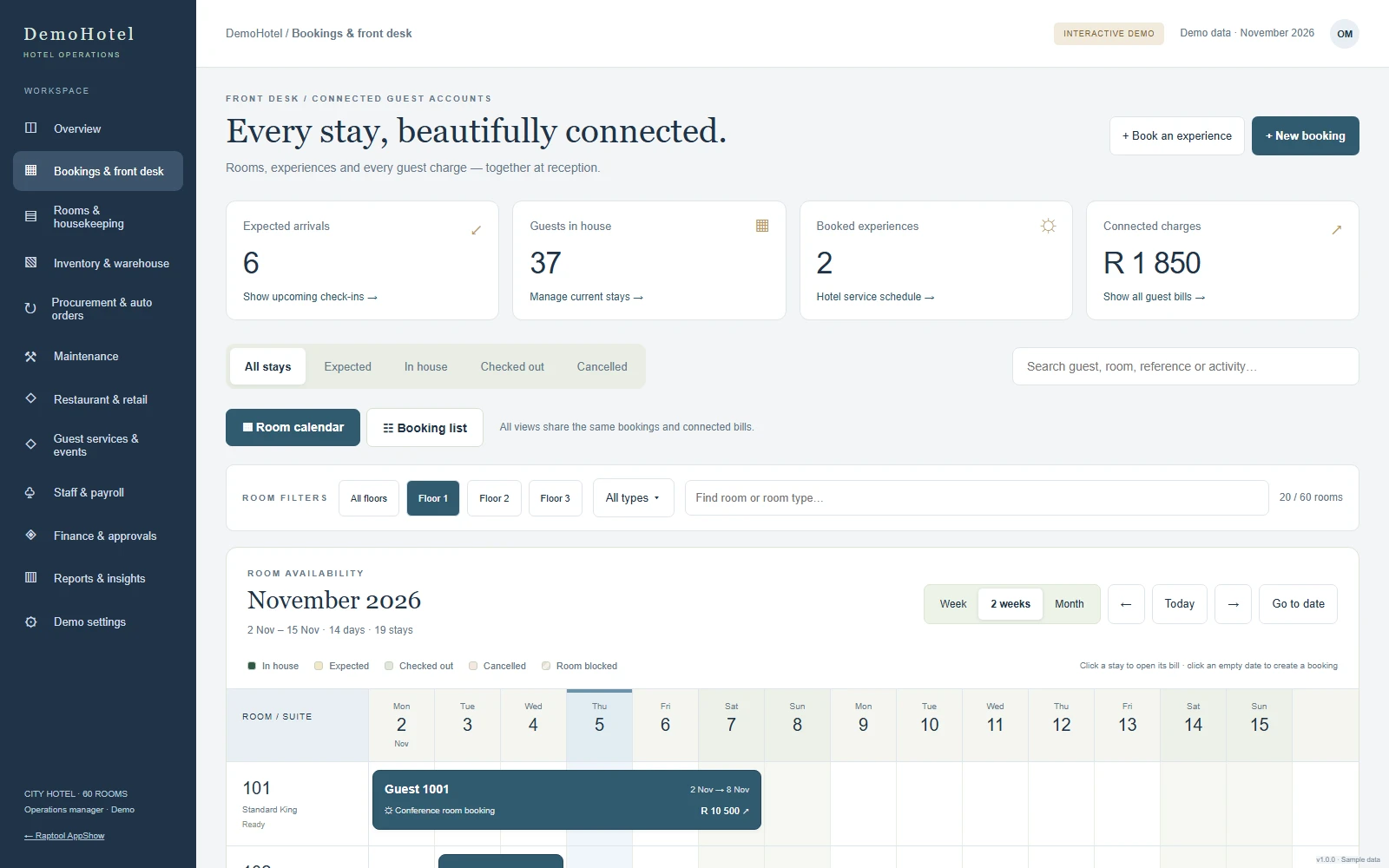
The full system for the office, on any screen.
- Room calendar with connected guest bills
- Warehouse stock, blind counts and auto orders
- Restaurant, spa, staff planning and approvals
Shorter queues at the front desk.
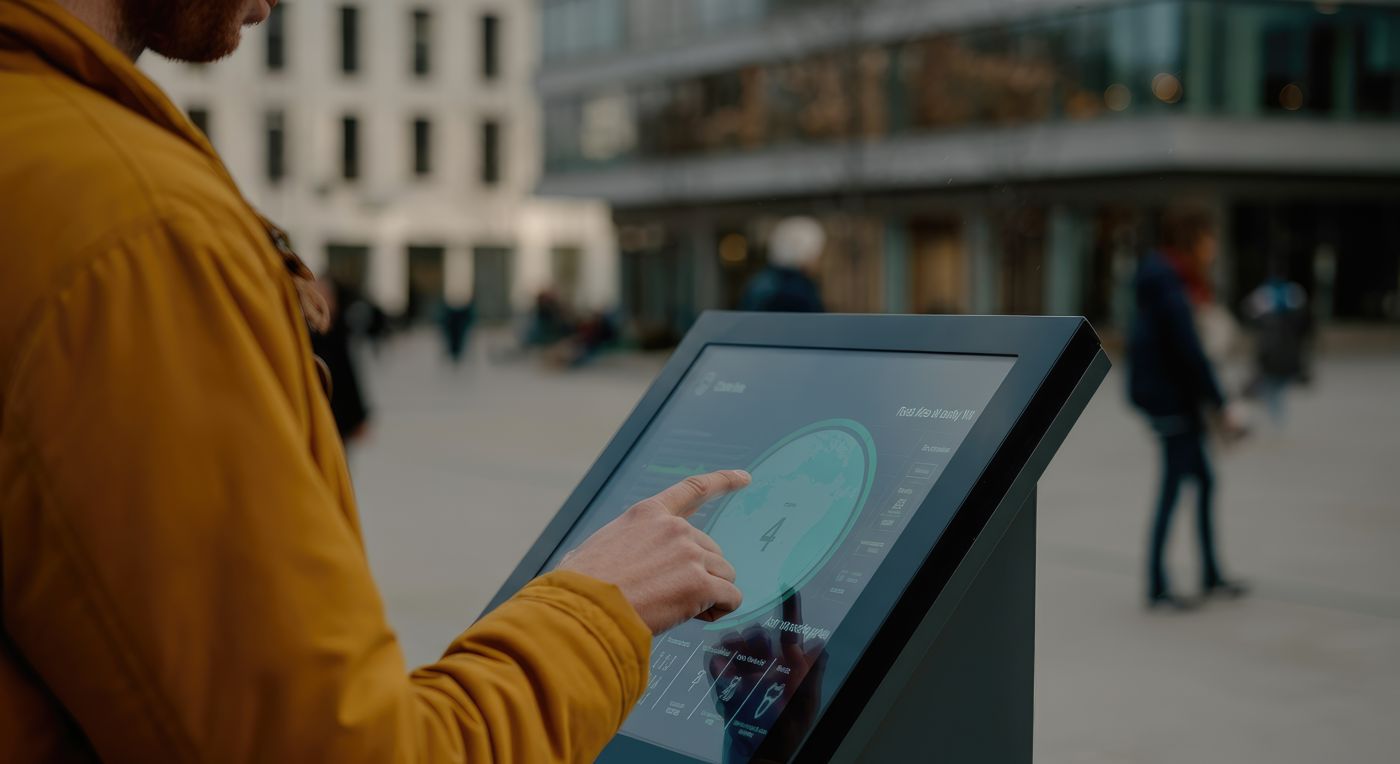
Floor-standing kiosks, wall screens or a tablet on the counter, running on Android, iPad or Windows.
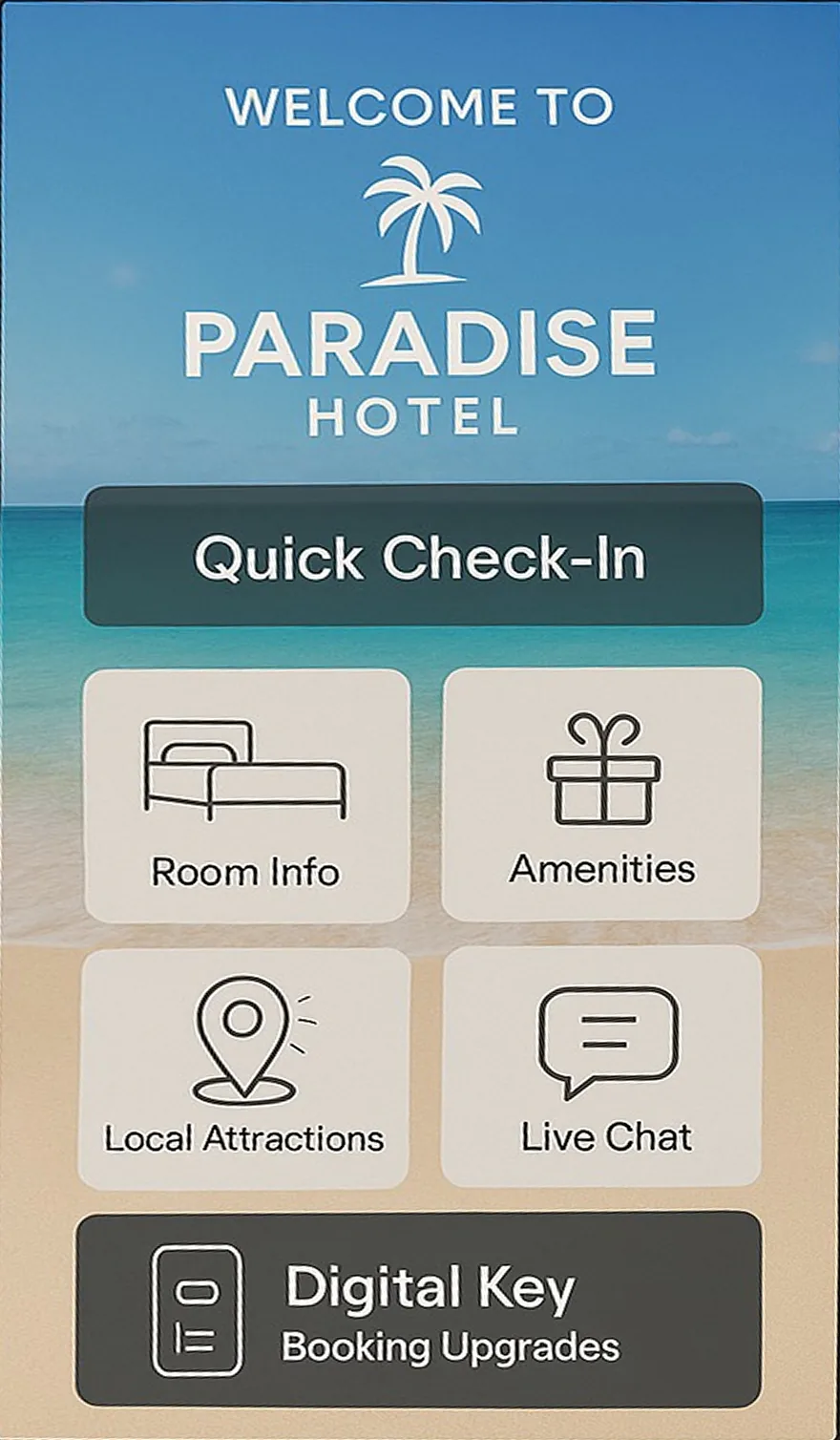
Check in without a queue
Guests find their booking, confirm their details and get their room, while your team welcomes them at the desk.
- Quick check-in from the booking
- Room info and digital key
- Print a key card or welcome slip
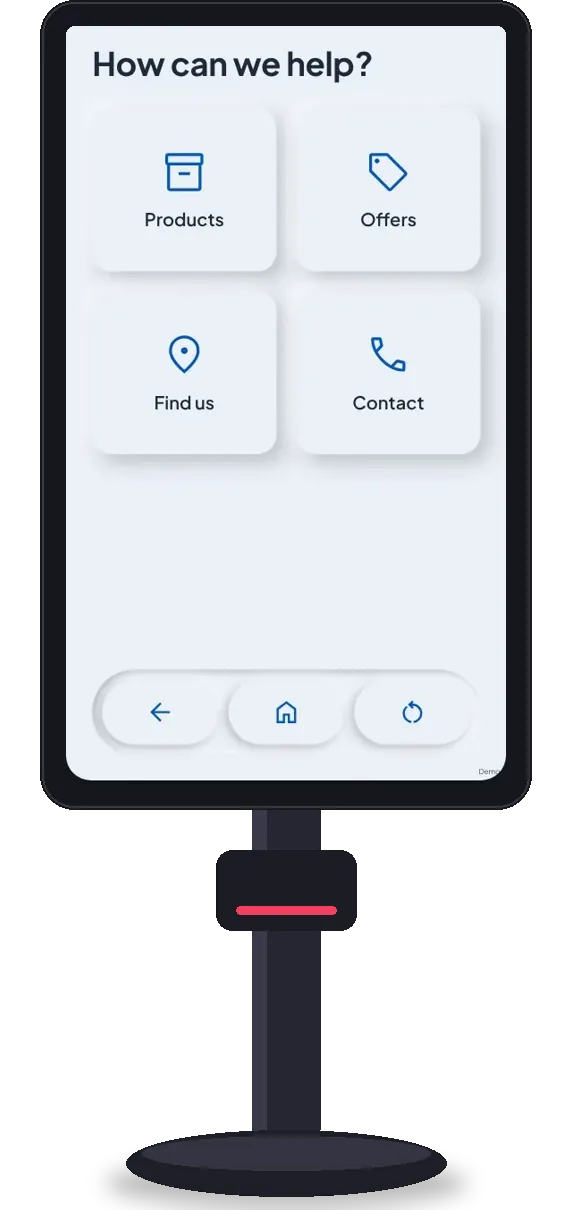
Answers at the touch of a screen
Activities, meal times, maps, the spa menu and contact details in the lobby, day and night.
- Activities and today's times
- Map of the hotel
- Book an experience or ask for help
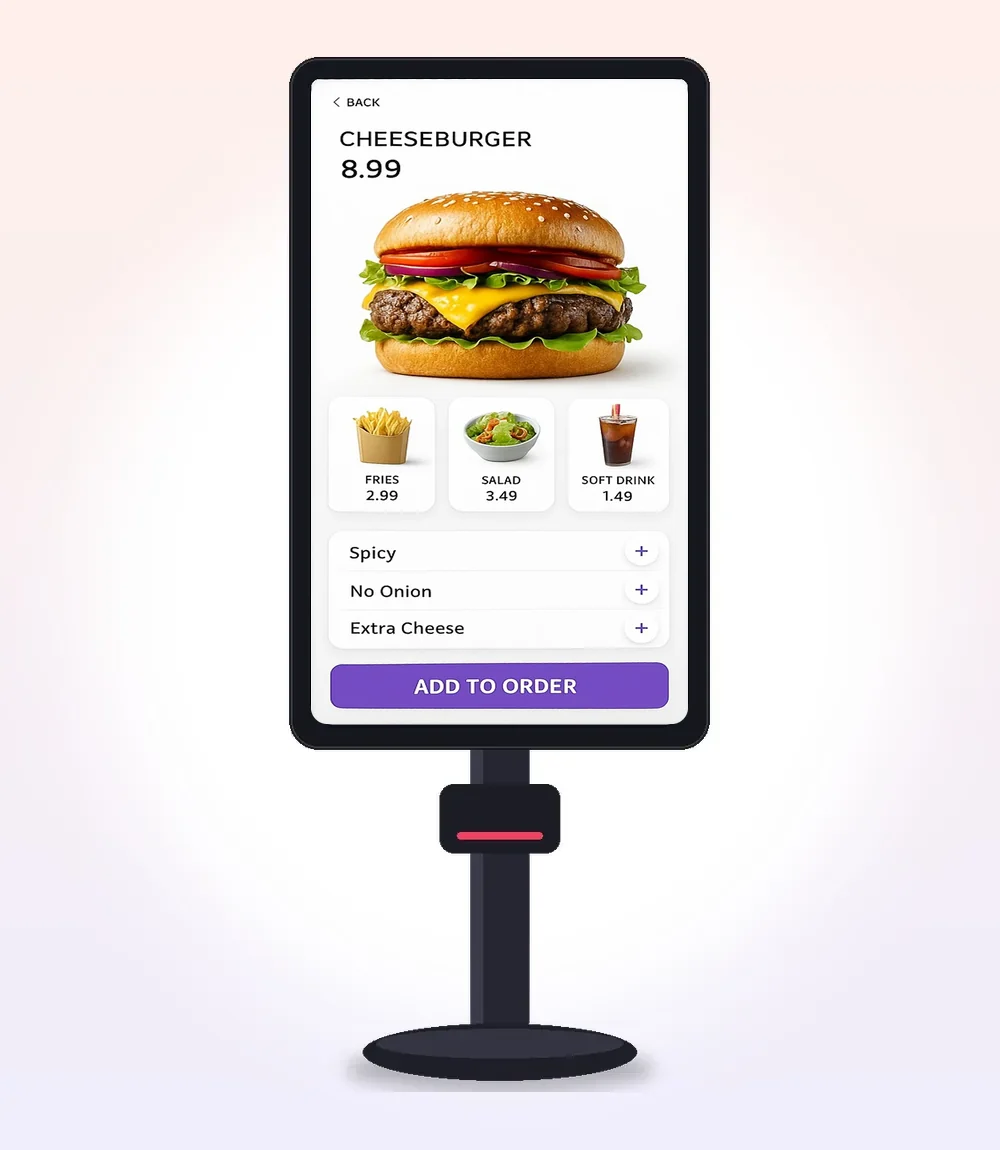
Order at the pool or the lobby bar
Guests order drinks and meals themselves, and the order goes to the kitchen and onto the room bill.
- Pictures, extras and allergies
- Charge to the room
- Straight to the kitchen
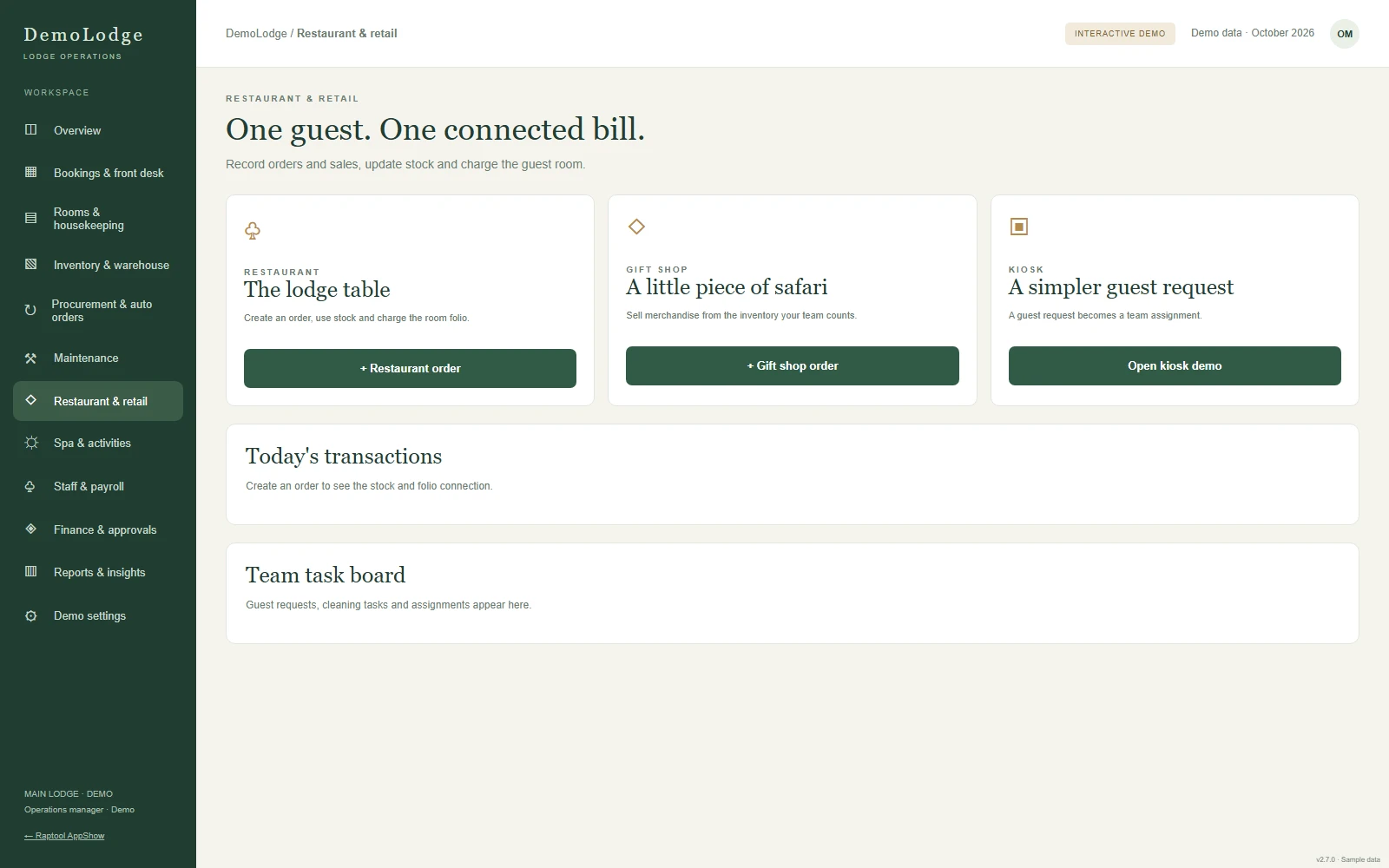
Bar, restaurant and shop, on one bill.
Sell from a phone, tablet or till. Every sale updates the stock and lands on the right guest bill.
Charge it to the room in one tap.
Take orders at the bar, at the table or at the pool. Pick the guest or room, and the charge goes straight onto their bill at reception.
- Bar, restaurant, gift shop and spa
- Charge to the room or take payment now
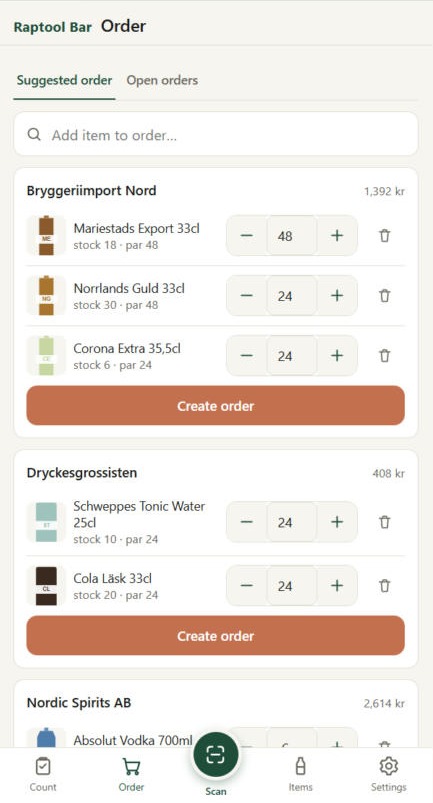
- Stock goes down with every sale, low stock is reordered
- Print receipts and connect card payments
- Keeps selling when the Wi-Fi drops
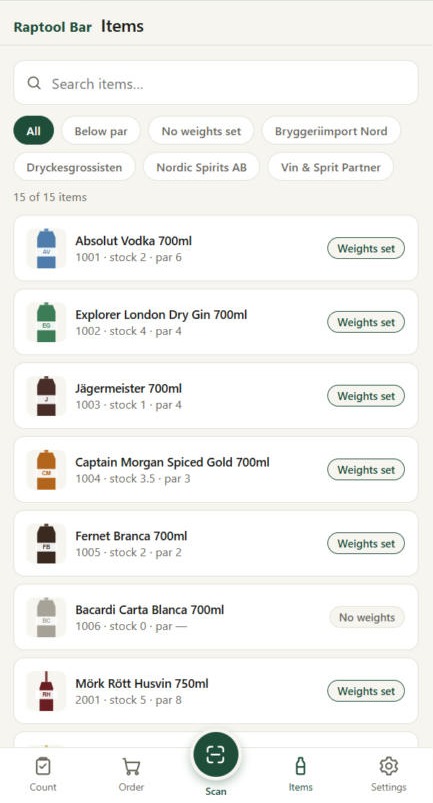
From order to accounts, in one flow.
Restaurant, bar, room service, shop and spa run on one point of sale. Here is what happens behind every sale in the hotel.
Take the order
Tap items on a phone, tablet or till, or scan a barcode. Take orders at the bar, at the table, by the pool or for room service.
Choose how to pay
Charge it to the room, pay by card or cash, or split the bill between guests.
Everything updates
The guest bill, the stock and the kitchen or bar ticket all update at the same moment, and a receipt prints if you want one.
Closed and booked
At the end of the day, totals are ready and sales can be posted to your accounting or ERP automatically.
Every sale reaches every system.
A drink at the bar is not just a sale. It lands on the guest bill at the front desk, counts down the bar stock, sends a ticket to whoever makes it and ends up in your accounts.
Connects to the systems you already use.
The POS runs on the Raptool platform, so it shares data with the rest of the hotel system and, through Raptool Integration Server 8, with your accounting, ERP and other business systems. Start from a ready-to-go integration instead of building every connection from scratch.
Accounting and ERP
Post sales, VAT and stock movements to the systems your finance team uses.
Payments and hardware
Card payments, receipt and kitchen printers, and barcode scanners.
Your PMS
Room charges and folios shared with the front desk. Ask us about the PMS or booking engine you already use.
Online and files
Webshops, email receipts, price files over FTP and scheduled exports.
Run the hotel from one screen.
Clear desktop views for the office, and phone screens for the team on the floor.
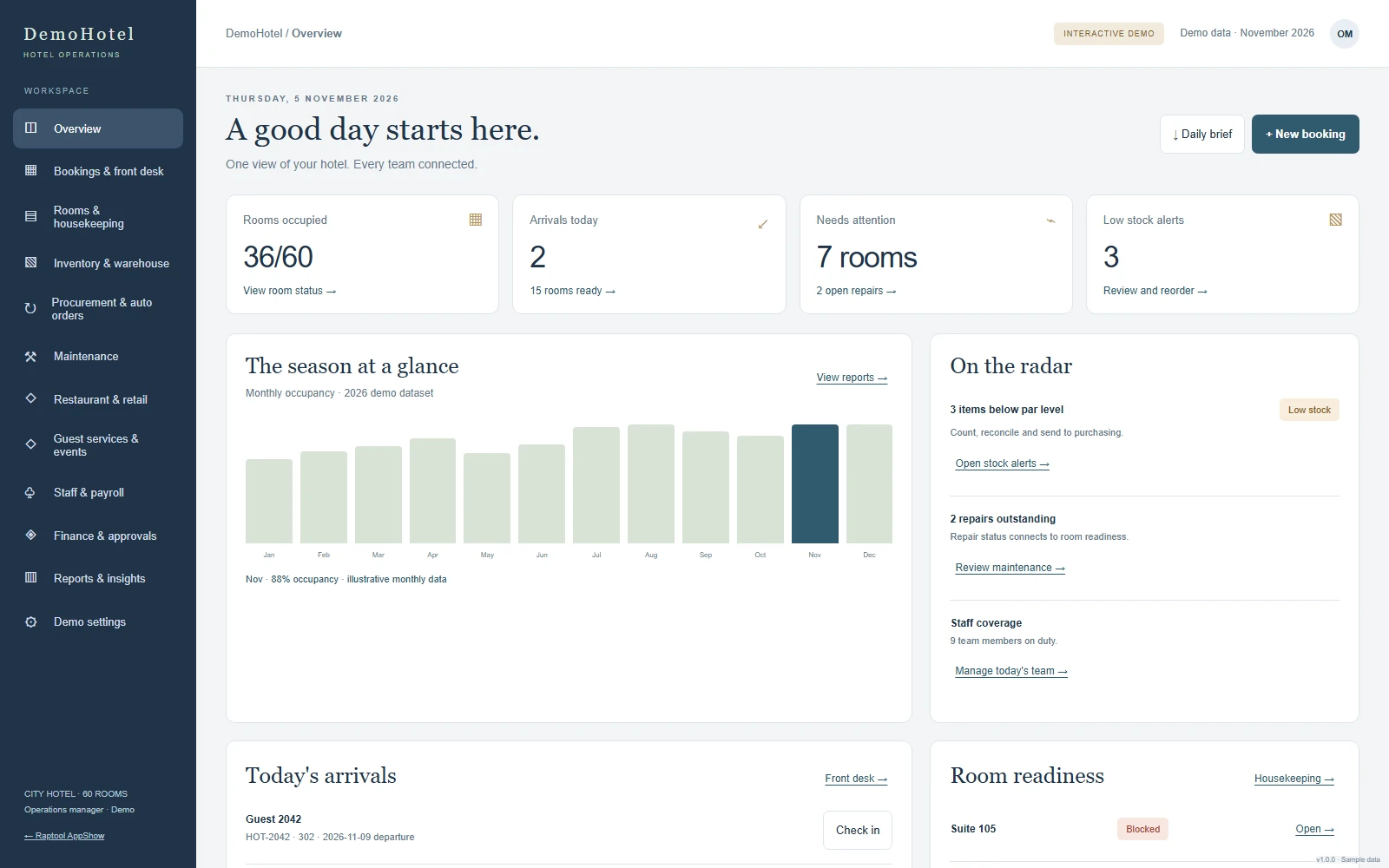
A good day starts here.
Rooms occupied, arrivals, what needs attention and low-stock alerts for a 60-room hotel on one screen, with the season at a glance.
Every stay, connected.
A room calendar for all 60 rooms. Filter by floor, room type or room number, and book straight from an empty date.
- Week, two-week and month views
- Rooms and services on one guest bill
- Check guests in and out
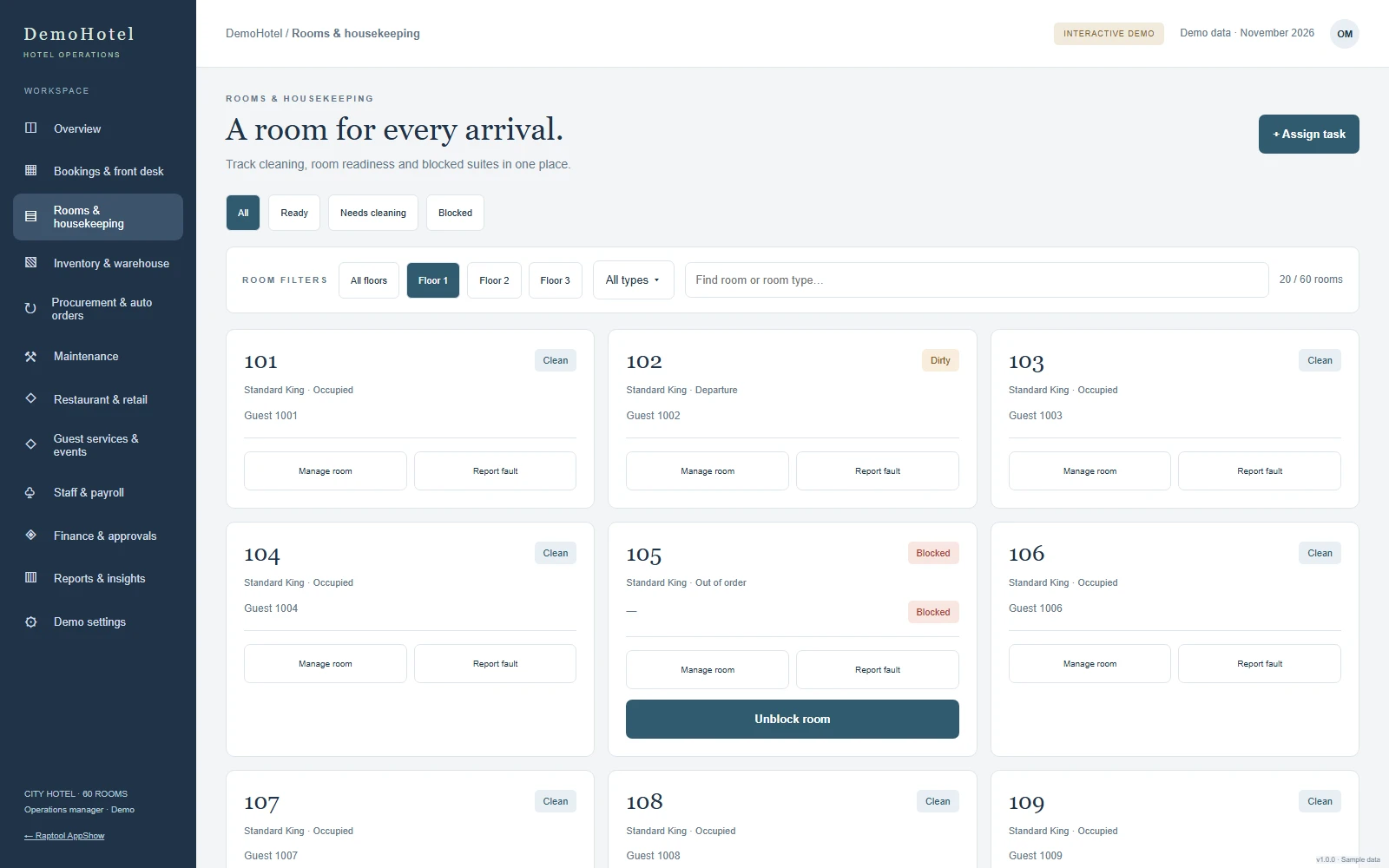
A room for every arrival.
Cleaning and readiness for every floor. Assign tasks, report a fault, and unblock a room once it is fixed so it goes straight back to cleaning.
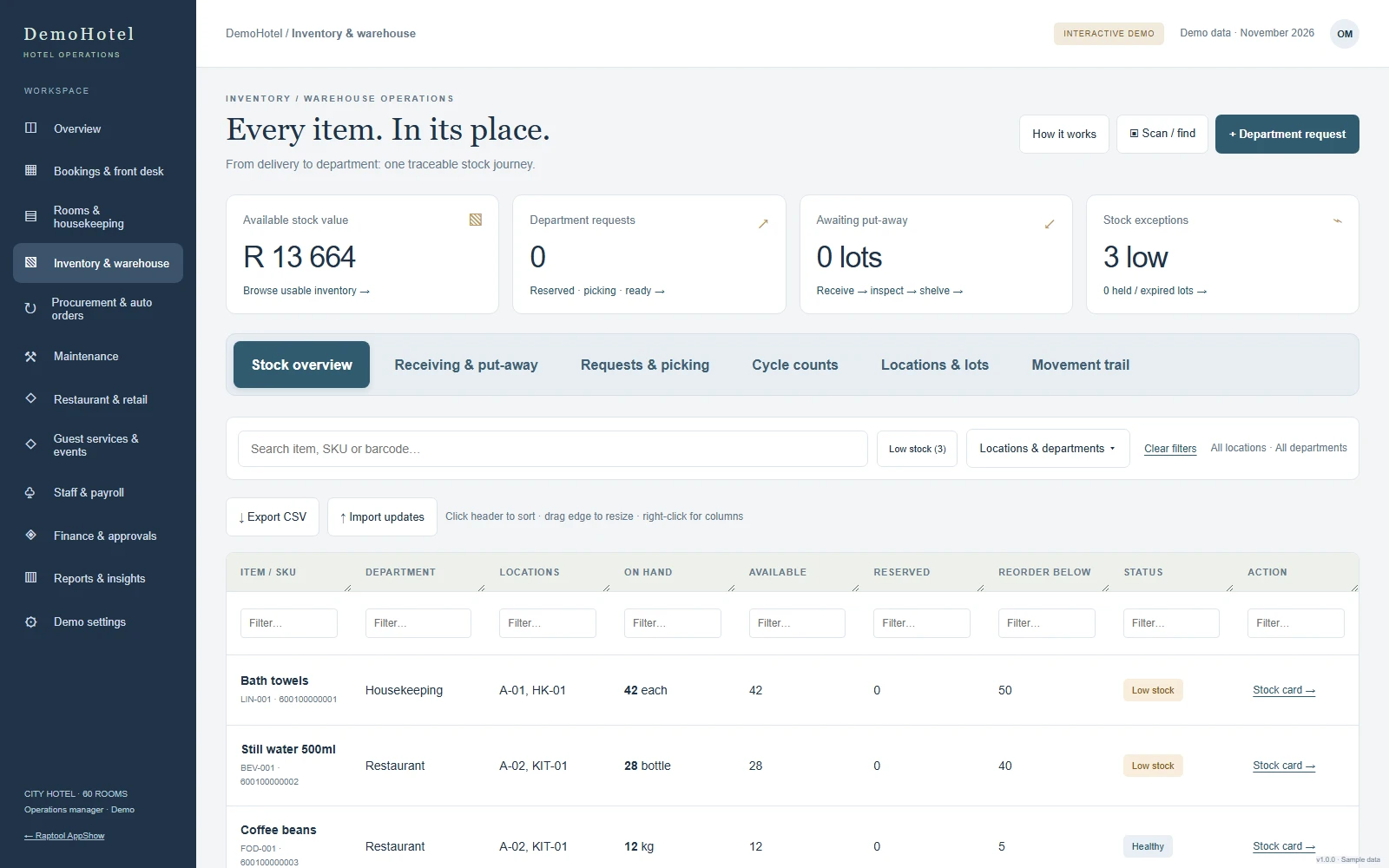
Every item in its place.
One shared warehouse for housekeeping, the restaurant and the spa. Stock by item, barcode, location and batch, from receiving to picking.
- Low-stock rules create purchase orders
- Transfers between departments
- A full movement trail
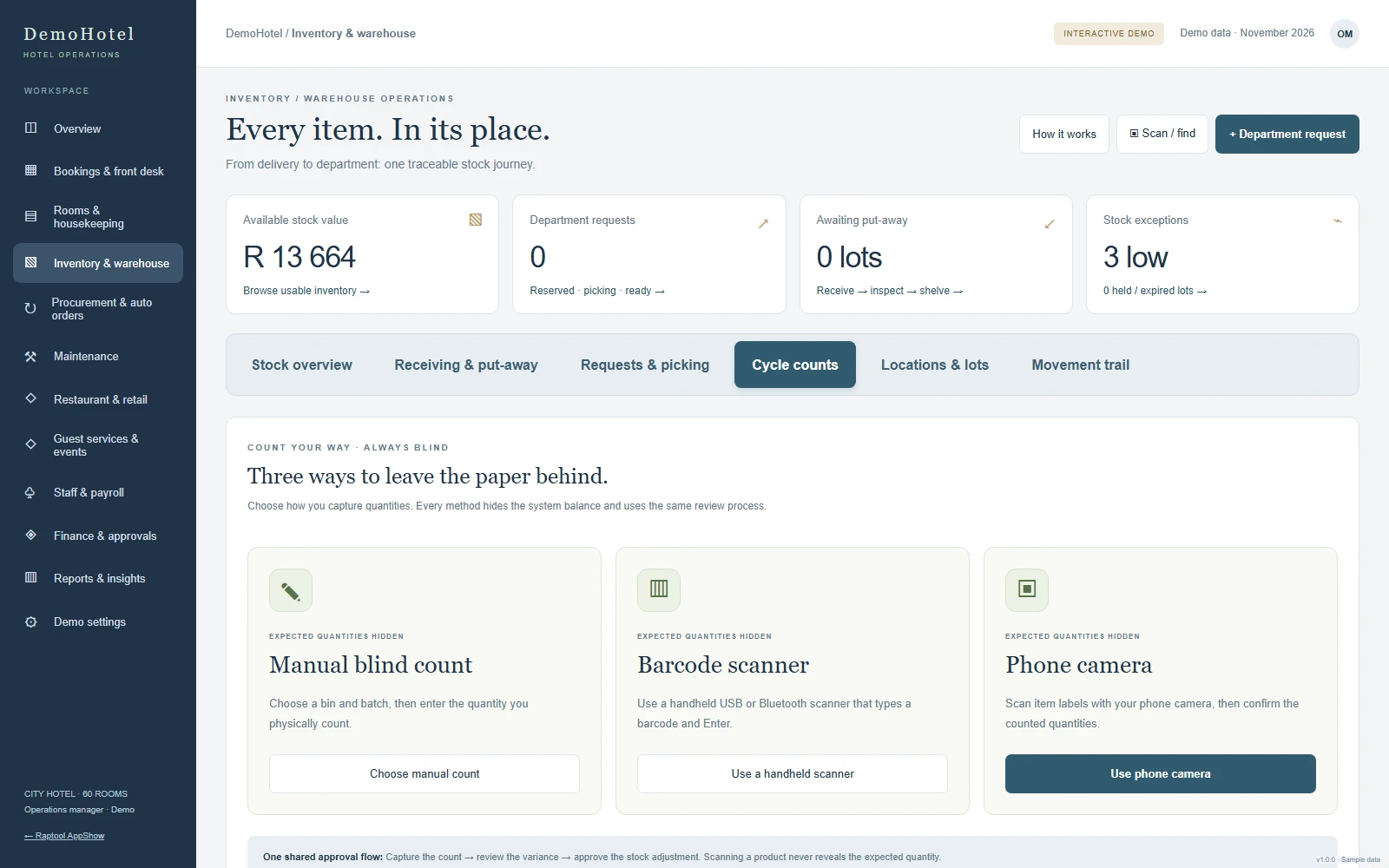
Three ways to count.
Count blind by hand, with a barcode scanner or with a phone camera. Every variance is reviewed and approved before stock changes.
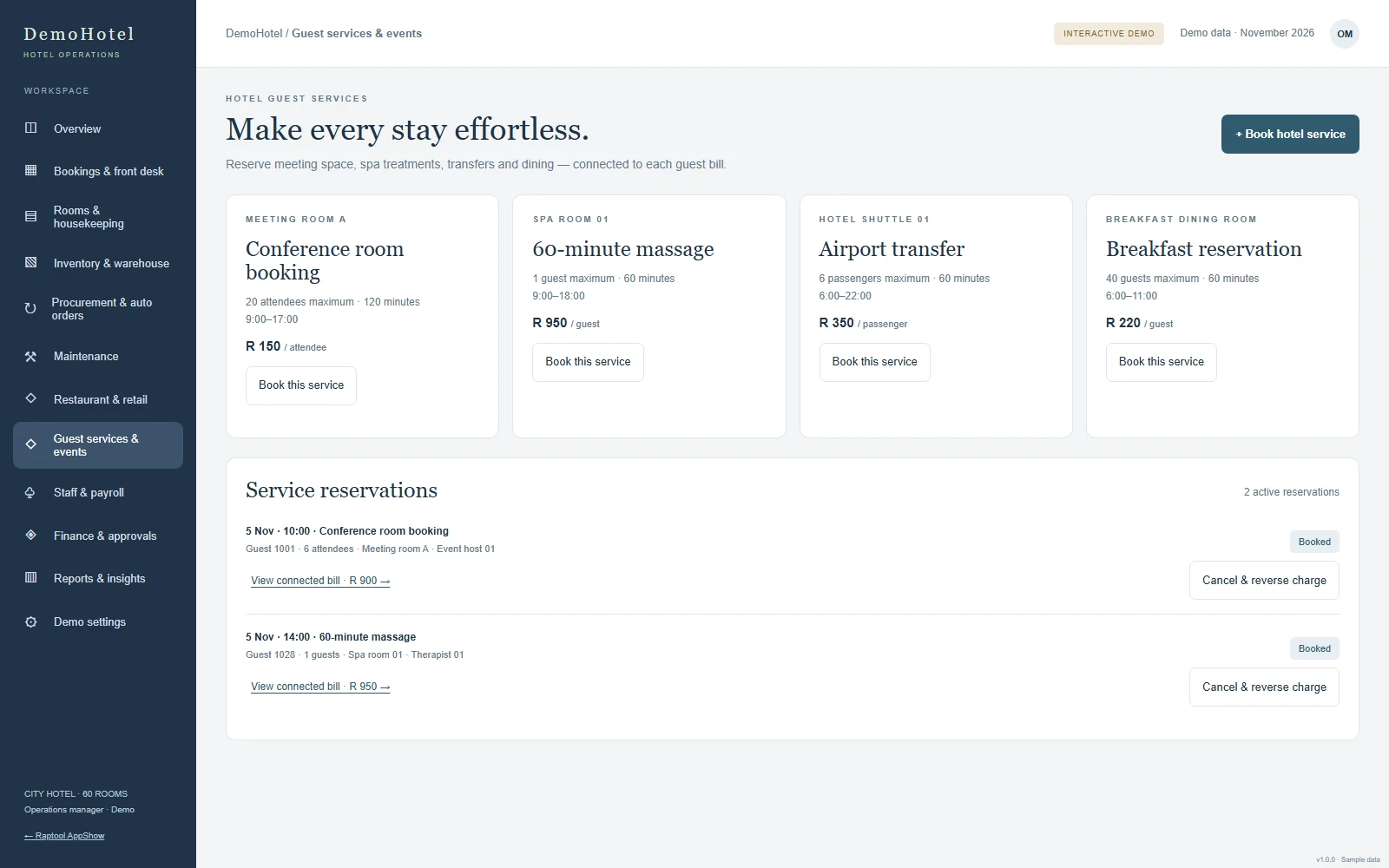
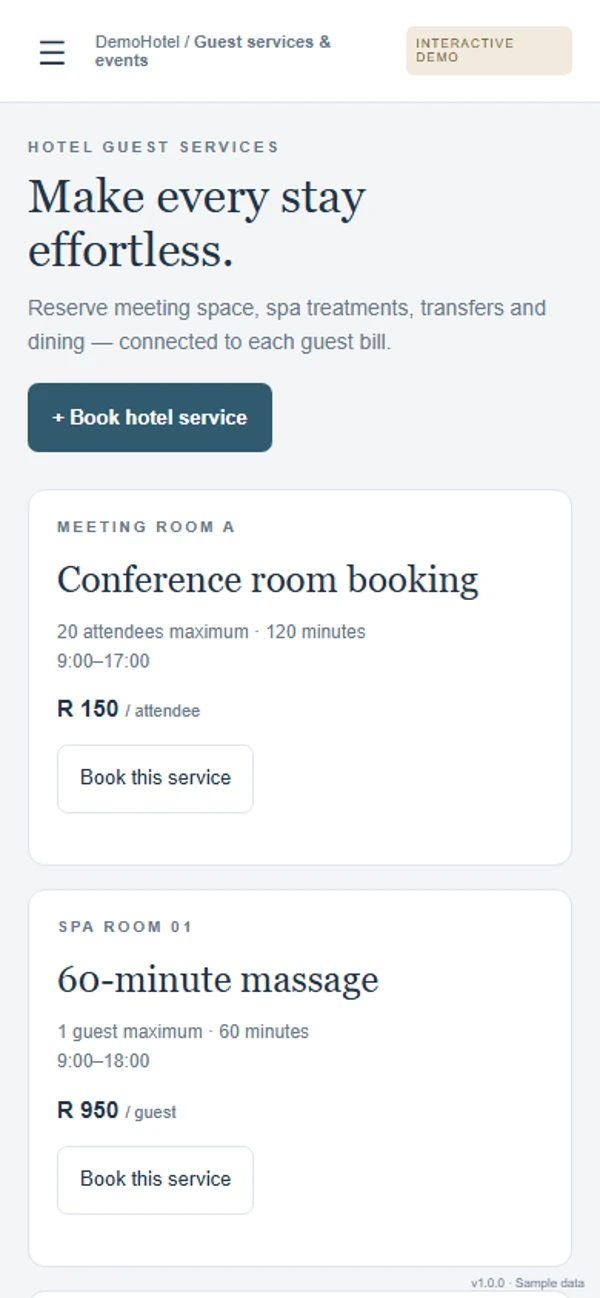
Make every stay effortless.
Book the meeting room, spa treatments, airport transfers and breakfast. Capacity is checked first, and the charge goes straight to the guest bill.
- Meeting room for up to 20 people
- Six-seat airport shuttle
- Cancel and the charge is reversed
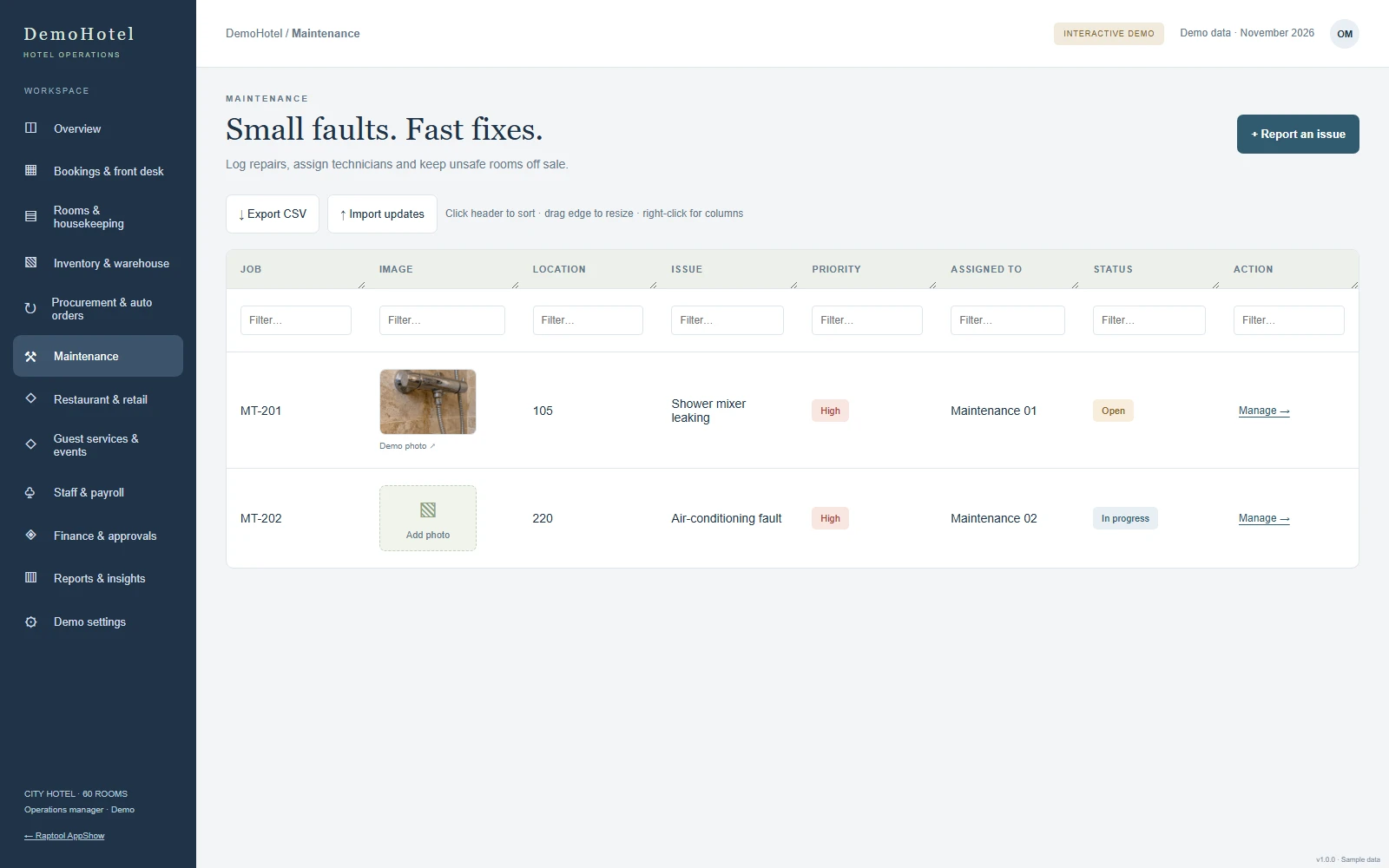
Small faults, fast fixes.
Repairs logged with a photo, assigned to a technician and followed until the room is back in use.
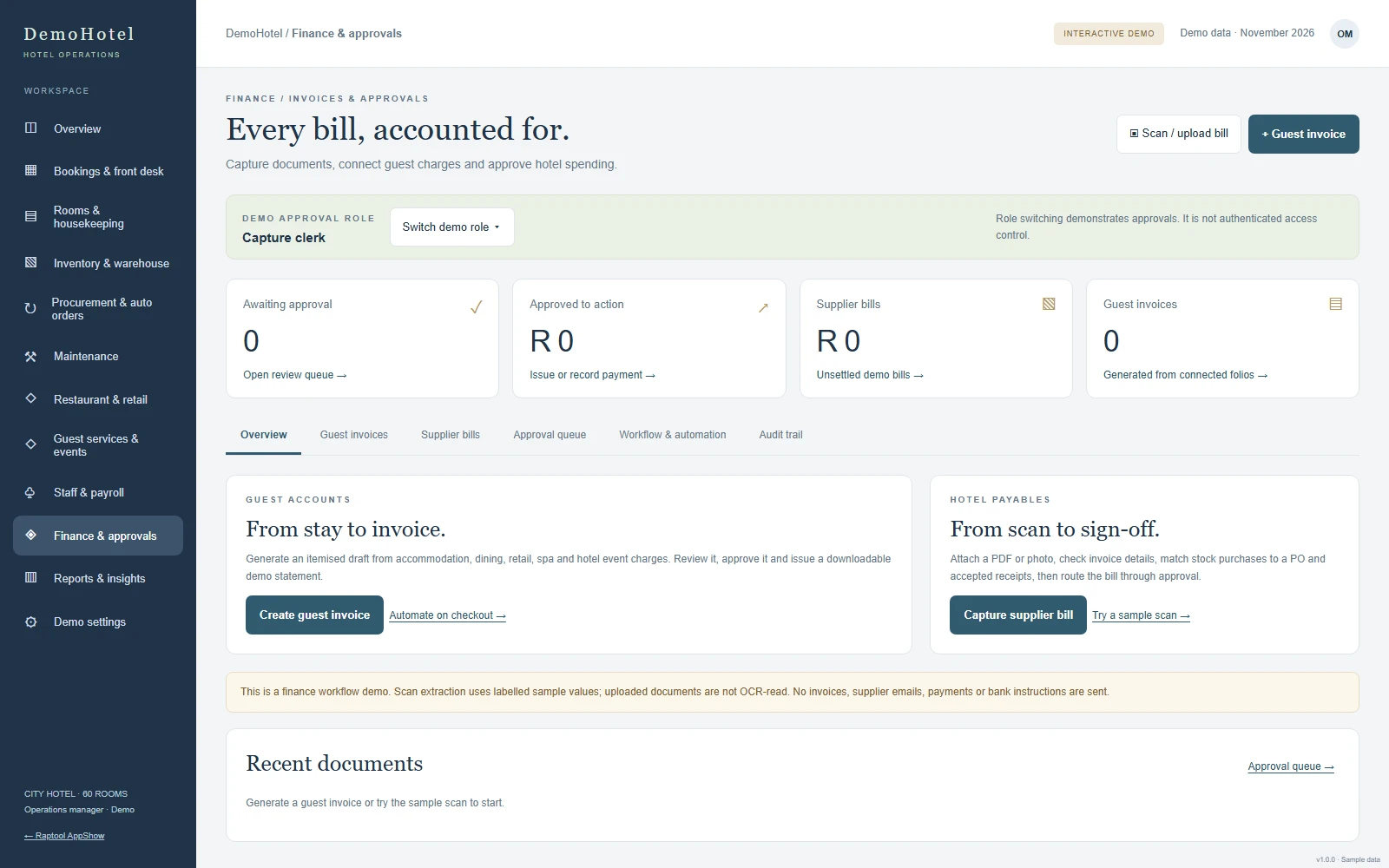
Every bill, accounted for.
Guest invoices from the stay, supplier bills captured from a PDF or photo, and an approval queue for department and manager sign-off.
- Bills matched to purchase orders
- Rejections keep their reason and history
- Reports and exports
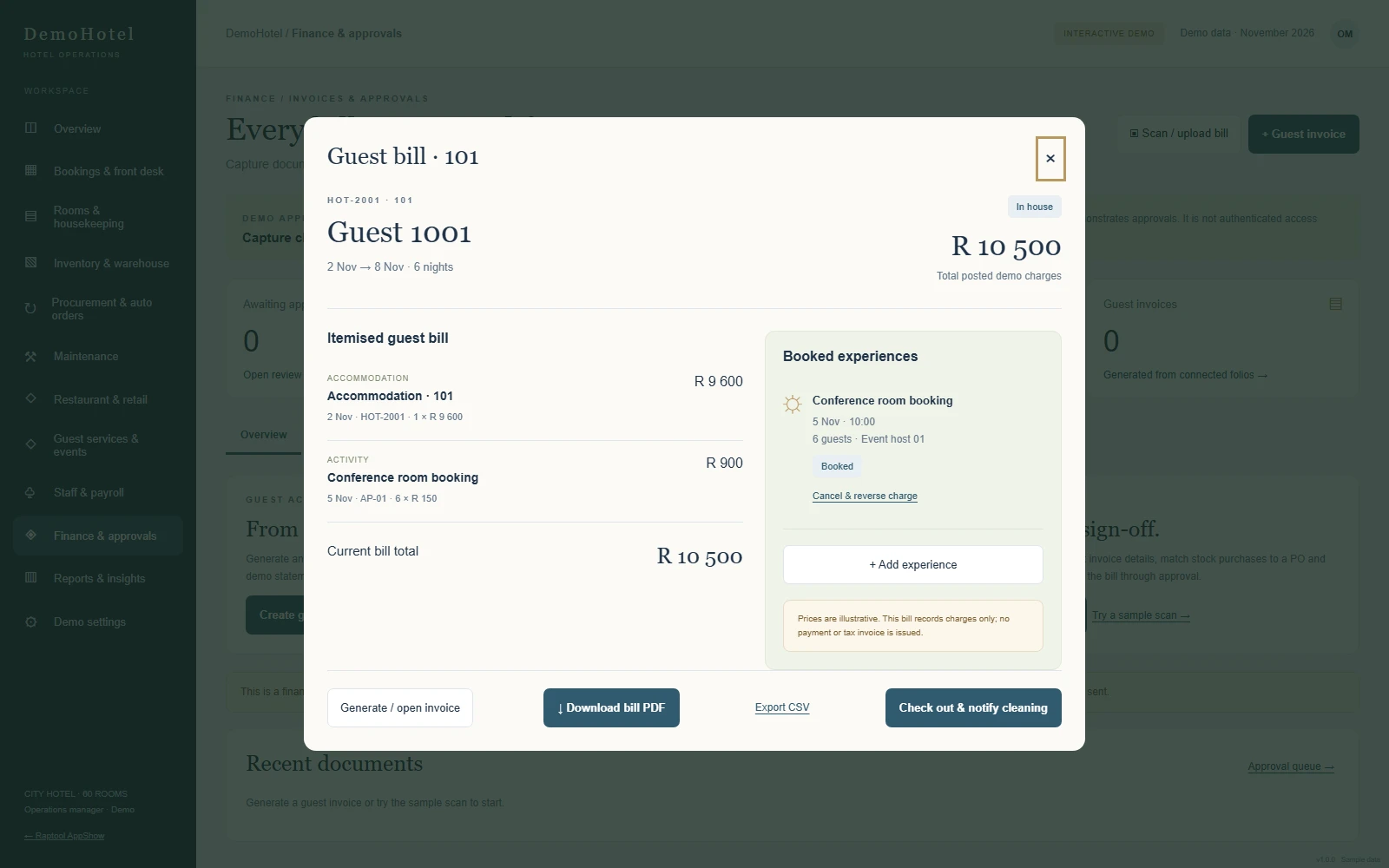
One guest, one bill.
The room and the meeting room booking itemised on one bill. Download it as a PDF, then check the guest out and let housekeeping know.
Every team works from the same picture.
The stay lands in the room calendar, marked "Booked in app".
Cleaning work is created and the guest invoice is drafted, without duplicates.
Accepted quantities are checked against the purchase order before the supplier bill is approved.
Stock goes down and the charge lands on the guest bill.
Everything that happens at the hotel, on one screen.
Start every morning knowing the day
Occupancy tonight, who is arriving and leaving, which rooms are ready and what needs attention.
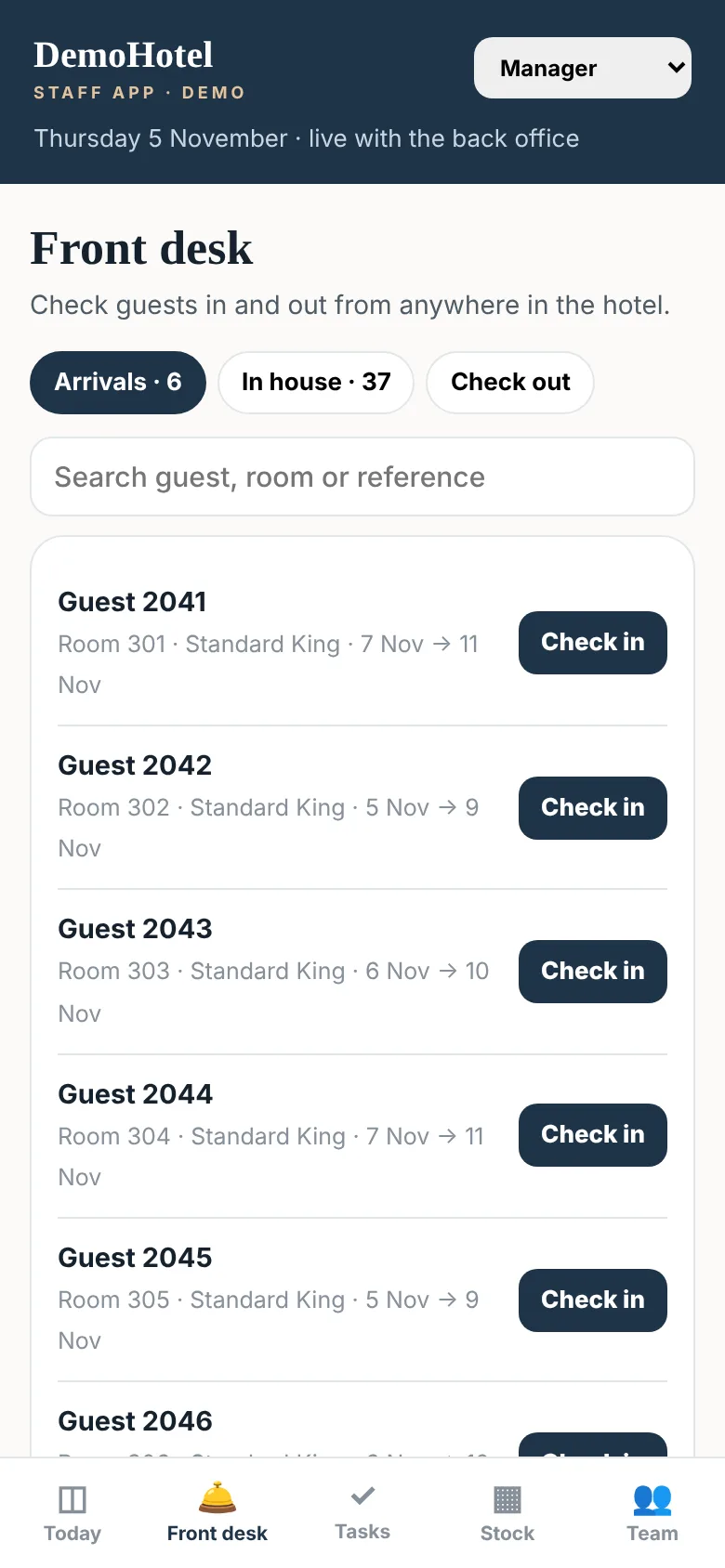
Check in and out from anywhere
Arrivals, guests in house and departures, with the room status next to each name. Check a guest in the moment their room is ready.
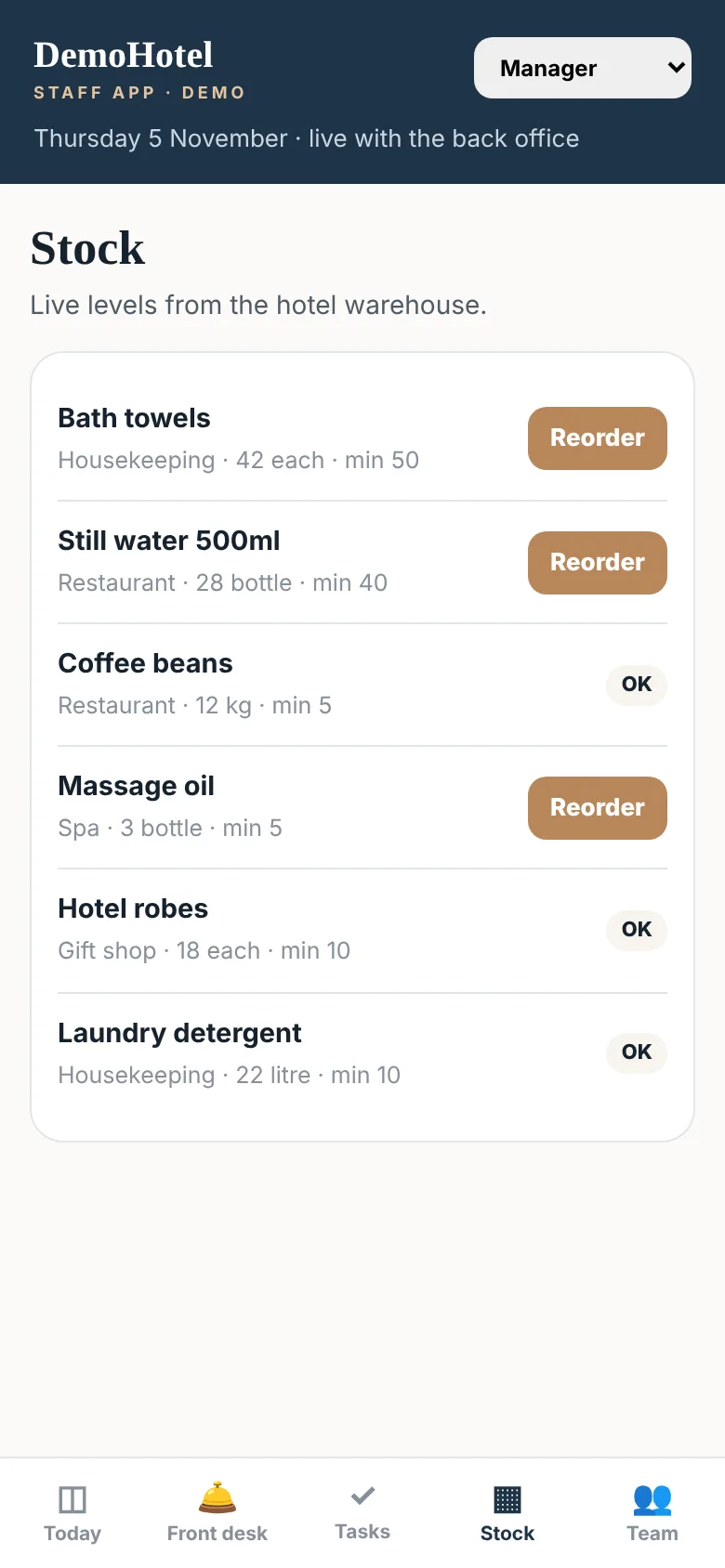
Never run out of wine, coffee or towels
Live levels from the hotel warehouse. See what is running low and send the purchase request in one tap.
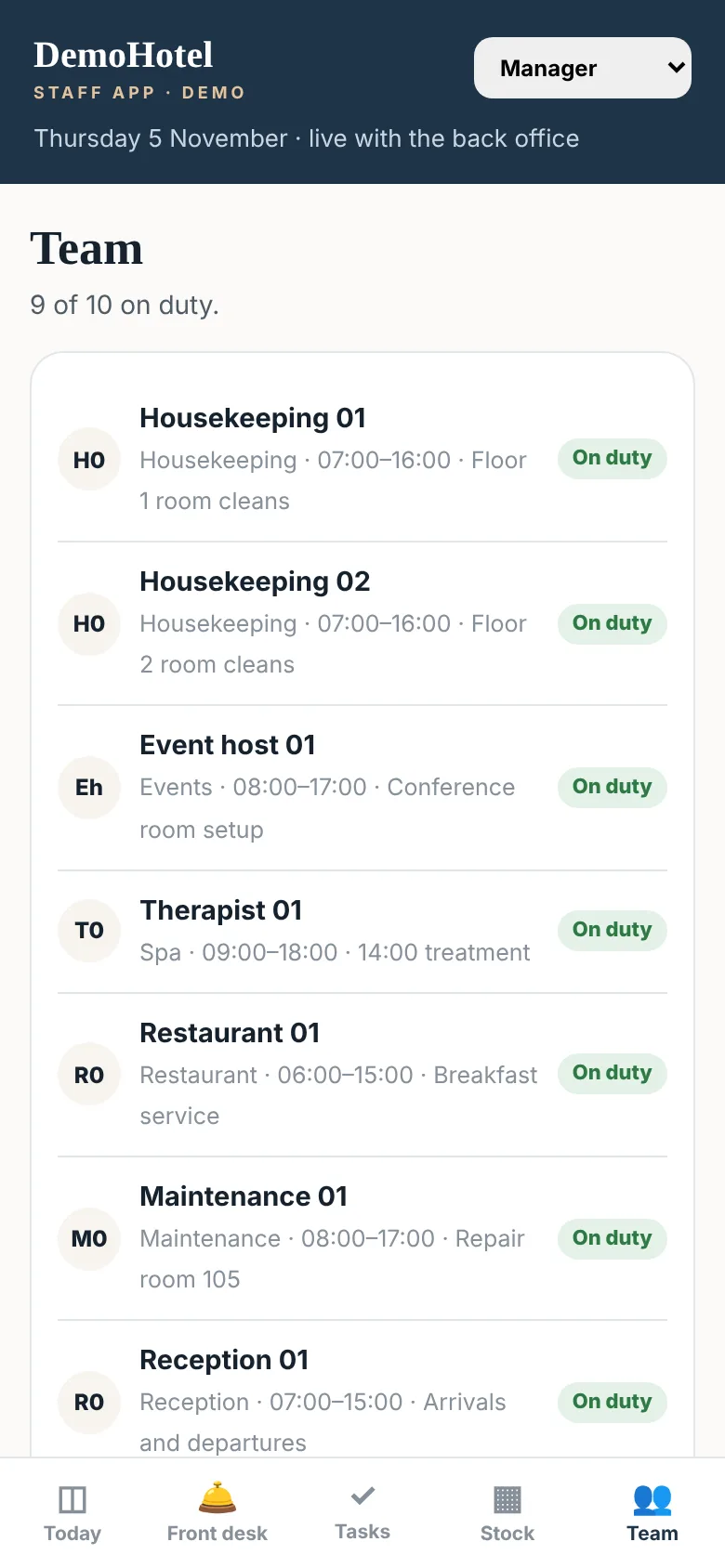
Housekeeping, concierge, kitchen and maintenance
Who is on shift and what each person is doing, plus guest requests and repairs on the Tasks screen.
Your hotel. Your system.
No two hotels run the same way, so the system bends to yours. Change how it looks, what it tracks and how work moves, without starting from scratch.
- Your name, logo, colours and photos in every app
- Your rooms, rates, meal plans and experiences
- Your departments, roles and approval steps
- Your own screens, fields and reports
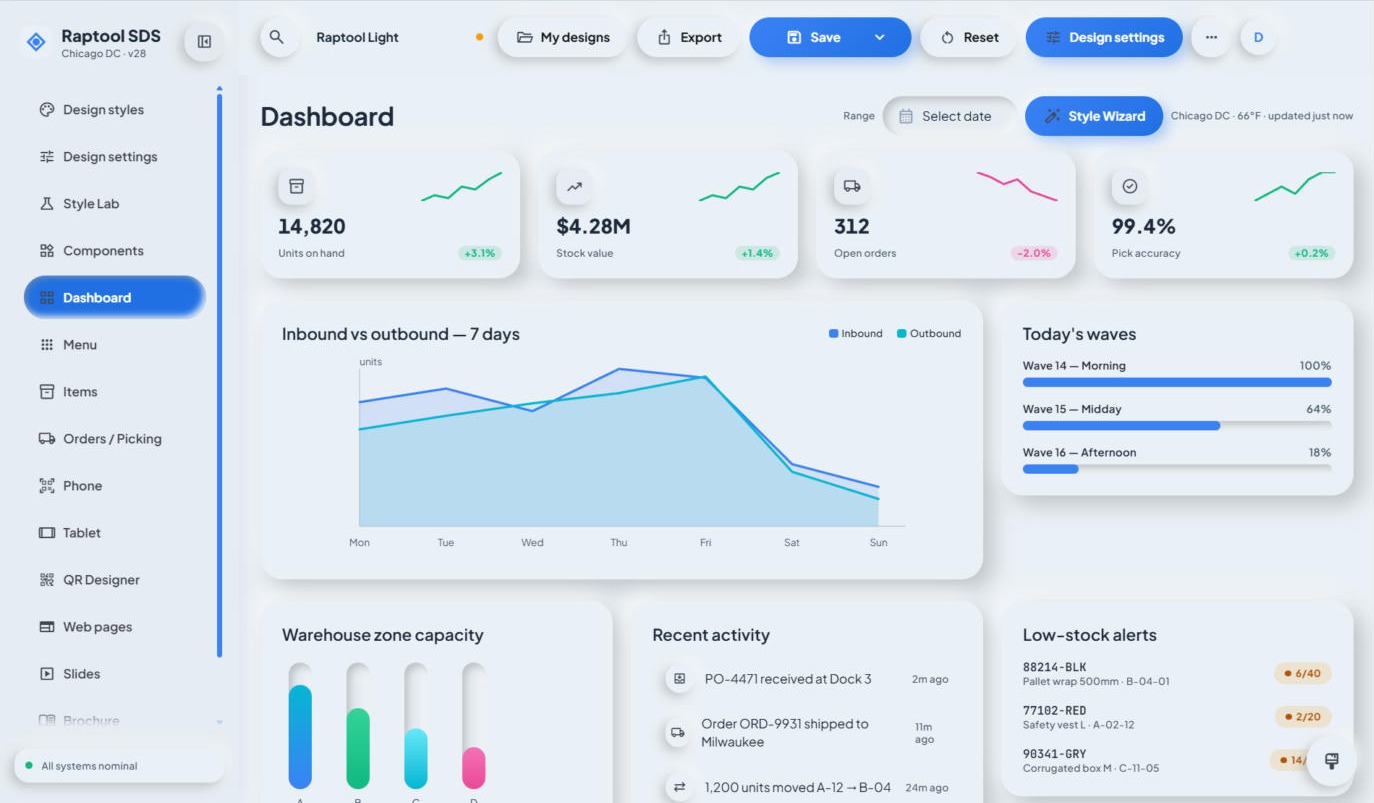 Change it in minutes
Your brand
Logo, colours, fonts and photos, so the guest app feels like your hotel, not like software.
Your rooms and rates
Rooms, suites and family rooms, with your own rates, seasons, packages and rules like minimum stay.
Your extras
Spa treatments, tours, transfers and dinners, with your times, seats and prices.
Your screens and fields
Add a field, move a button or build a new screen in Raptool Designer. Drag, drop and publish to every device.
Your workflows
Set who approves what, what happens at checkout, and when stock is reordered.
Your systems
Connect accounting and ERP systems such as Fortnox, Visma, SAP or Business Central through the Integration Server.
Make changes in Raptool Designer, with a training package made for your team.
Tell us how your hotel works. We set it up and keep it running.
Make the changes yourself, with Raptool experts as backup.
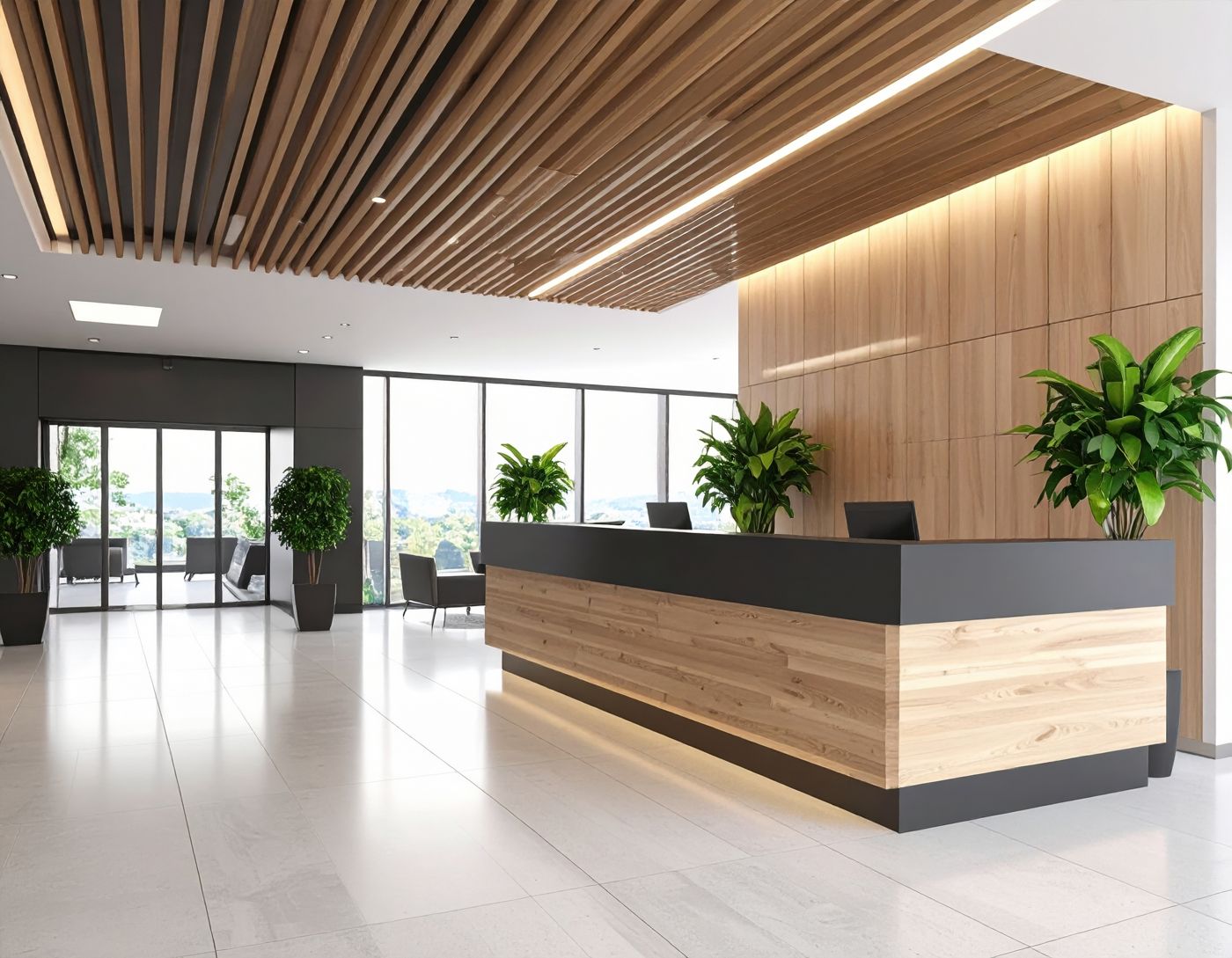
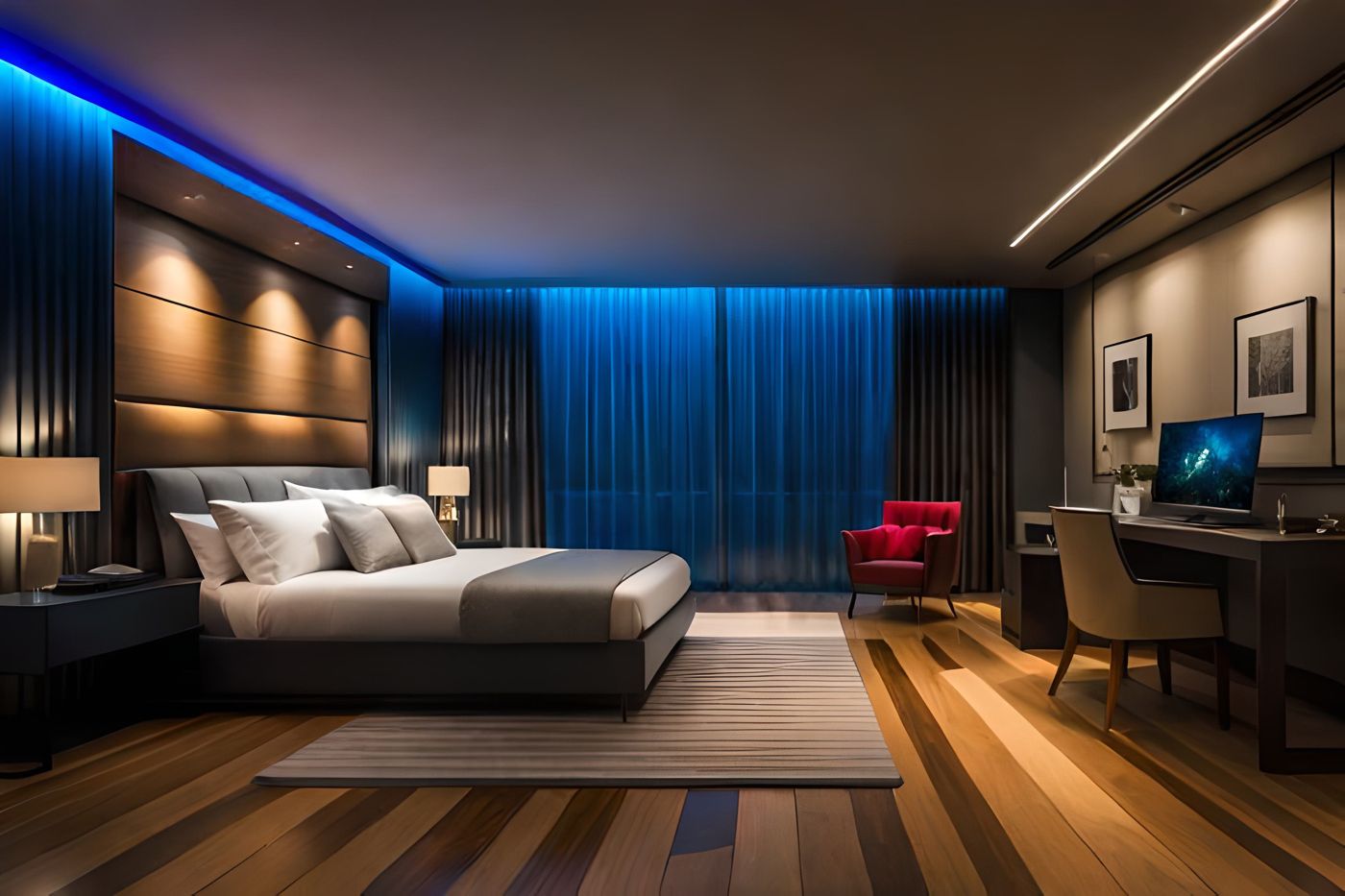
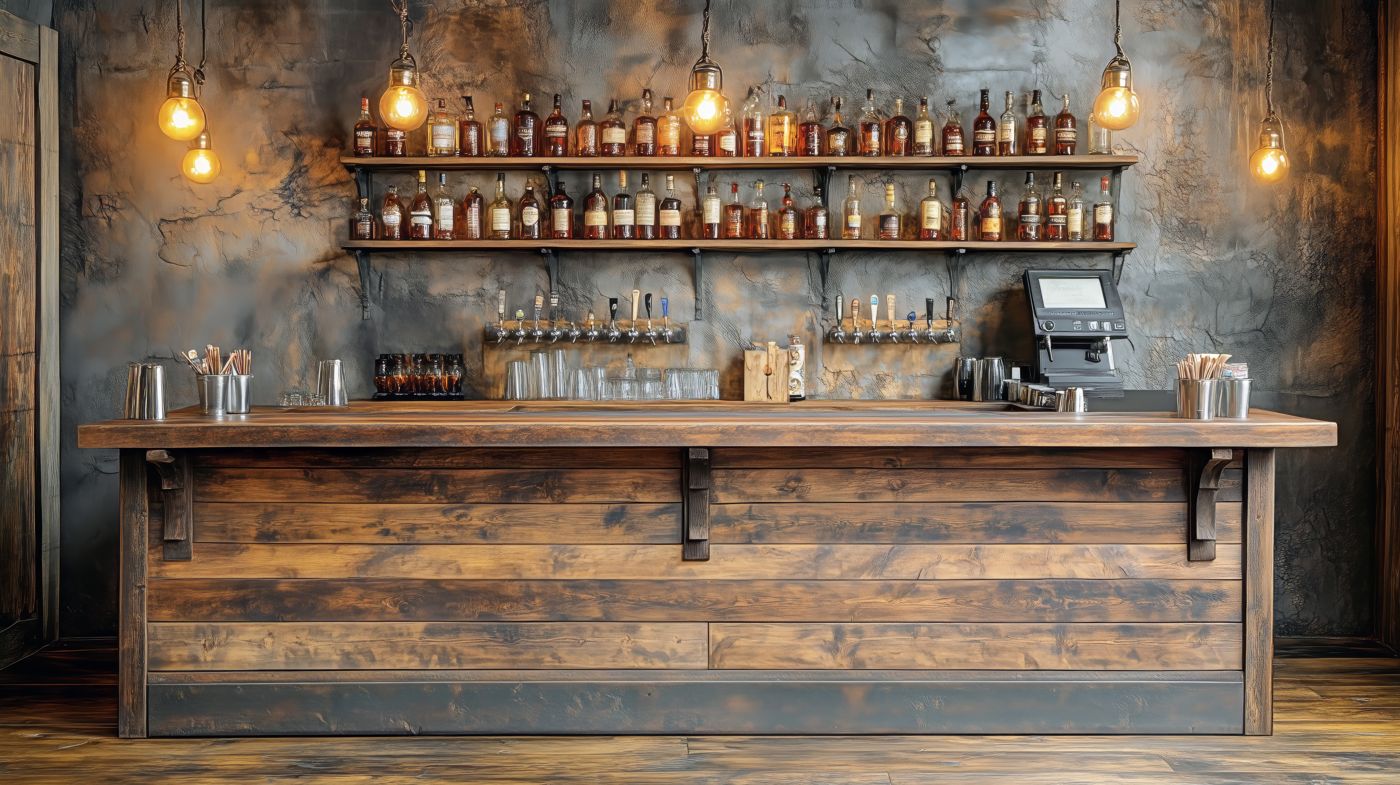
Built for every part of the hotel.
Questions from hotel owners.
Quick answers about the apps, the demo and making the system your own.
What is included?
Three connected apps: a booking app for guests, an app for managers and staff, and a back office for bookings, housekeeping, maintenance, inventory, procurement, restaurant and retail, spa and activities, staff and finance.
Does it work without internet?
Yes. The Raptool Client keeps working offline, so staff in the basement or on a floor with weak Wi-Fi can carry on. Everything syncs when the connection is back.
Which devices can we use?
Android and iOS phones and tablets, Windows and Mac. The back office runs on any computer screen.
Can it look and work like our hotel?
Yes. Your name, rooms, photos, experiences and colours, and screens, fields and flows can be changed in Raptool Designer, by you or by our team.
Is the demo real data?
No. The demos use a made-up lodge, guests and figures, set up the same way a hotel would be. Nothing you do in them sends real bookings, orders, emails or payments. The demo apps share one demo database, so other visitors may see your test bookings, and the demo is reset regularly.
Every hotel app, live.
Each app has its own address and they all share one demo hotel. Guest apps open for everyone; staff apps open with your Raptool Account. See all apps on one page.
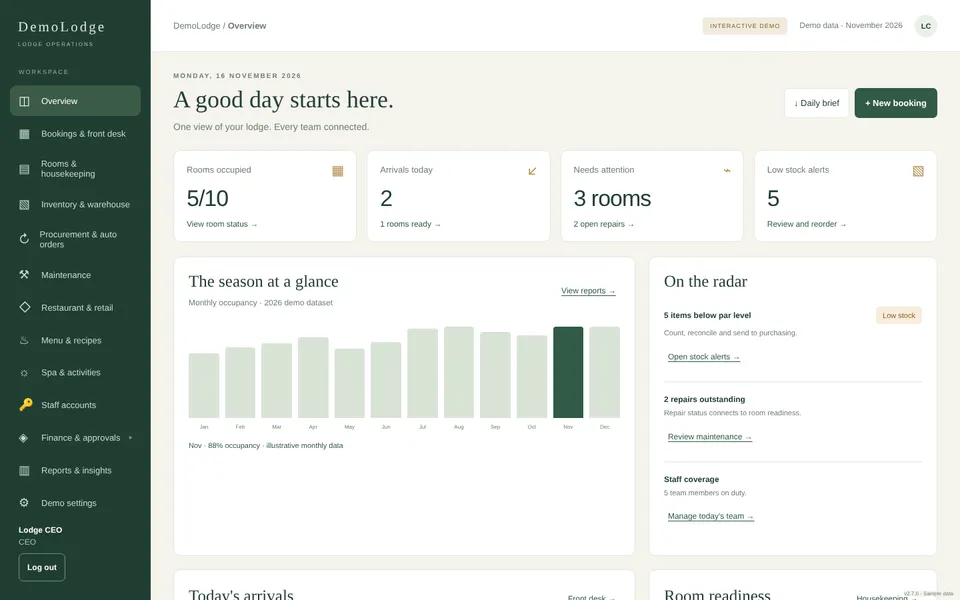 Back officeFront desk and officeBookings, room calendar, folios, inventory, purchase and transfer orders, staff and reports.Staff: sign in with Raptool Account
hotel.Raptool/backoffice/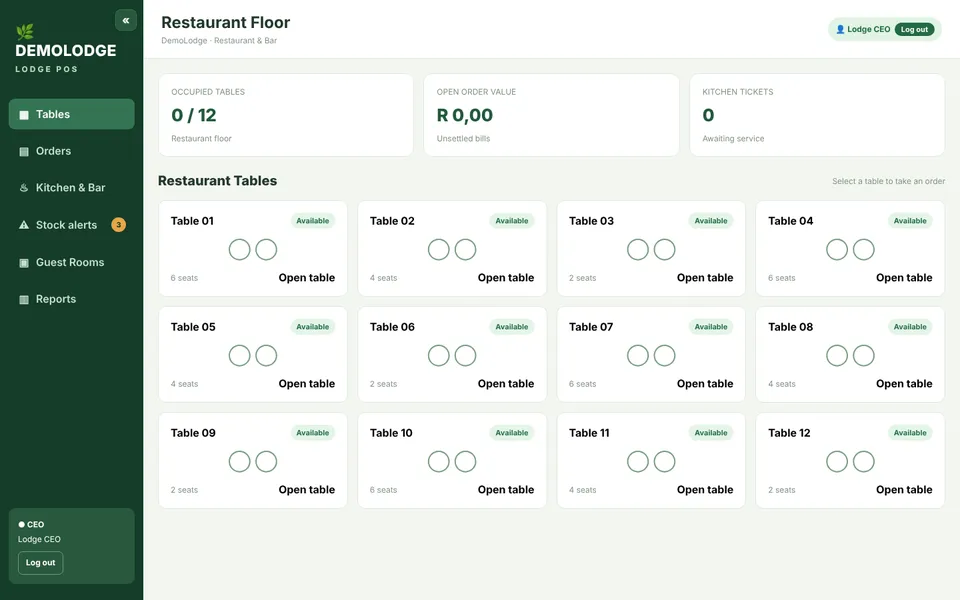 Restaurant POSRestaurant and barTables, guest tabs, specials and buffet. Charge to the room; stock and the bill update by themselves.Staff: sign in with Raptool Account
hotel.Raptool/pos/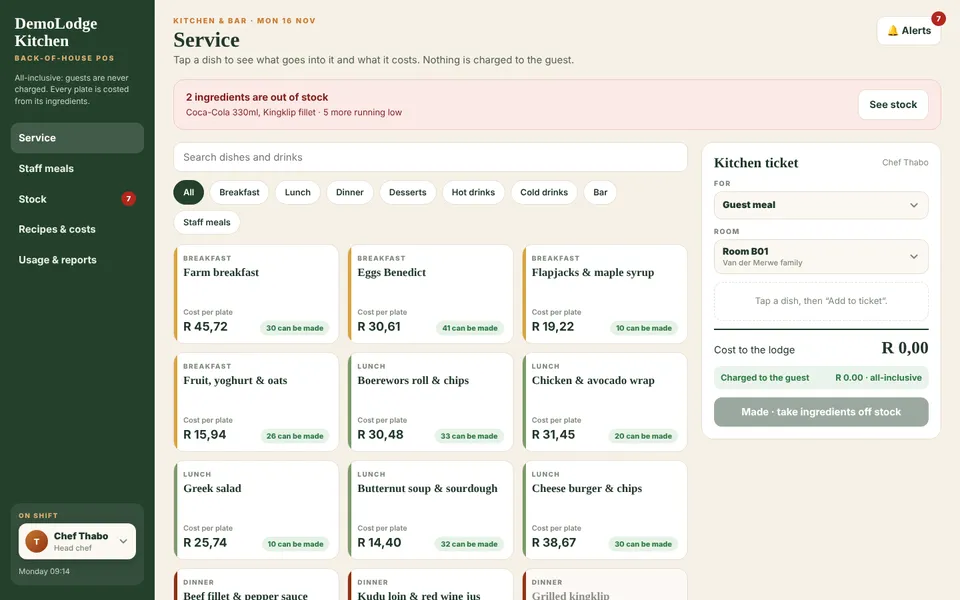 Kitchen POSKitchenCost per plate, recipes, staff meals and kitchen stock.Staff: sign in with Raptool Account
hotel.Raptool/kitchen/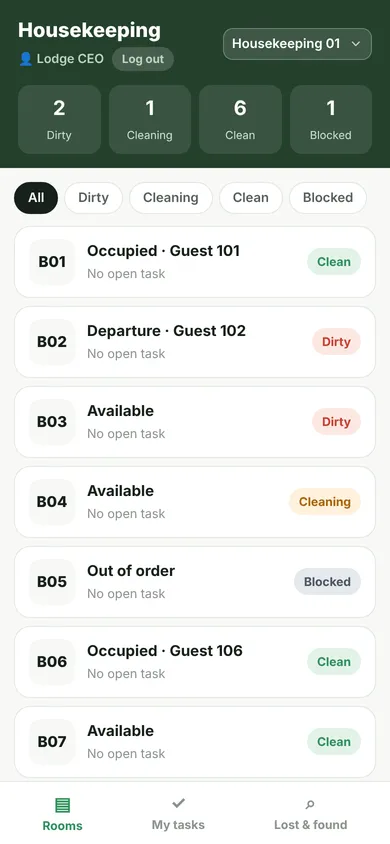 HousekeepingRoom attendants, phoneRooms to clean, checklists, minibar, lost and found and problem reports.Staff: sign in with Raptool Account
hotel.Raptool/cleaner/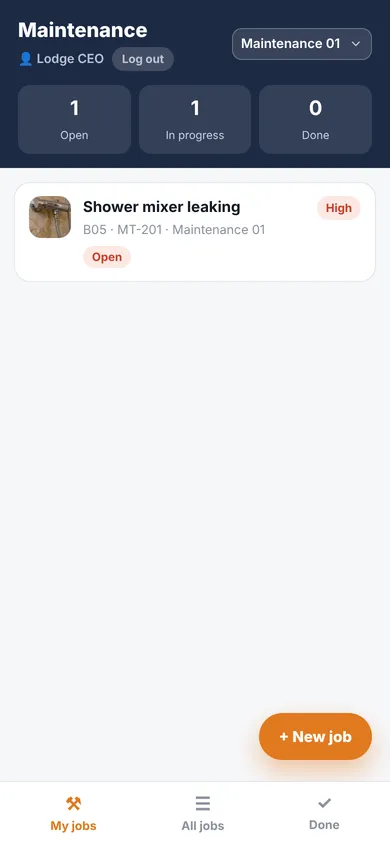 MaintenanceTechnicians, phoneJobs from housekeeping and the front desk. Fix, add a photo, and the room goes back on sale.Staff: sign in with Raptool Account
hotel.Raptool/maintenance/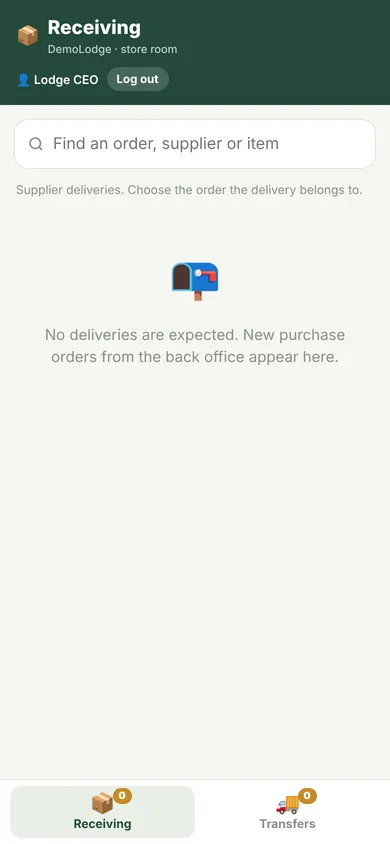 Store roomStore room, phone or scannerScan supplier deliveries in, and transfer orders out to every property.Staff: sign in with Raptool Account
hotel.Raptool/store/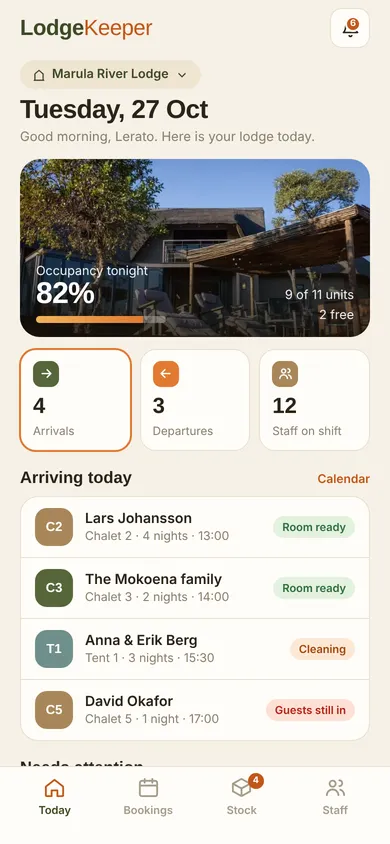 Staff appManagers and staff, phoneArrivals, tasks, stock and the team for the day.Staff: sign in with Raptool Account
hotel.Raptool/staff/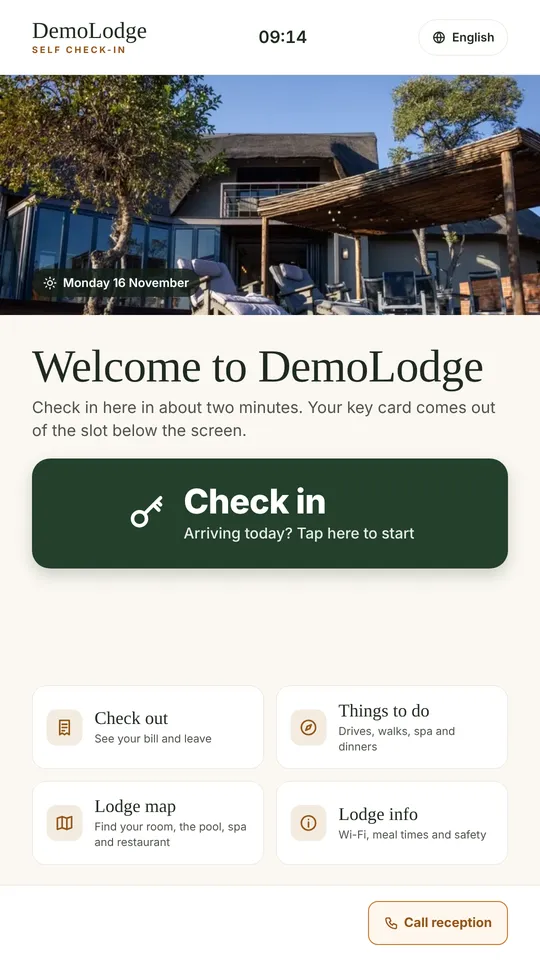 Self check-in kioskGuests, lobby screenCheck in with a signature, find the room, check out and book things to do.Open demo, no sign-in
hotel.Raptool/kiosk/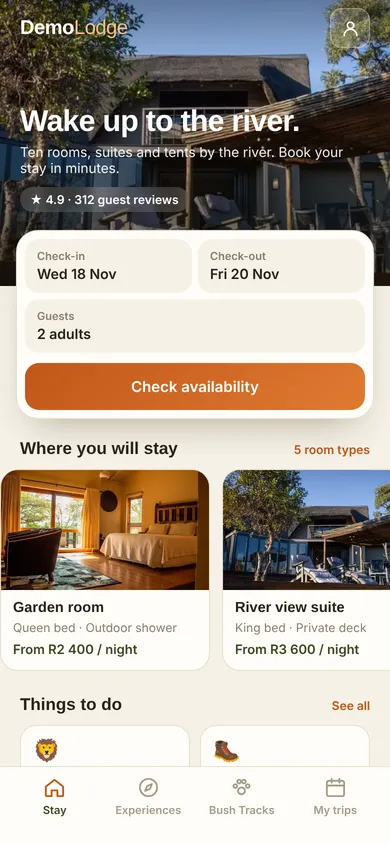 Guest appGuests, phoneBook rooms and experiences and follow the stay.Open demo, no sign-in
hotel.Raptool/guest/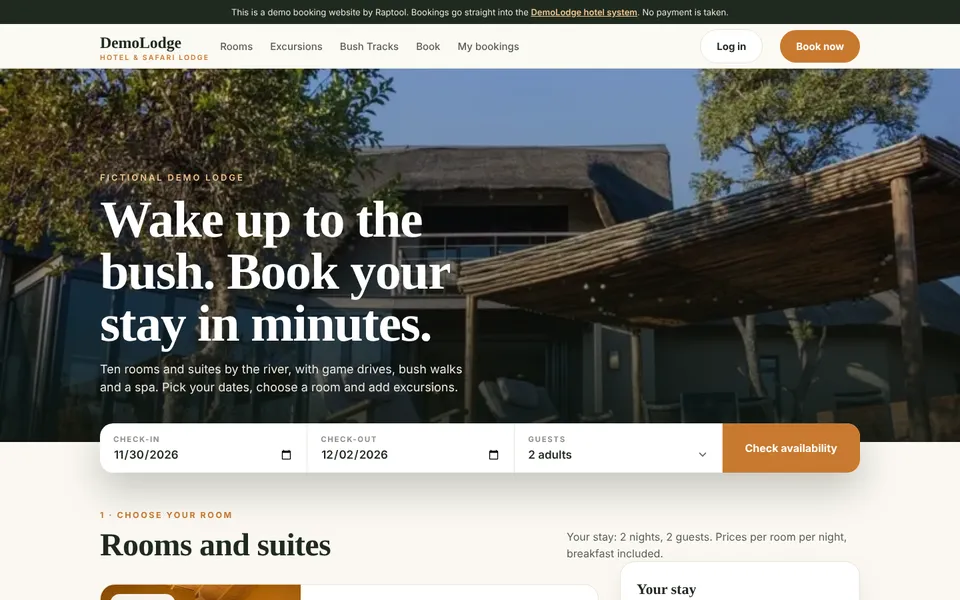 Booking websiteGuests, onlineLive room availability. Bookings land at the front desk.Open demo, no sign-in
hotel.Raptool/website/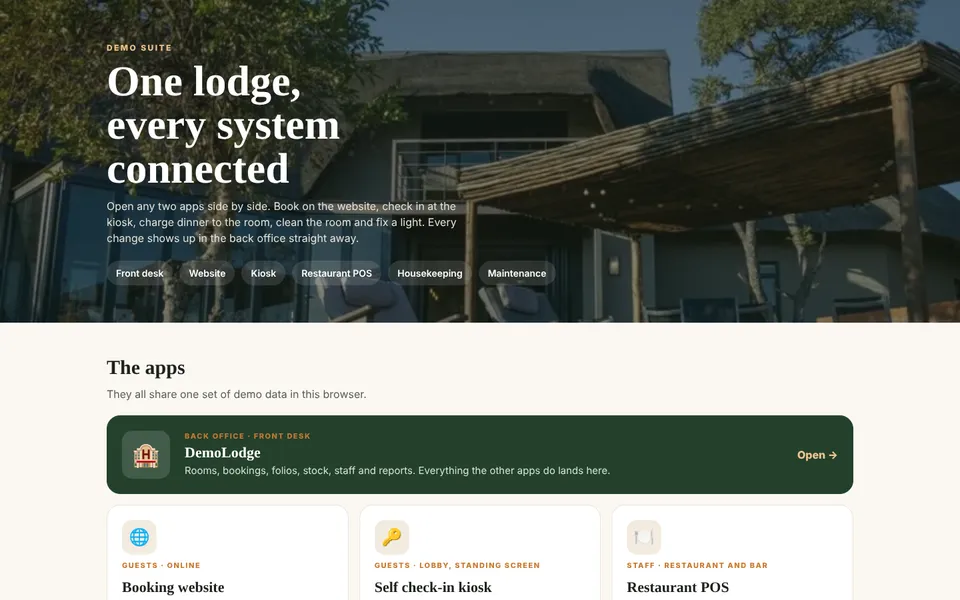 Demo tourEveryoneAll apps side by side, with two short runs through a full stay.Open demo, no sign-in
hotel.Raptool/suite/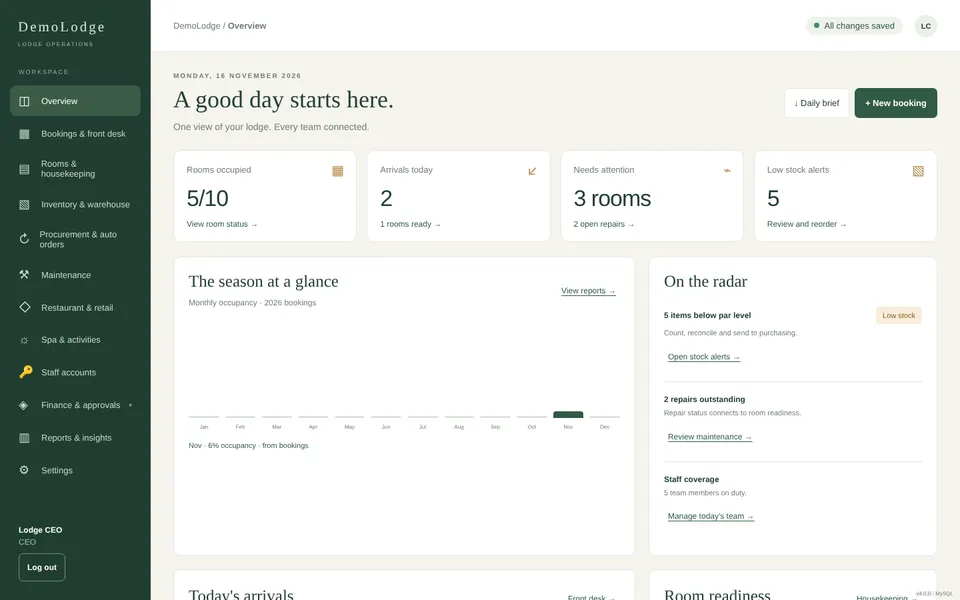 Database back officeOfficeThe back office working straight on the MySQL tables, for IT and integrations.Staff: sign in with Raptool Account
hotel.Raptool/admin/See it working at your hotel.
Click through the live demo, or book a 30-minute walkthrough on your own rooms, team and stock.