An open visitor book tells the next guest who came before them, which company they work for and who they came to see. Your reception should welcome people without handing them a list of everyone else's business.
A visitor system earns its place through the work it does after check-in. It keeps registration private, prints readable badges and helps staff find every guest during an evacuation. A paper book can record arrivals. Everything else takes people, routines and extra tools.
The paper book has its points
Paper has a fair case. It is cheap, everyone knows how it works and it needs no power. A staffed site with very few visitors can run a careful paper routine. One form per visitor, or a cover that hides earlier lines, protects privacy. A well-kept sign-out column can support a roll call.
The price of the book leaves out the person who writes the badge, calls the host, searches old pages and checks who has left. As visitor numbers grow, reception does more and more of the work the book cannot do. That is where the comparison should start.
Stop showing the next guest the list
A supplier should not be able to see which competitors have visited. A job applicant should not have their appointment on display for the person behind them. Visible lines in a book are an avoidable leak.
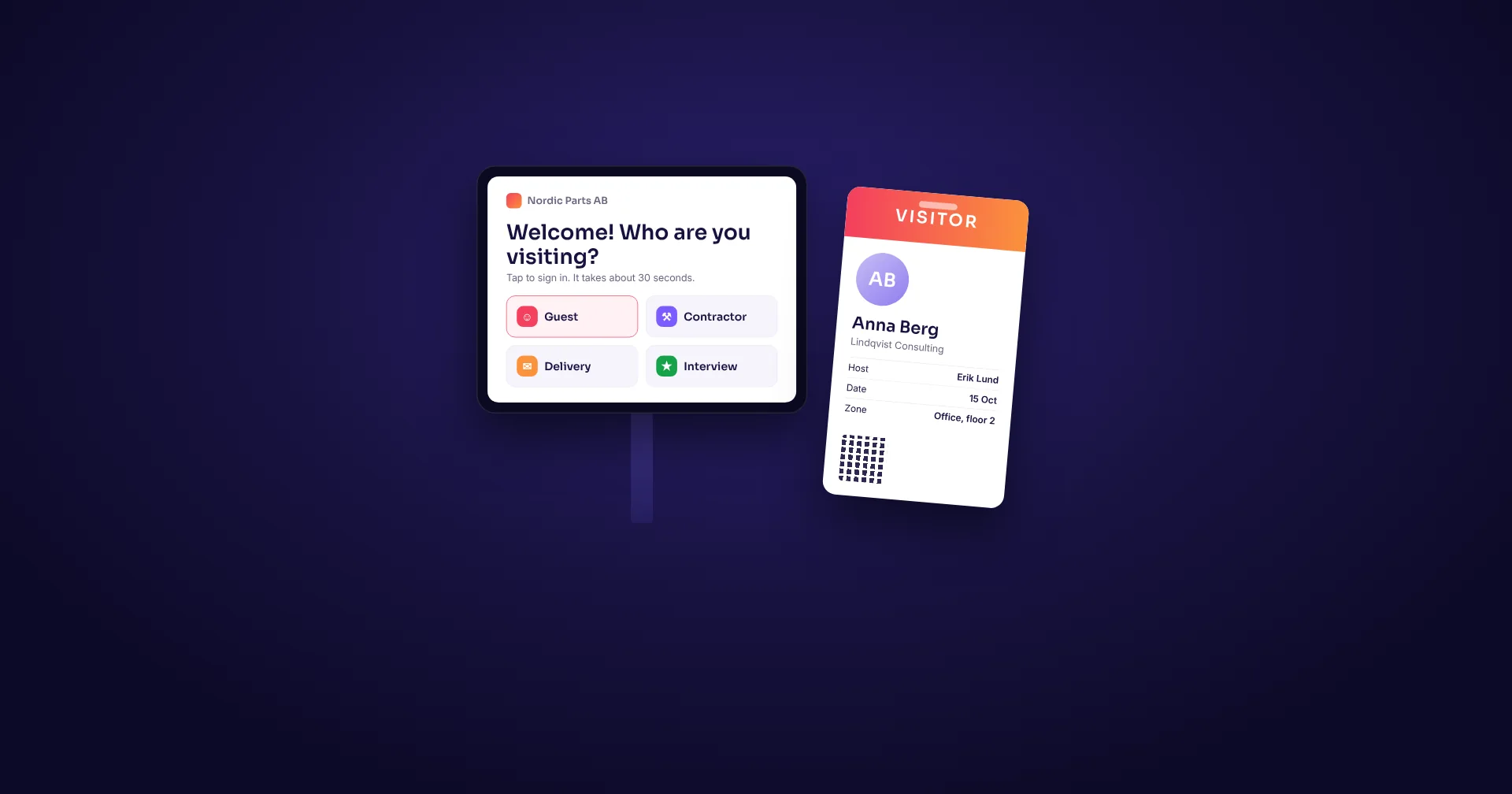
A digital check-in shows one visitor's form at a time and keeps the visitor list in a staff-only view. Make that a requirement in the demo. Earlier entries stay hidden, the screen clears between guests and staff access is controlled. A public tablet that shows the whole register just repeats the paper problem.
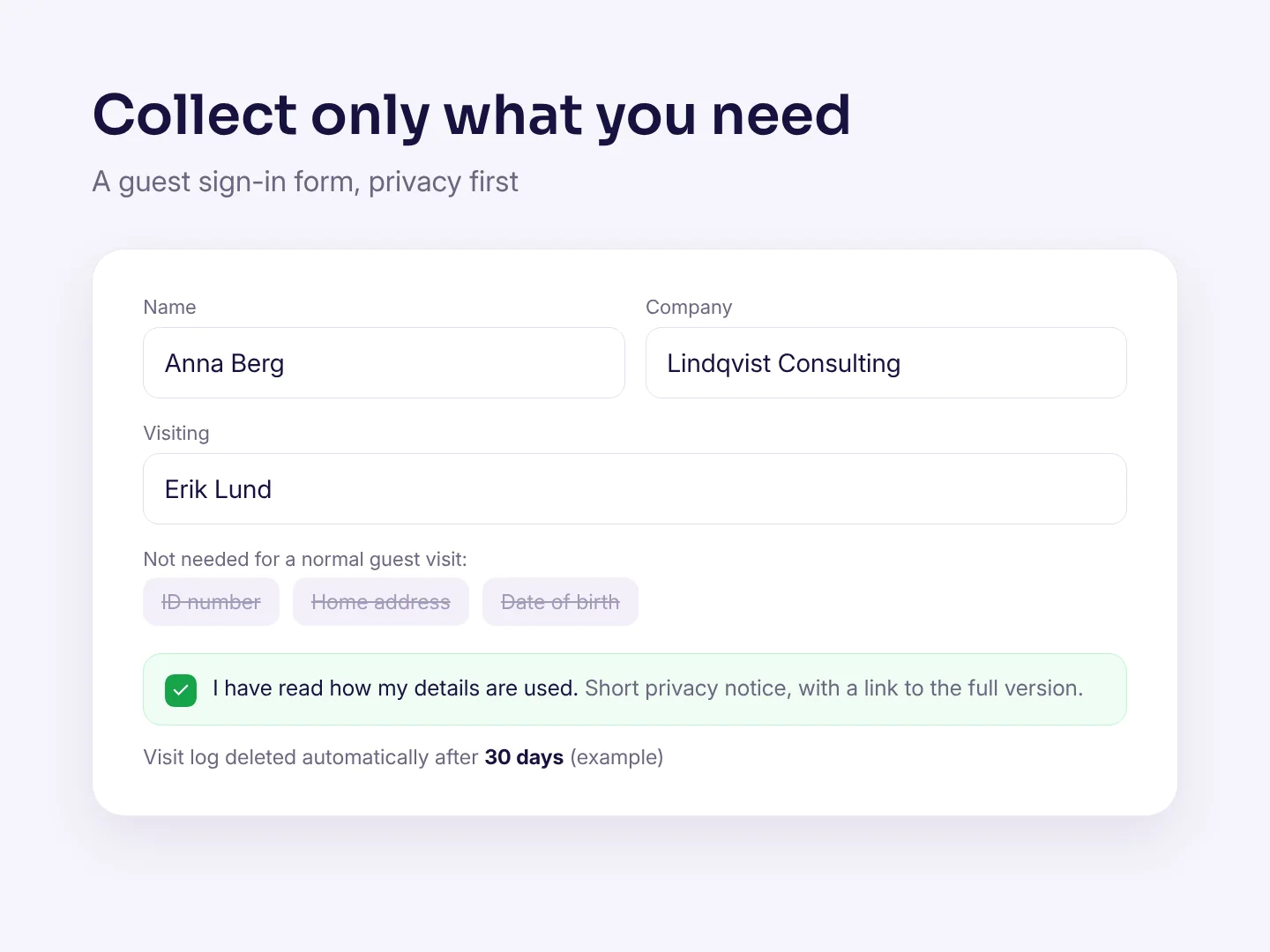
The ICO's data protection principles include collecting only what you need, keeping it accurate, limiting how long you keep it and keeping it confidential. Paper and digital records both need those decisions. Buying software does not make them for you.
| Task | Paper visitor book | Visitor system |
|---|---|---|
| Protect earlier entries | Hide finished lines or use one form per visitor | Guest check-in kept apart from staff-only records |
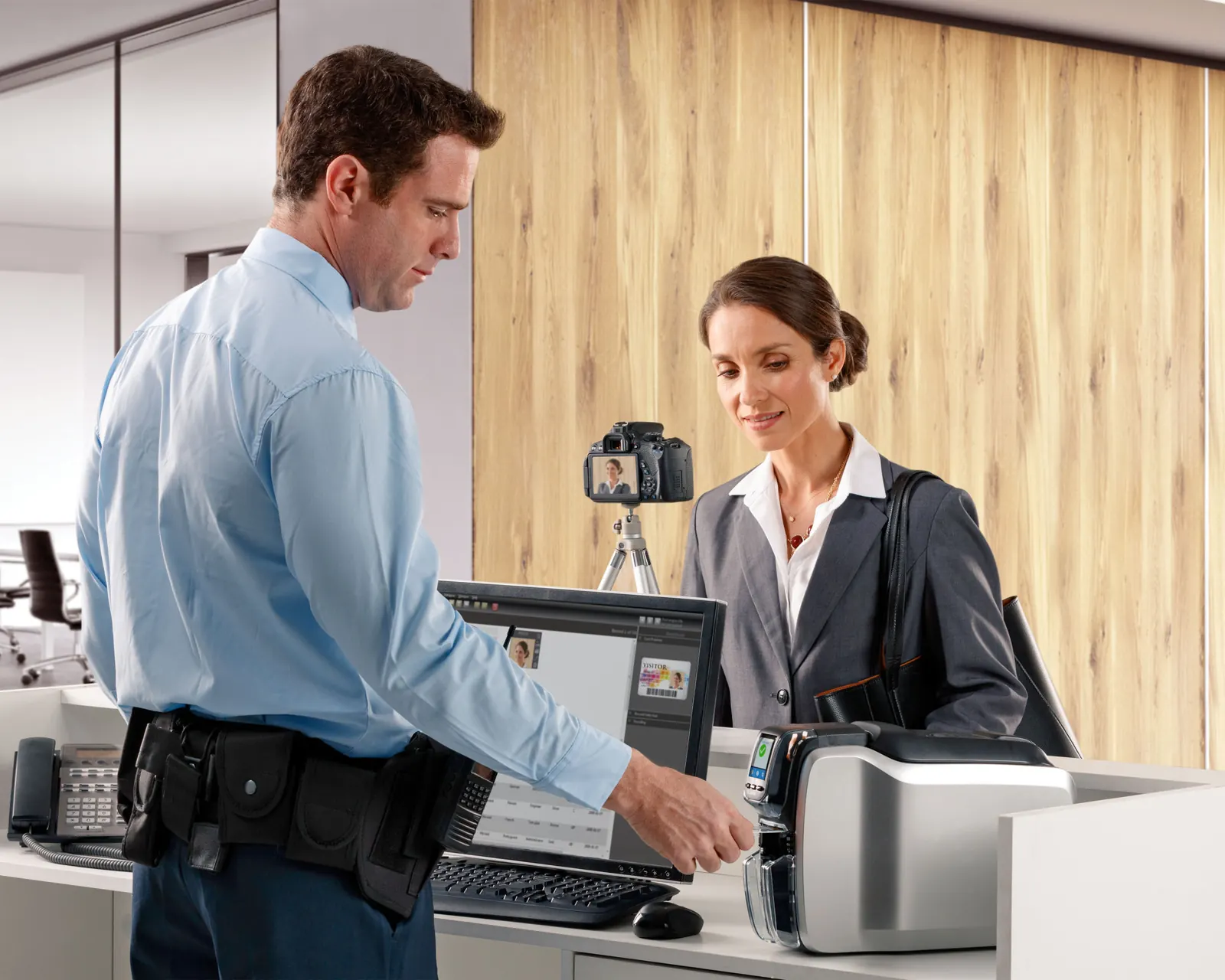
| Identify a visitor | Write a badge by hand | Print the same clear label from the visit record |
| Track who has left | Keep the sign-out column up to date | Check-out status and a live list of who is on site |
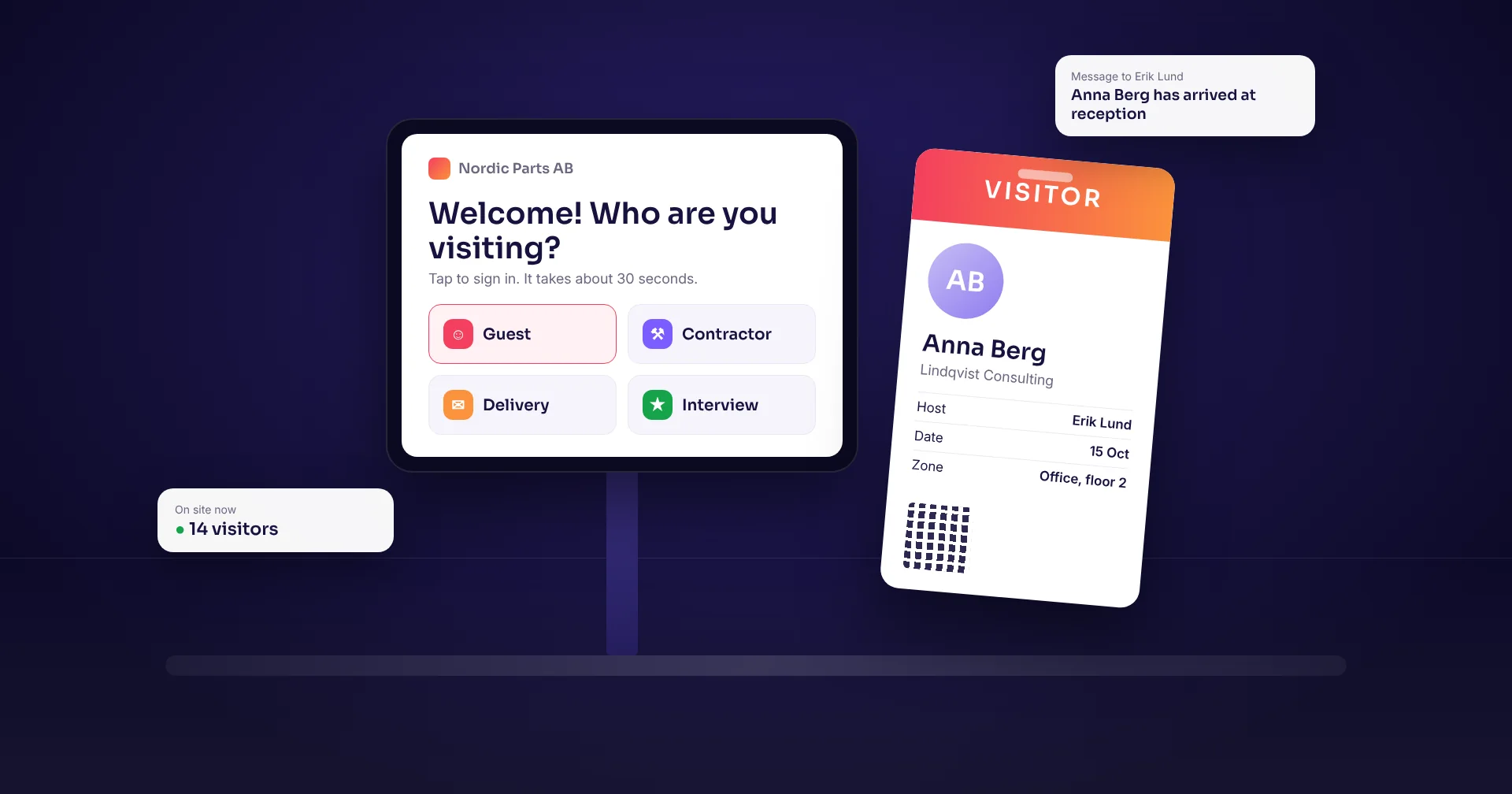
| Tell the host | Call or message them by hand | Automatic arrival notice |
| Find an earlier visit | Find the right book and search the pages | Search visitor records and reports, with access rights |
A visitor badge should be readable across a desk
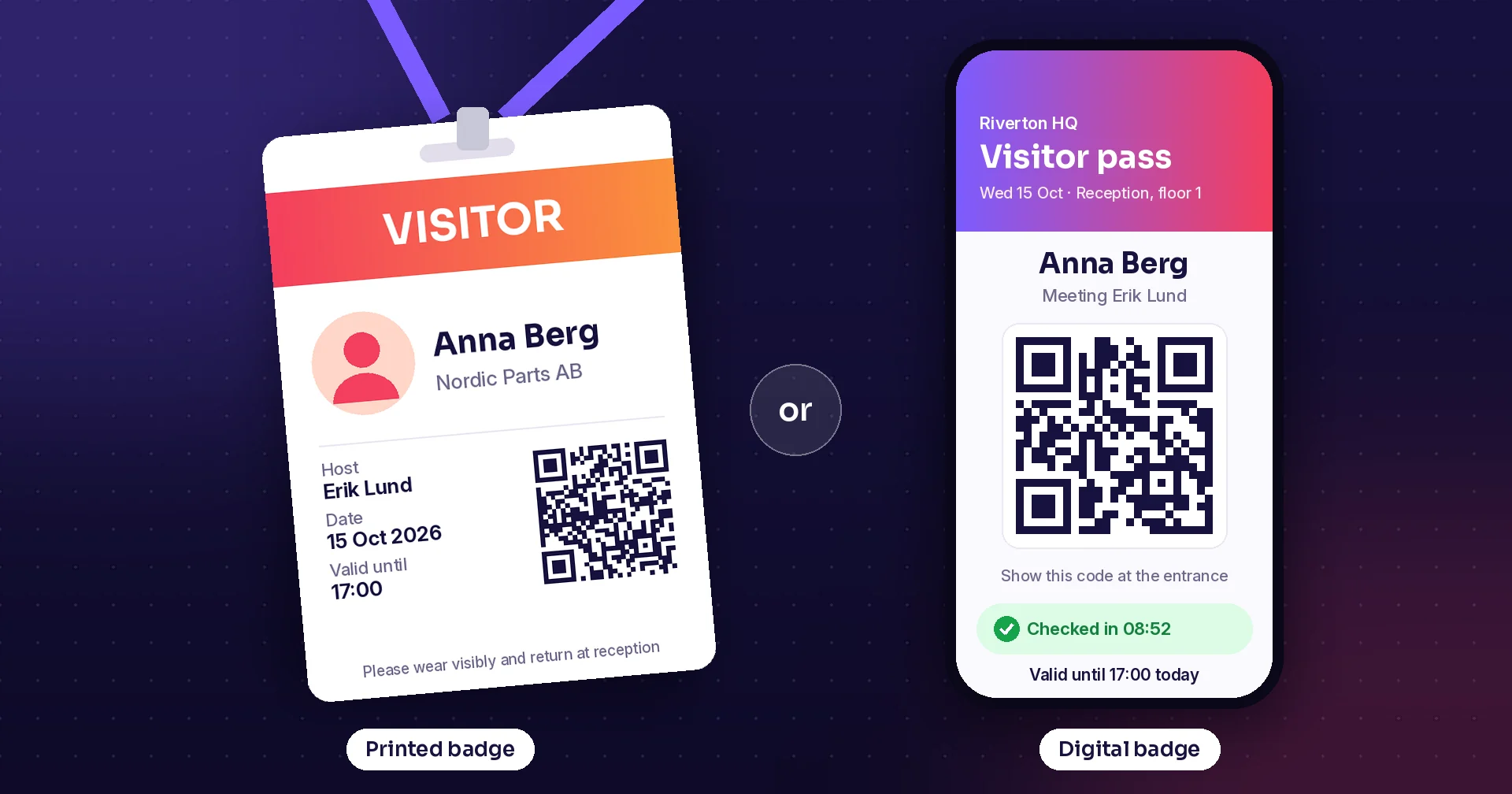
A printed label can show a clear name, the host, the date and the visitor type in the same layout every time. Staff can then recognize a guest and send them to the right person. Put only what staff need on the badge. A visitor's phone number does not belong on their chest. Read more in printed or digital visitor badges.
Raptool Visitor prints paper and plastic badges and also offers digital badges, pre-registration and arrival notices by email or text message. Visitor records are kept in a management app and can be exported as reports.
A badge helps staff identify a visitor. ID checks, escorts and door access still need an agreed routine.
When the alarm sounds, handwriting gets a harder test
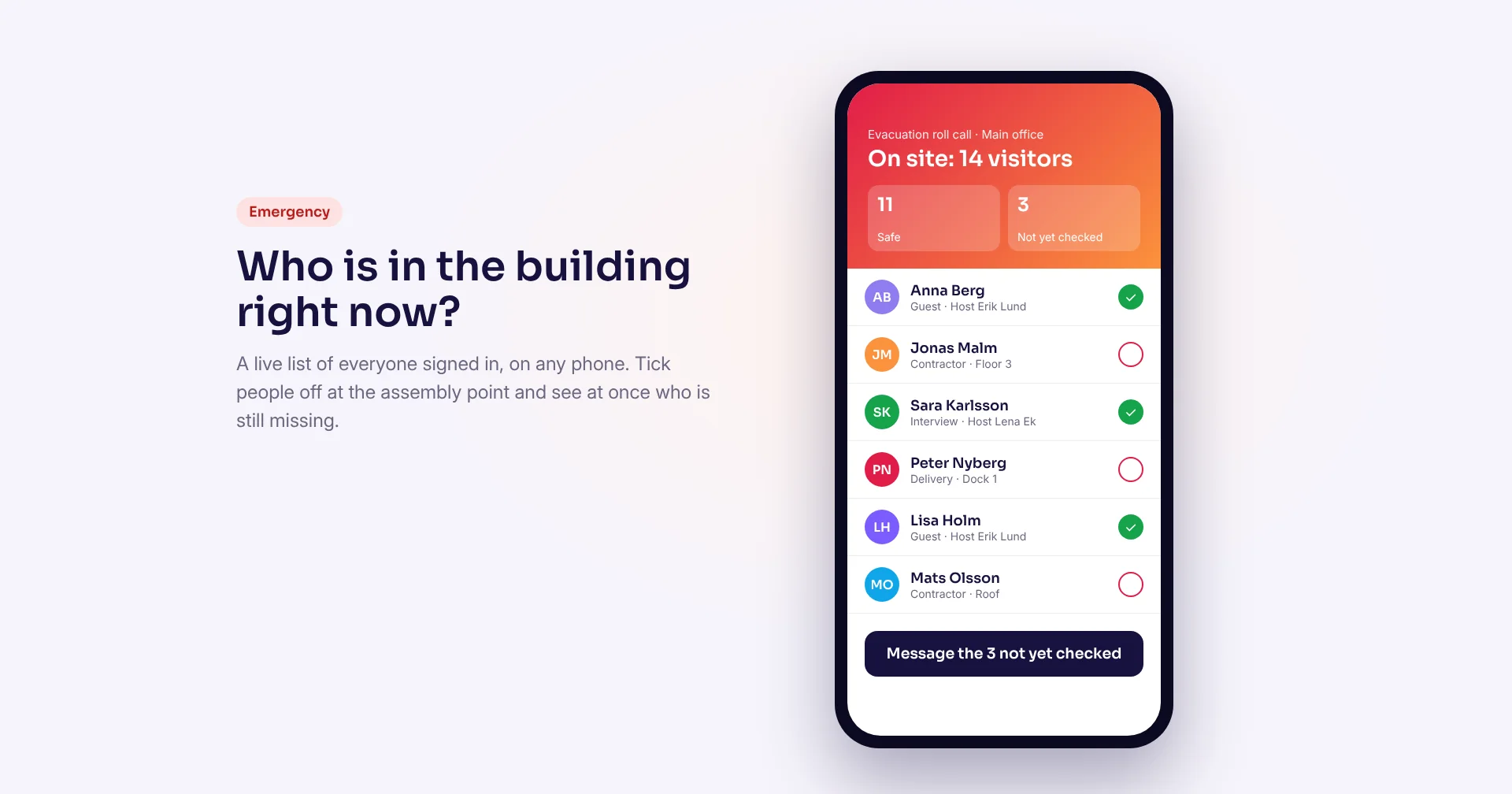
During an evacuation, staff need a usable list of the visitors who are on site. Readable names and an up-to-date departure status help them run the roll call and find anyone who is missing.
Raptool Visitor has an evacuation app and visitor list management, including manual check-out of a visitor. That supports the site's emergency procedure, as long as people register arrivals and departures correctly.
OSHA's emergency preparedness guidance says visitors should be accounted for after an evacuation and may need help getting out. Test access to the list at the assembly point, decide who runs the roll call and cover employees and contractors too. Include a fallback for when a device or the network is down.
A visitor still shown as present after leaving makes both kinds of register wrong. Make check-out easy and give someone the job of closing open visits. A digital list is good evidence at the roll call. It cannot prove on its own where a person is.
The pen is cheap, reception time is not
Pre-registration moves typing to before the visit. A notice replaces a phone call, and printing replaces writing the same details again. Measure the whole reception task before you decide what that is worth.
One minute per visit adds up to 125 hours
30 visits a day × 250 working days × 1 minute ÷ 60 = 125 hours a year.
At an assumed €25 per hour, that time is worth €3,125 a year, before software, hardware, labels and support.
The example only holds if a pilot shows one minute of reception work saved per visit. Time moved to other tasks is capacity. You only save cash when a paid cost goes down. Get a real quote and include labels, printer supplies and maintenance. Privacy and evacuation readiness belong in the decision too, even if they are harder to price.
Make the software earn its place at the front desk
Run a practical demo with reception, IT and the person responsible for evacuations. Take one visit all the way from invitation to departure. Check that the next guest cannot see it, print the badge, confirm the host notice and open the on-site list away from reception.
Then decide which details to collect, who may see them and when they are deleted. Raptool Visitor has configurable data deletion and runs on Windows, Android and iOS. Confirm the setup, printer and emergency routine in the demo.
For a busy front desk, a visitor system beats an open book: fewer repeated tasks, clearer badges and records that help at an evacuation. Keep a controlled paper fallback for outages, and retire the book that anyone can browse.
How Raptool fits
Raptool Visitor covers check-in on a kiosk or tablet, pre-registration, host notices, printed and digital badges, visitor lists, the evacuation app and reports. It runs in the Raptool Client on Windows, Android and iOS devices and prints on label printers from our hardware partners. Bring your reception routine to the demo and test private check-in, badges and your evacuation procedure on it.
Questions about visitor books and visitor systems
Is a paper visitor book GDPR compliant?
It can be, but only if earlier entries are hidden, you collect only what you need and you delete old pages on time. An open book that every guest can read is hard to defend.
What should a visitor badge show?
The visitor's name, the host, the date and the visitor type. Leave out phone numbers and other details staff do not need to see.
Can a visitor system replace the evacuation roll call?
No. It gives staff a current list of who should be on site, which makes the roll call faster. People still run the roll call, and you need a fallback if devices or the network fail.
How do I work out what a visitor system saves?
Measure reception time per visit in a pilot. Multiply the saved minutes by visits per year and your hourly cost, then subtract software, hardware, labels and support. Saved time only becomes cash when a paid cost goes down.
Tags
Want to test private check-in, visitor badges and your evacuation list? Book a demo of Raptool Visitor.
Book a demoSources: ICO: a guide to the data protection principles · OSHA: emergency preparedness, getting started. Checked October 14, 2026.