A guest has survived the trip, found the hotel and paid for a place to relax. The first thing they do is stand behind someone arguing about a bill. The last thing they do may be exactly the same.
Avoidable queues cost the guest their free time. They cost reception time too, spent repeating details, chasing room updates and answering questions a screen could answer. Meanwhile, someone upstairs has finished a room that nobody at the desk knows is ready.
Kiosks, guest apps and housekeeping apps can take much of that waiting out of a stay. A good setup gives guests a quick route through routine tasks, gives staff reliable information and keeps a person close when something goes wrong.
A warm welcome without the line
The case for a traditional front desk is easy to understand. A receptionist can spot a tired family, explain the town or rescue a booking that went wrong. Those are good reasons to keep a person available. They are weak reasons to make every guest wait while someone else does routine paperwork.
In a June 2025 survey commissioned by Mews, 70% of 2,000 US travelers said they were likely to check in through an app or kiosk instead of the desk. That is a stated preference in a survey a supplier paid for, not a forecast for your hotel.
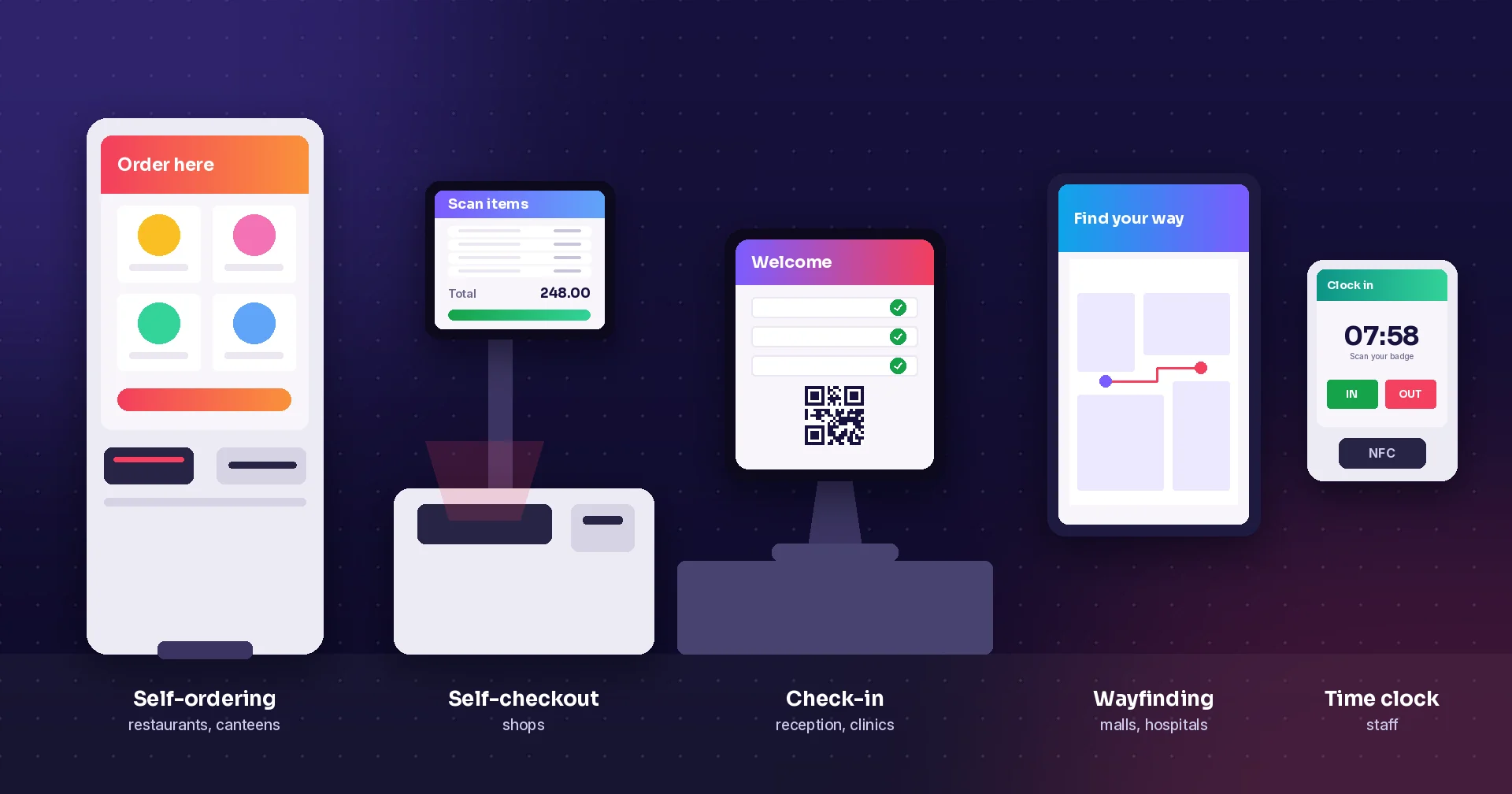
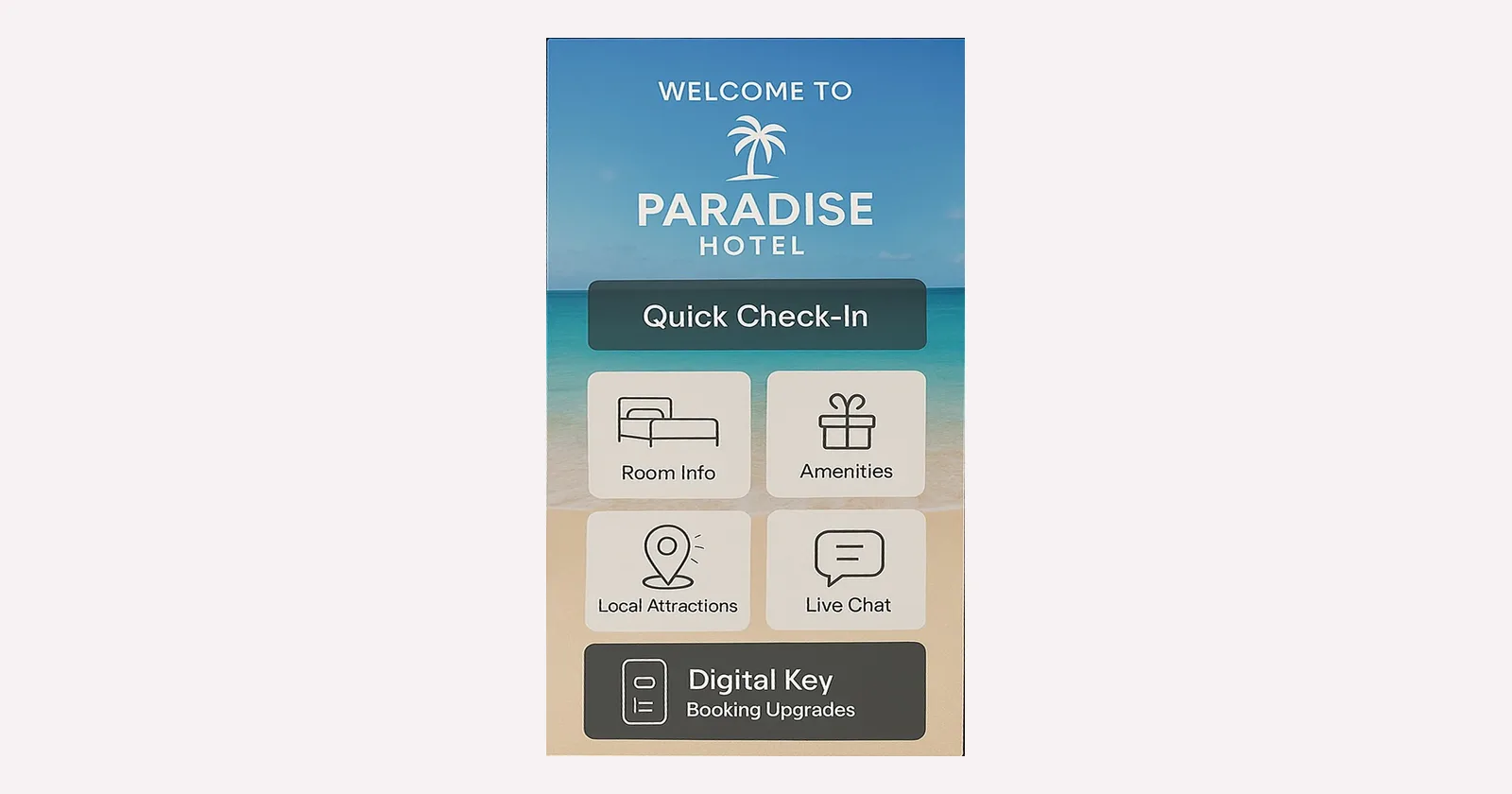
Offer registration on the guest's phone before arrival, and a clearly marked kiosk for people who prefer a shared screen. Keep the flow short: find the booking, do the required checks, confirm payment and hand out room access. Let guests ask for help without starting over.
Every step depends on the hotel's booking, payment and lock systems. A finished form is useless if the guest still has to queue for a key. Hilton's Digital Key guide shows that phone keys are an established option. It also says some guests who check in digitally still have to show ID at the desk. Design for those exceptions.
Check-out without making the taxi wait
Check-out deserves the same care. A simple departure lets the guest review an itemized bill, ask about anything unclear and get a receipt. When payment and departure updates are connected, routine check-outs can skip the desk entirely.
The hard part is having the bill ready. If minibar use sits on a note upstairs, or a late charge arrives after the guest has left, a nicer screen solves little. Record charges against the right room as they happen, show what each one is and send disputes to a person. Departure should only start the next cleaning task when the room status process confirms it.
Put the hotel in the guest's pocket
A kiosk answers questions in the lobby. A guest app or mobile guide stays useful after that. Breakfast times, parking, Wi-Fi help and a map should be easy to find, along with directions to facilities, accessible routes and local sights. Someone has to keep that information current.
Activities need more than a nice photo. Show the place, times, price, meeting point and cancellation terms. If guests can book a spa slot, a tour or a table, the booking must reach the team that manages the capacity.
Requests work the same way. A guest asks for towels or reports a broken light, the task goes to the right team and the guest sees what happens next. A message that lands in an unread inbox is just another queue. Keep a phone number or an obvious way to reach reception.
For a one-night stay, a mobile web guide may be easier than an app download and a new account. Offer the channel that makes the task easiest, and keep optional offers out of the way to the room.
| Task | What gets better | What must work behind it |
|---|---|---|
| Check-in | Routine arrivals skip the queue behind complex cases | Booking lookup, required ID checks, payment and room access |
| Check-out | Guests review the bill and get a receipt on their own | Current charges, payment confirmation and a correct departure update |
| Maps and activities | Guests find directions and book things to do | Content someone maintains, plus live capacity where booking is offered |
| Guest requests | Guests ask once and know the hotel got it | A team that owns it, a confirmation and escalation when work is late |
| Housekeeping | Staff report room status and issues without finding reception | Agreed status rules, inspections, staff access and a reliable update path |
The check-in queue can start upstairs
A room can be clean and still show as unavailable at reception. Someone has to find the supervisor, confirm the inspection and pass the update on. During an arrival rush, that delay reaches the guest.
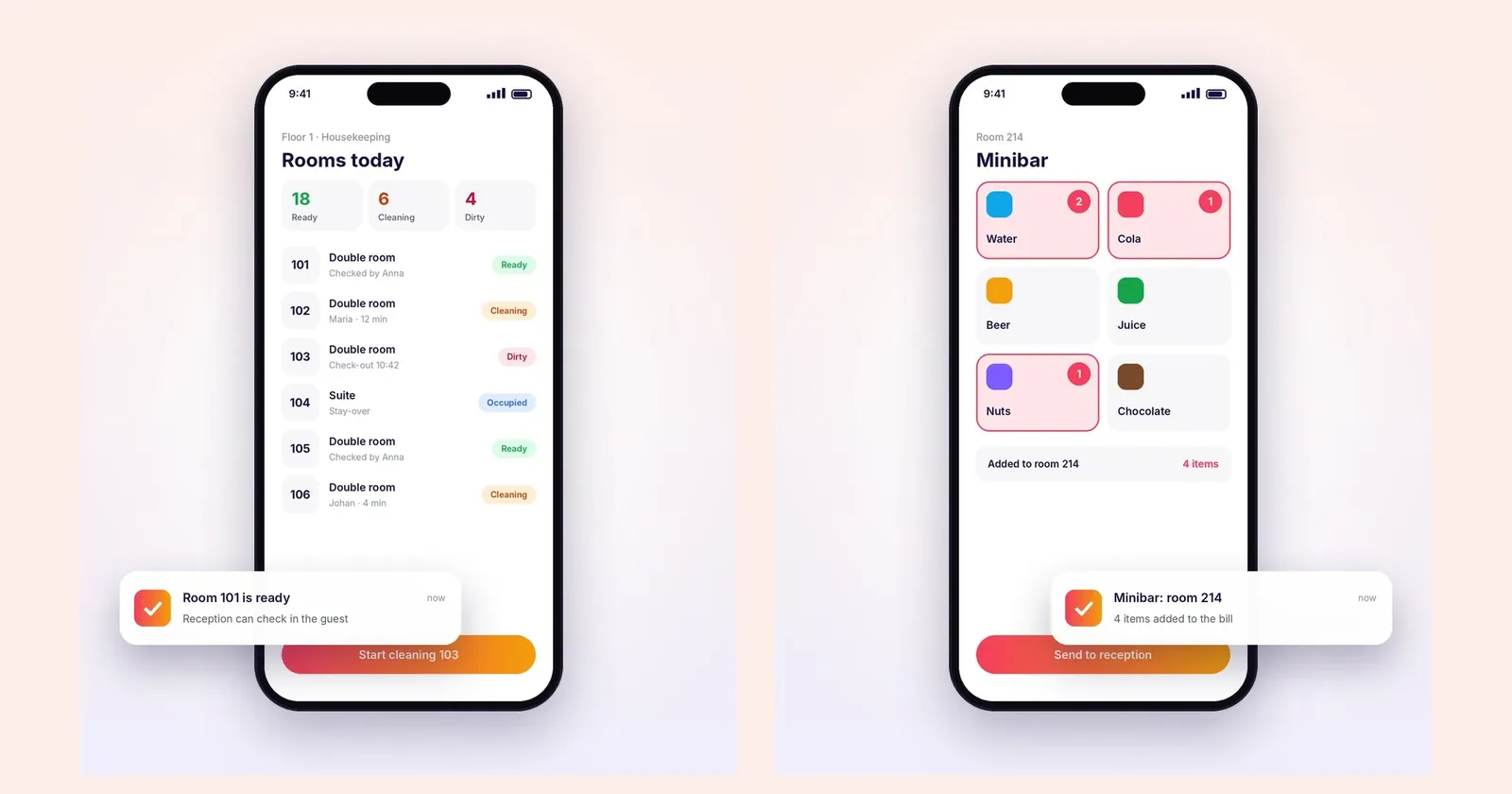
A housekeeping app gives cleaners their rooms and lets them report progress where they work. They record damage, missing items or minibar use against the room instead of carrying notes around. Reception sees what is ready and what still needs work.
Raptool Hotel includes live cleaning status, room-ready updates, minibar reporting, damage reports and lost and found. Check how room status reaches your own property management system during the demo.
Other suppliers report gains from cutting these loops. In Optii's Crowne Plaza Hunter Valley case study, the hotel's finance director reported a 21% productivity gain in the first three months, compared with the year before. That is one supplier's customer story, not a Raptool result.
Faster reporting must keep cleaning standards. Agree when a room counts as cleaned, when it has passed inspection and when reception may sell it. Staff must be able to flag a problem without pressure to mark the room ready.
Minutes add up, cash needs a second calculation
Saved time can mean fewer repeated questions, less copying of data or less overtime during an arrival rush. It can also give a receptionist time to help a guest properly. Both have value. Payroll only drops when paid hours or another real cost go down.
Two minutes per stay frees 365 staff hours a year
Assume 50 stays arrive and leave each day, 60% use self-service and the hotel saves two minutes of staff work per self-service stay, after help and exceptions.
50 × 365 × 60% × 2 ÷ 60 = 365 hours.
At an assumed €25 per hour, that is €9,125 of staff time a year. It is not €9,125 off the payroll, and it says nothing about how long guests wait.
Say a pilot shows that 200 of those hours replace paid cover or overtime at the same €25. That avoids €5,000 a year. If software, support and upkeep cost €3,000 a year, the net saving is €2,000 a year. A €4,000 setup would pay back in 24 months, and the first year would be €2,000 negative. All amounts are examples, not Raptool prices, and they leave out financing and tax.
Build your own case from measured work and a real quote. Include kiosks, mounts, peripherals, integration, training, connectivity and maintenance. Count reception minutes once, not twice.
Test it in the busiest hour
A demo in a quiet lobby is an easy test. Run the pilot during the arrival peak and the morning departure rush. Record how long guests wait, how long each route takes, how many need help and how often staff type information again. Track delays in room-ready updates and cleaning quality next to payroll and support costs.
Look at the slowest cases, not only the average. Test booking mismatches, payment errors and key problems. Make screens readable, offer the languages your guests need and check that everyone can reach the screen. Clear each session so the next guest never sees someone else's details.
Plan enough kiosks for the peak, and name someone who owns the exceptions. Guests with a dead phone or a wish to talk to a person still deserve a welcome. Plan for network or equipment outages, too. An app that works offline does not mean payment or key cards work offline.
How Raptool fits
Raptool Hotel covers the kiosk, the guest app and the staff apps for housekeeping and the minibar. Raptool Kiosk runs check-in and information screens. The Raptool Client runs the apps on phones, tablets and kiosks from our hardware partners, with scanners, cameras and printers. Bring your room status, payment and key process to the demo, and test the handover that wastes the most time first.
Questions about shorter hotel queues
Can hotel kiosks remove every check-in queue?
No. They take routine arrivals out of the desk queue when registration, payment and room access work together. Peaks, ID checks and failed payments still need capacity and staff.
How do guest apps and housekeeping apps work together?
A guest app gives information and sends requests to staff. A housekeeping app reports room progress and issues to reception. Check how each update reaches your booking or property management system.
Does saved staff time mean lower costs?
Only when paid cover, overtime or another cost goes down. In our example, 365 hours are freed, but only 200 hours cut paid costs. After yearly fees, the net saving is €2,000 a year, with a 24-month payback on a €4,000 setup.
Tags
Want to see check-in, guest and housekeeping apps on your own process? Book a demo with Raptool Hotel.
Book a demoSources: Mews: the rise of self check-in hotels · Hilton: how to use your Digital Key · Optii: Crowne Plaza Hunter Valley case study. Checked October 15, 2026.